
Swipe games are action games you control with one gesture: drag your finger (or mouse) across the screen in the right direction at the right moment. The best ones are easy to learn in seconds, but reward accuracy, rhythm and a calm hand — which is why a short session can turn into “just one more run”.
| Quick facts | |
|---|---|
| Core input | One swipe or drag, on touch or with a mouse |
| Main skills | Reading direction, timing, clean straight strokes |
| Typical session | From under a minute to a few minutes |
| Common modes | Stages, endless, timed rush, daily challenge |
| Good for | Short breaks, warming up your reflexes, focus |
What is a swipe game?
In a swipe game the swipe is the action. Instead of pressing buttons, you draw a quick line, and the game reads three things: the direction of the line, where it passes, and when you made it.
Most swipe games fall into two families:
- Free slicing — objects fly across the screen and you cut through them any way you like. Speed and coverage matter most.
- Directional swipe — each target shows the direction it wants, often as an arrow. A swipe in any other direction doesn’t count. Reading and accuracy matter most.
Directional games add a small puzzle to every second: look, decide, swipe. That is the family this guide focuses on.
A short history of the swipe
Arrow prompts are older than touchscreens. Rhythm games such as Konami’s Dance Dance Revolution (1998) taught millions of players to read an arrow and answer it in time, with their feet.
Multi-touch phones made the swipe itself a game input. In 2010 Halfbrick’s Fruit Ninja turned slicing with a finger into a whole genre, and at the end of the same year Infinity Blade used swipes in different directions for sword fights. Since then, swipe controls have spread to runners, puzzles and browser games, because a single gesture works the same on a phone, a tablet and a mouse.
How directional swipe games work
Under the cute art, most directional swipe games share the same loop:
- A target appears with a direction cue — an arrow, a glowing path or a gap.
- You read the cue while the target moves or waits.
- You swipe through the target in that direction, usually within a zone.
- The game judges the stroke: right direction, long enough, straight enough.
- Good strokes build a combo; a miss or a forbidden target breaks it or costs a life.
Two twists make the genre deeper:
- Multi-hit targets need more than one stroke, sometimes in different directions.
- “Don’t touch” targets punish greedy swipes — you must cut around them.
9 tips to swipe faster and cleaner
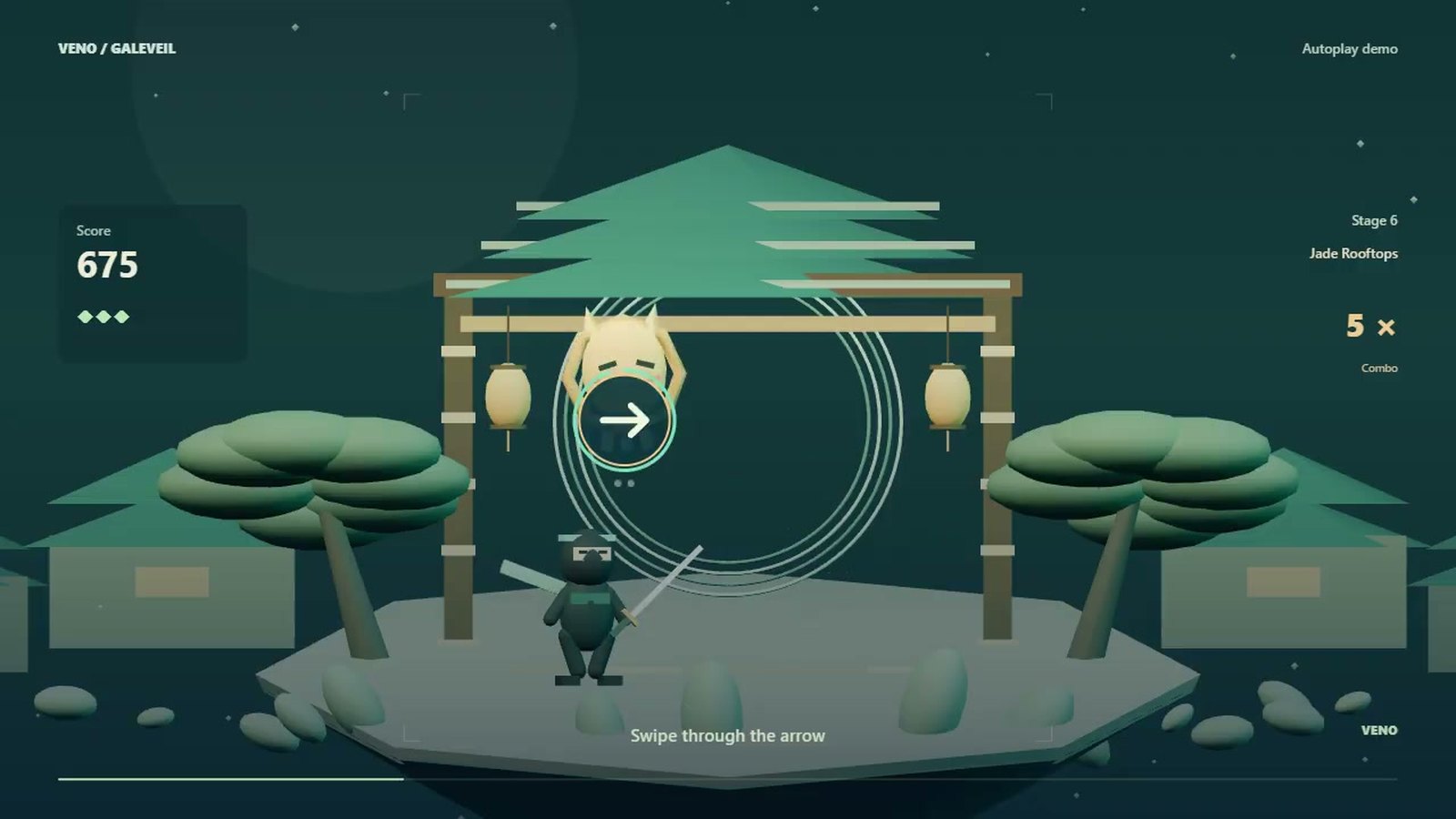
These tips work for most directional swipe games. The examples come from VENO Galeveil, a 3D ninja swipe game where you seal paper masks by following their arrows.
- Read first, then swipe. Half a heartbeat of reading saves a broken combo. Look at the arrow, not at your finger.
- Swipe through the target, not at it. Start a little before the target and finish a little after. Short taps are the most common reason a swipe doesn’t register.
- Keep the line straight. A curved stroke can be read as a different direction. Move from the shoulder or wrist, not by bending one finger.
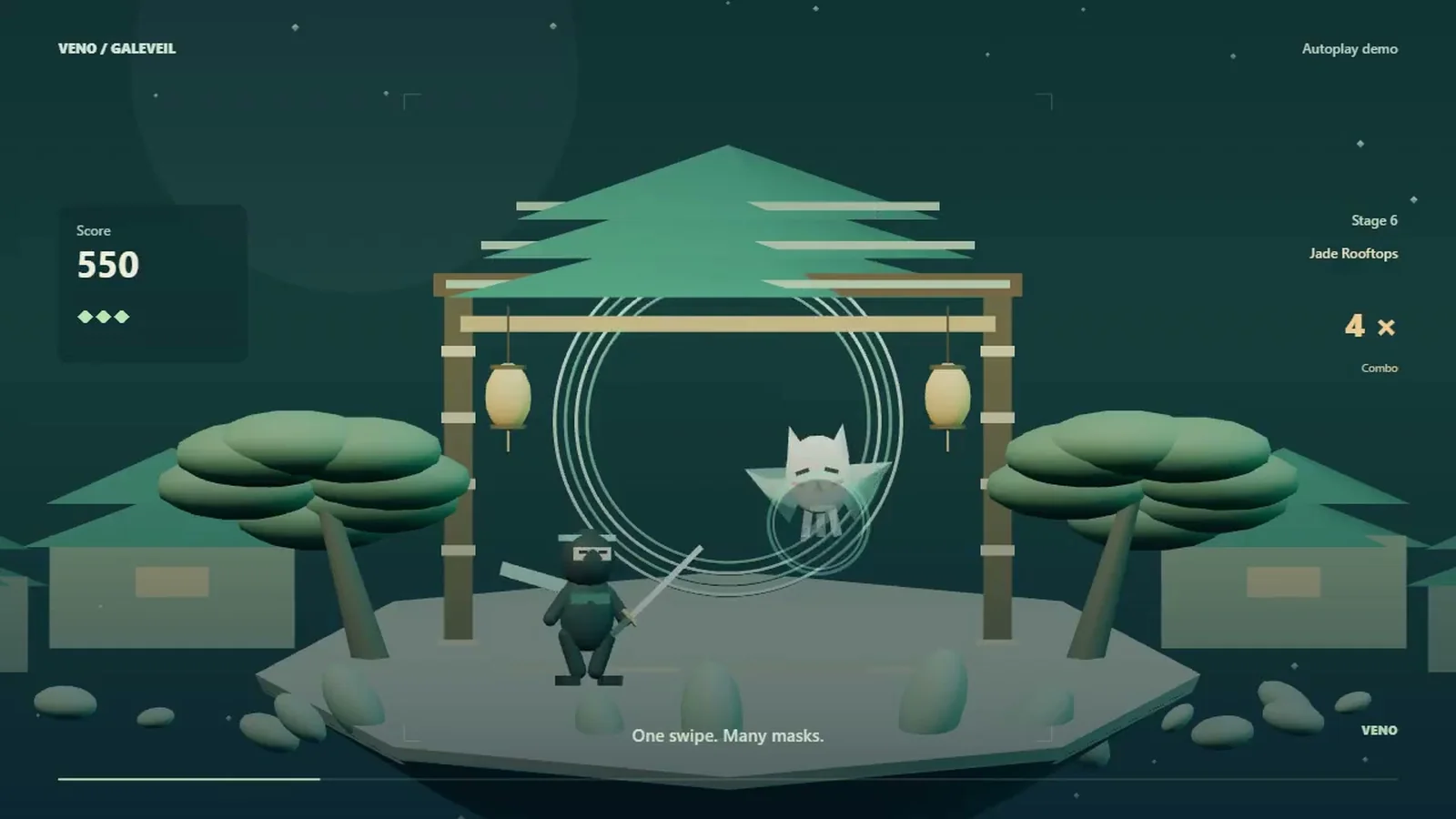
- Group matching arrows. When several targets share the same arrow, one clean line can cut them all.
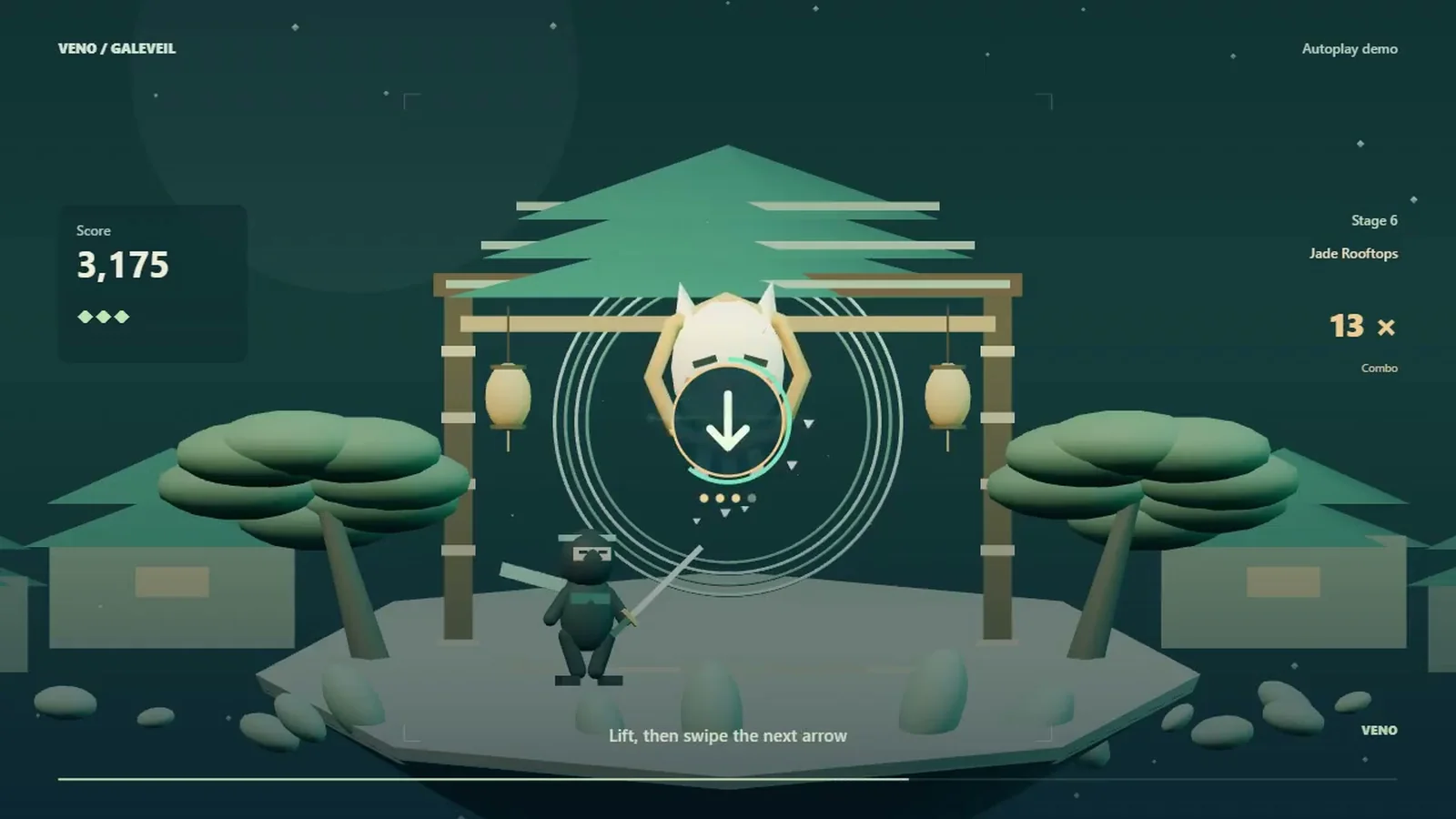
- Lift between directions. Multi-layer targets usually want separate strokes. Lift your finger, read the next arrow, then swipe again.
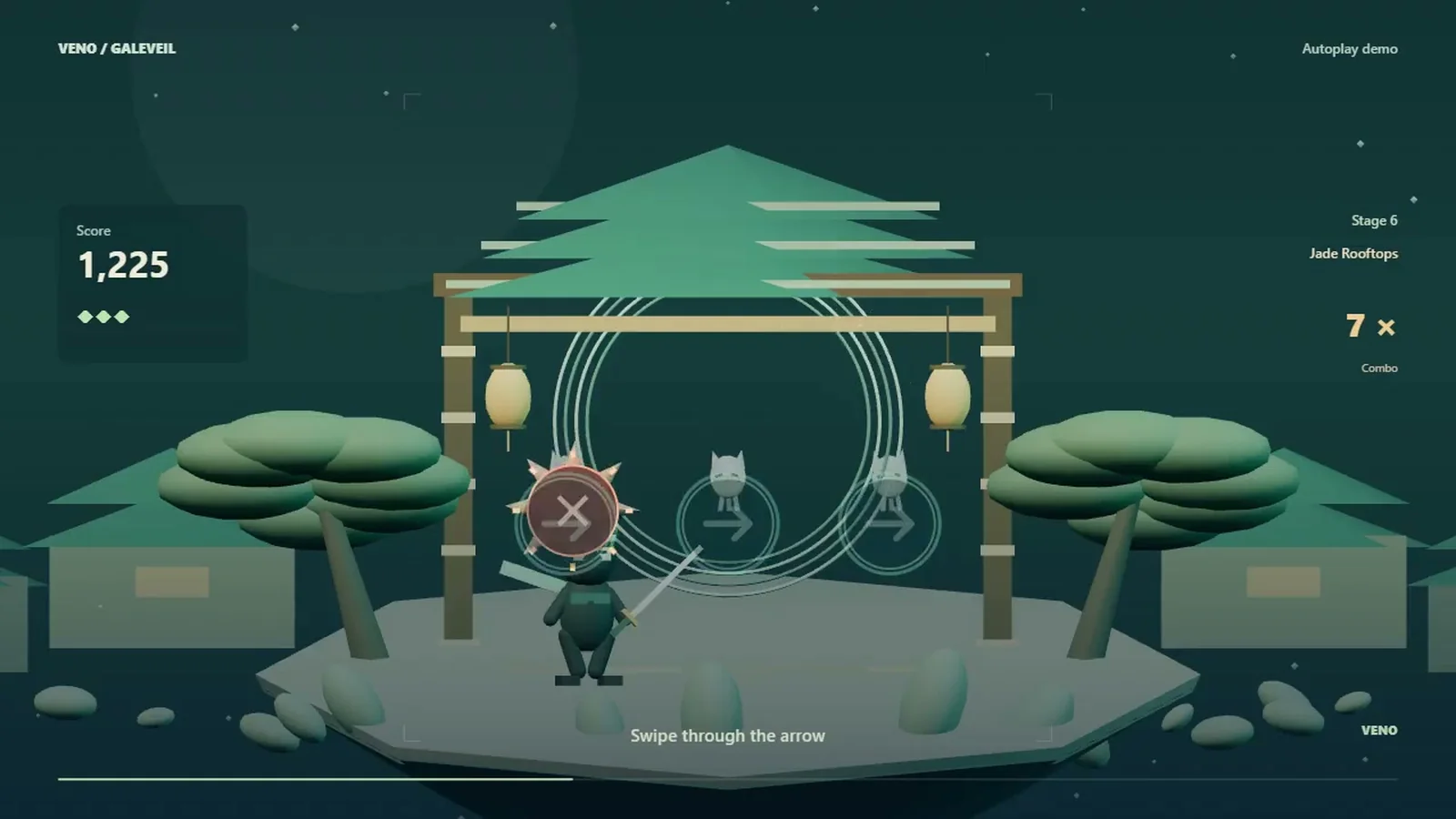
- Spot the “no-go” targets early. Hazards often look like normal targets with a warning mark. Plan your line around them before you move.
- Protect the combo, not the score. A long combo multiplies everything. When in doubt, take the safe single cut instead of a risky double.
- Find a rhythm. Targets often arrive in patterns. Breathing out on each swipe sounds silly, but it keeps your hand loose.
- Use practice modes. A mode with no lives and no saved scores is the fastest way to learn a tricky pattern without pressure.
Common mistakes and quick fixes
| Mistake | What happens | Fix |
|---|---|---|
| Swipe too short | Stroke not counted | Start before, end after the target |
| Curved stroke | Wrong direction read | Move from the wrist, keep it straight |
| One long stroke for a two-layer target | Second layer survives | Lift, read, swipe again |
| Swiping on a hazard | Combo breaks or life lost | Look for warning marks first |
| Chasing every target | Panic and misses | Skip one, keep the rhythm |
Play it now: VENO Galeveil
If you want to try these tips, VENO Galeveil is a free 3D ninja swipe game that runs in your browser on phone and desktop. Paper masks fly out of a wind gate, each with an arrow inside a glowing circle: swipe the same way to seal them. One clean swipe can cut several masks that share an arrow, armored masks need you to lift and swipe again, and spiked thorn seals must be avoided. If a swipe misses, the game even tells you why — follow the arrow, make a longer swipe or keep it straight.
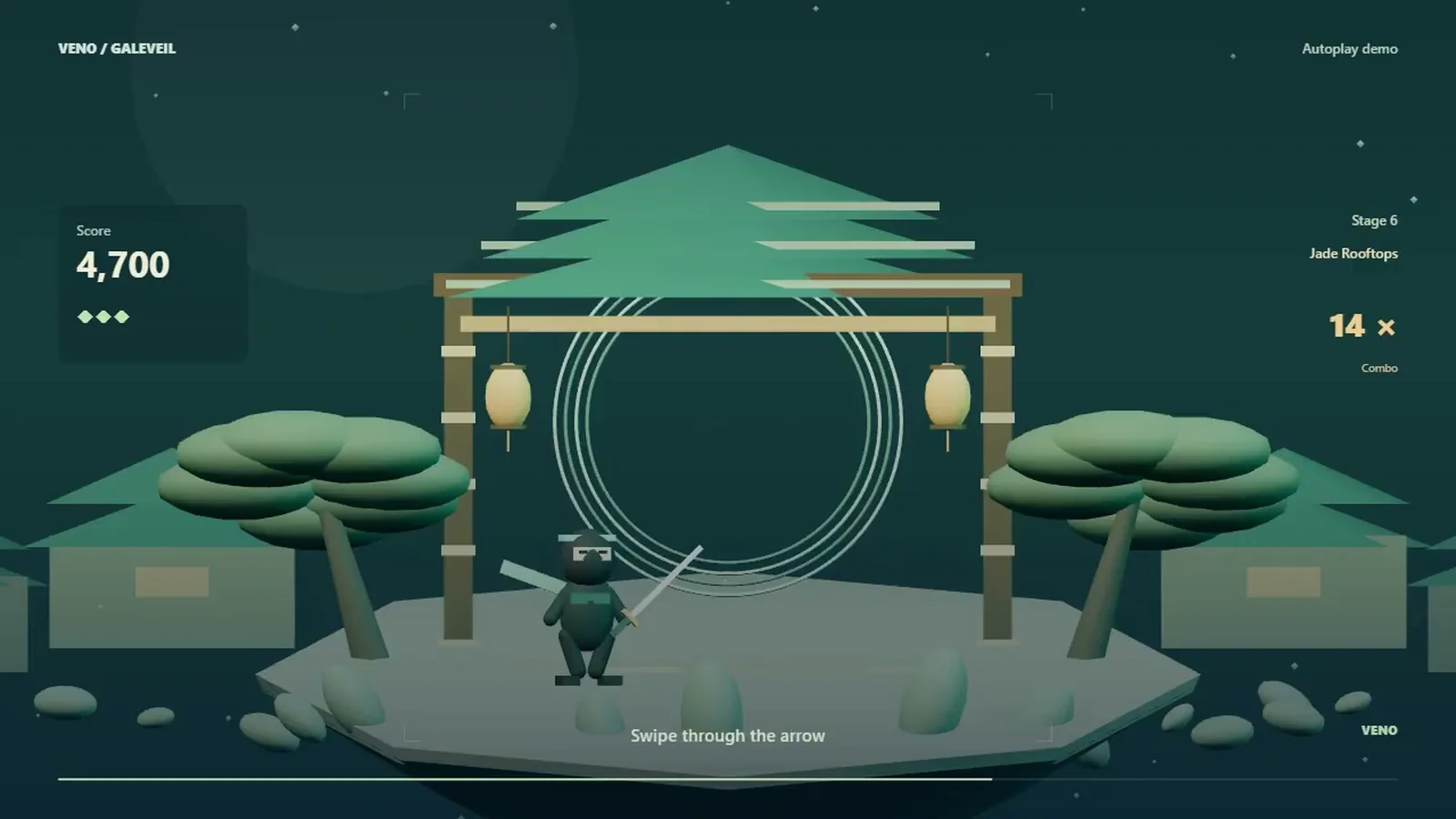
The Journey crosses the Jade Rooftops, Lantern Alley and the Cloud Foundry, with a boss in each world. There is also Endless, a one-minute Blitz 60, a Daily challenge that is the same for everyone, and a Practice mode with no lives lost.
FAQ
What are swipe games?
Swipe games are games you control by dragging a finger or mouse across the screen. The direction, position and timing of the swipe decide what happens.
What is the difference between slicing and directional swipe games?
In slicing games you can cut targets from any angle. In directional games each target asks for one direction, usually shown by an arrow, and other directions don’t count.
Why doesn’t my swipe register?
Usually the stroke is too short or curved. Start before the target, pass straight through it and finish after it.
Can I play swipe games with a mouse?
Yes. Many browser swipe games, such as VENO Galeveil, accept mouse drags as well as touch, and some add keyboard assistance.
How do I get longer combos?
Read before you swipe, group targets that share a direction, and skip risky targets rather than breaking the chain.