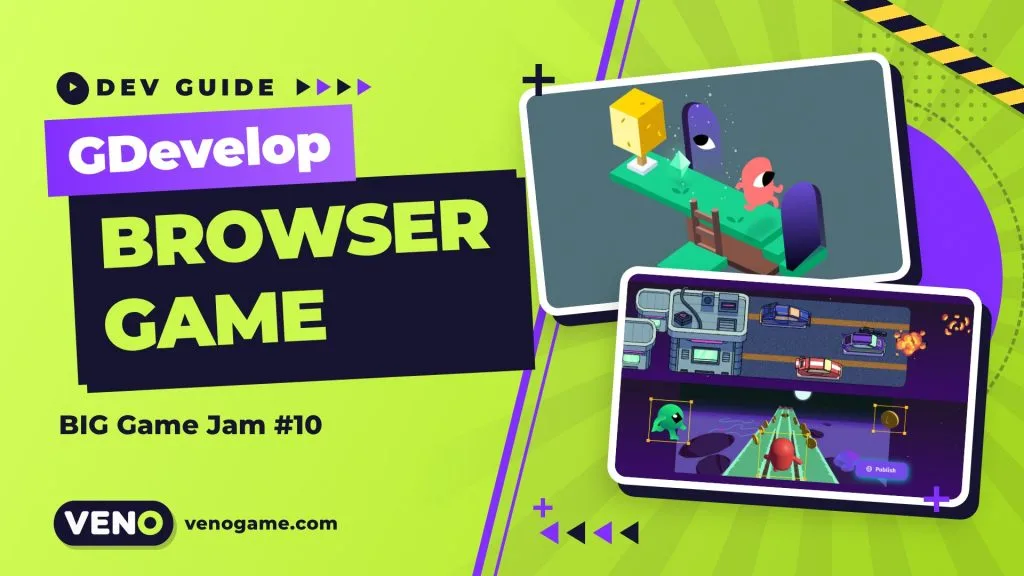
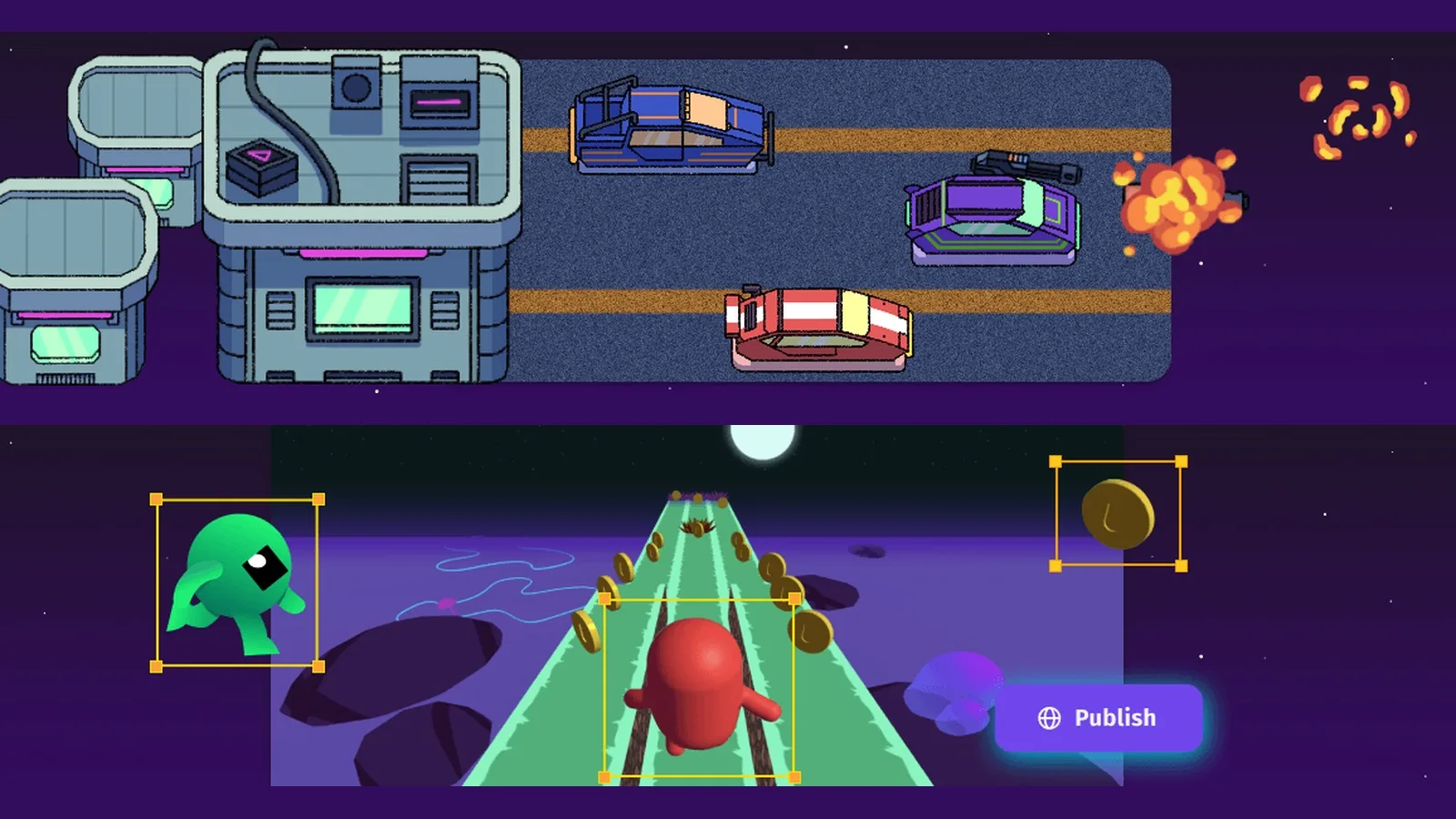
You can make a browser game with GDevelop without writing code: you build logic with visual “events”, add ready-made behaviors to objects, and publish to a free gd.games link in a few clicks. GDevelop BIG Game Jam #10, which ran from 6 to 15 November 2026, shows how far that goes: 398 entries were submitted on itch.io, and every one of them had to be playable for free in a browser.
This guide explains how the engine works, what the jam rules ask for, and a simple plan you can reuse for your next jam or weekend project.
Quick facts: GDevelop and BIG Game Jam #10
| Engine | GDevelop, open source (MIT licence), no-code event system |
| Game types | 2D, 3D and multiplayer games |
| Export targets | Web, Android, iOS, Windows, macOS, Linux |
| Free hosting | gd.games (shareable link, no server needed) |
| Jam | GDevelop BIG Game Jam #10, hosted by GDevelop and HelperWesley |
| Submission period | 6 to 15 November 2026 (nine days) |
| Entries | 398, with community voting under way (as of 17 November 2026) |
| Where to submit | itch.io for rating, plus gd.games |
What is GDevelop?
GDevelop is a free, open-source game engine built for people who would rather design than type code. According to its official repository, the editor, the engine and its extensions are released under the MIT licence, so you can distribute or sell the games you make and you are not forced to open-source them.
Under the hood, the game engine (GDJS) is written in TypeScript and renders with PixiJS for 2D and Three.js for 3D, both on WebGL. That is why GDevelop games run so naturally in a browser: the web is their home platform, and desktop and mobile builds come from the same project.
The free plan lets you create and publish your first game at no cost. Paid plans (Silver, Gold and Pro) add more cloud projects, more AI credits and more daily builds for desktop and mobile, as listed on the pricing page.
How GDevelop games work: events and behaviors
Two ideas do most of the work in a GDevelop project.
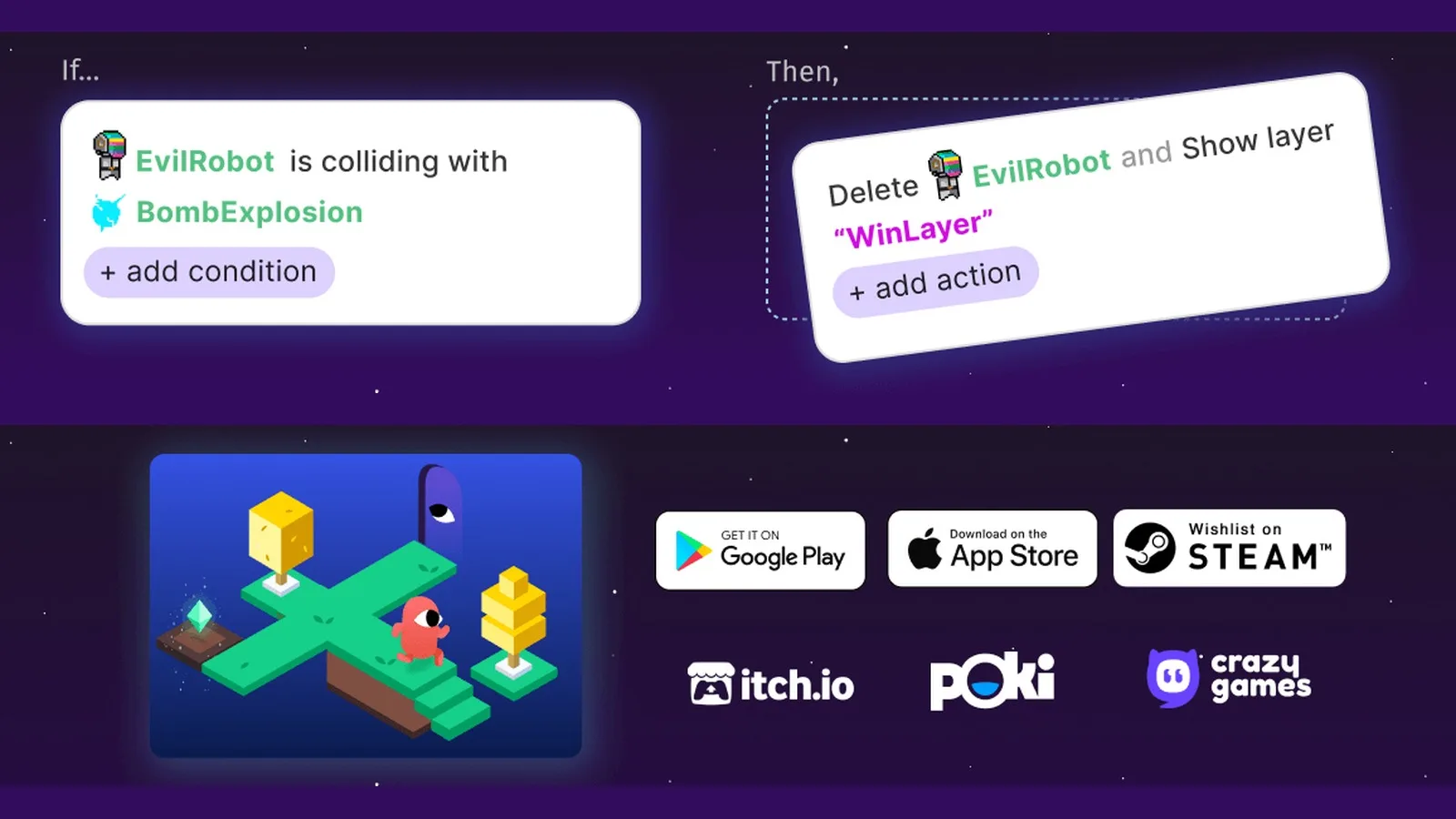
Events are “if this, then that” rules. On the left you add conditions (“EvilRobot is colliding with BombExplosion”), on the right you add actions (“Delete EvilRobot, show the WinLayer”). The engine checks events every frame, top to bottom, so reading a GDevelop project feels like reading a recipe.
Behaviors are packaged features you attach to an object. The official features page lists more than a hundred of them, such as platformer movement, health and pathfinding, and you can stack several on one object. A jam hero with “Platformer character” already runs and jumps before you have written a single event.
The same page also mentions an in-editor AI helper that can answer questions and build features step by step, plus community extensions for dialogue, UI and controls. In a jam, extensions are especially useful, because the rules let you reuse existing events and extensions as long as you did not write them specifically for the jam in advance.
The BIG Game Jam #10 rules, and what they teach
The official jam page keeps the rules short. Each one is also a good habit for any browser game:
- Use GDevelop. The whole game must be made in the engine.
- Playable in a browser, for free. No payment and no extra hardware. Test on a laptop and a phone before you submit.
- Publish on itch.io and gd.games. itch.io is where ratings happen; gd.games is where the GDevelop community plays and leaves feedback. Organisers suggest adding the genre “Game Jam 10” on gd.games.
- English text only. Keep words short and put the controls on screen.
- Teams of up to four people, one submission per person or team.
- Make it during the jam. Reusing UI or small event snippets is fine; reskinning an old project or submitting work started before the jam is not.
- Credit your assets. Pre-made, purchased and built-in asset store packs are allowed when you have the rights and credit them.
- Freeze your build during voting. No updates during the community vote or the judges’ vote, which lasts three days after community voting ends.
The theme was revealed in a video on the jam page, so the only way to plan ahead is to plan your workflow, not your game.
How games are rated and what the winners get
After submissions close, participants have one week to play and rate each other’s games in five categories:
| Category | What raters ask themselves |
|---|---|
| Fun & Game Design | Do I want to keep playing? Is the interface easy to use? |
| Audio | Do the music and sound effects fit? |
| Graphics | Is the game nice to look at? |
| Originality & Innovation | Did something surprise me? |
| Theme | Does the game really use the jam theme? |
The five Judges’ Awards share cash prizes from CrazyGames (€400, €250, €150, €100 and €100), vouchers, GDevelop Gold subscriptions and asset subscriptions, and those games are featured on gd.games for seven days. The ten highest-rated games become Community Winners and receive in-engine credits and other rewards.
For scale, the previous edition, BIG Game Jam #9 in May 2026 with the theme “To the Top”, received more than 410 games from over 2,200 participants, according to GDevelop’s winners post.
A nine-day plan to make a browser game with GDevelop
You can use this plan for the next GDevelop jam or any short project:
- Day 1 – one-sentence idea. Write the core loop in one line (“tap to jump between moving platforms”) and check it against the theme.
- Day 2 – grey-box prototype. Plain shapes, one behavior, a handful of events. Use Live Preview to test on your phone with a QR code.
- Days 3–4 – make it fun. Tune speed, jump height and difficulty before drawing anything nice.
- Day 5 – first public build. Publish to gd.games, send the link to a friend, and watch them play without explaining anything.
- Days 6–7 – art and sound. Add assets you have the rights to, plus short sound effects for every action.
- Day 8 – polish and controls. Title screen, on-screen controls, restart button, mobile touch support.
- Day 9 – publish and submit. Final gd.games version, itch.io page with screenshots, credits and controls, then submit a few hours early.
Publishing: gd.games first, then itch.io
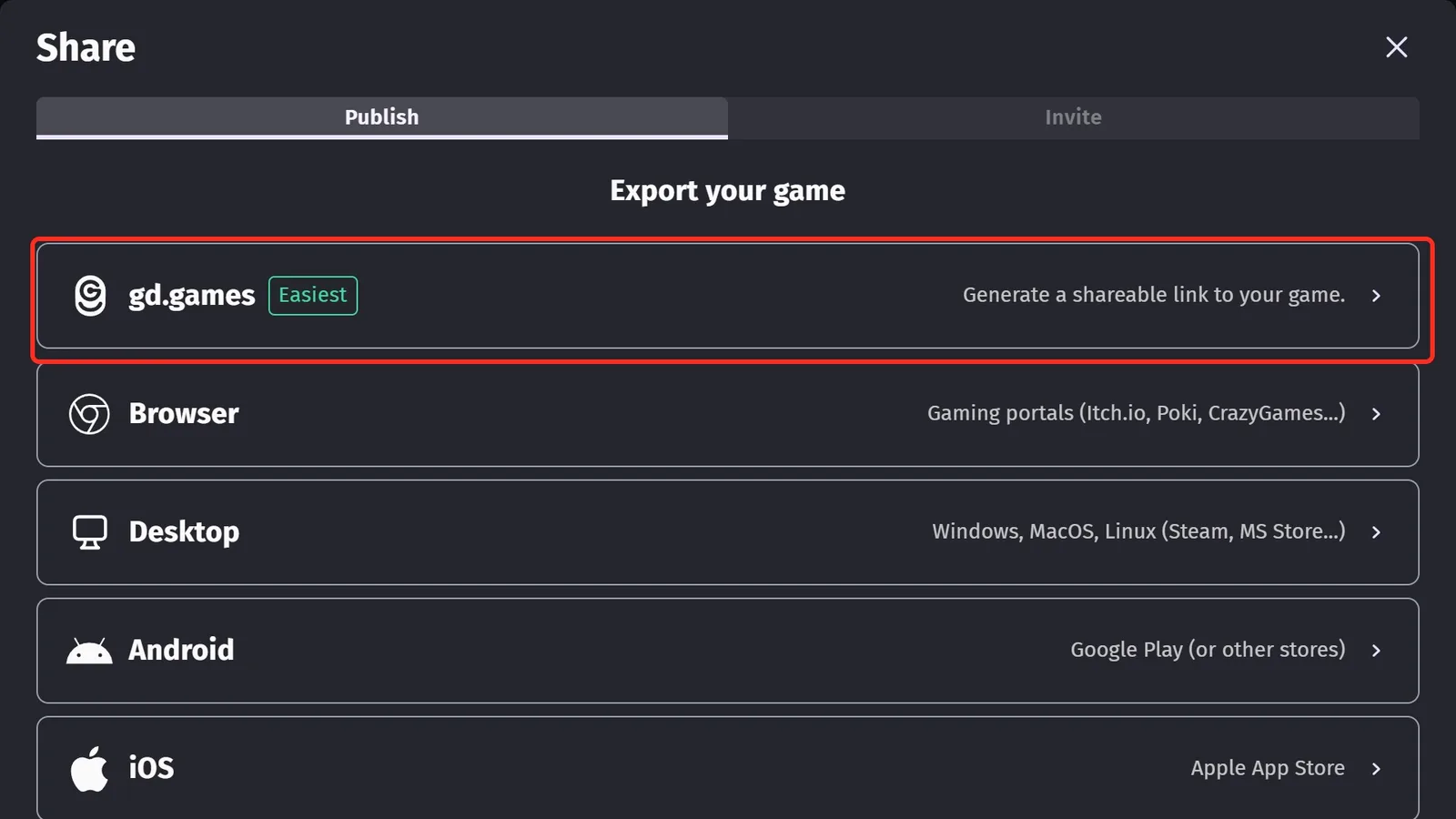
According to the GDevelop publishing docs, publishing to gd.games takes three steps: log in, click Share, choose gd.games and click Publish game. You get a link, a QR code and social share buttons straight away, with no website or server to set up.
Later uploads use Publish new version. A switch called Update game page decides whether the new build replaces the public page or stays on a separate test link, which is handy when you want to check a fix before players see it. GDevelop recommends a 16:9 thumbnail for the game page.
For itch.io, use the Browser export, which targets web portals such as itch.io, Poki and CrazyGames, and upload the result as an HTML5 game following itch.io’s HTML5 guide.
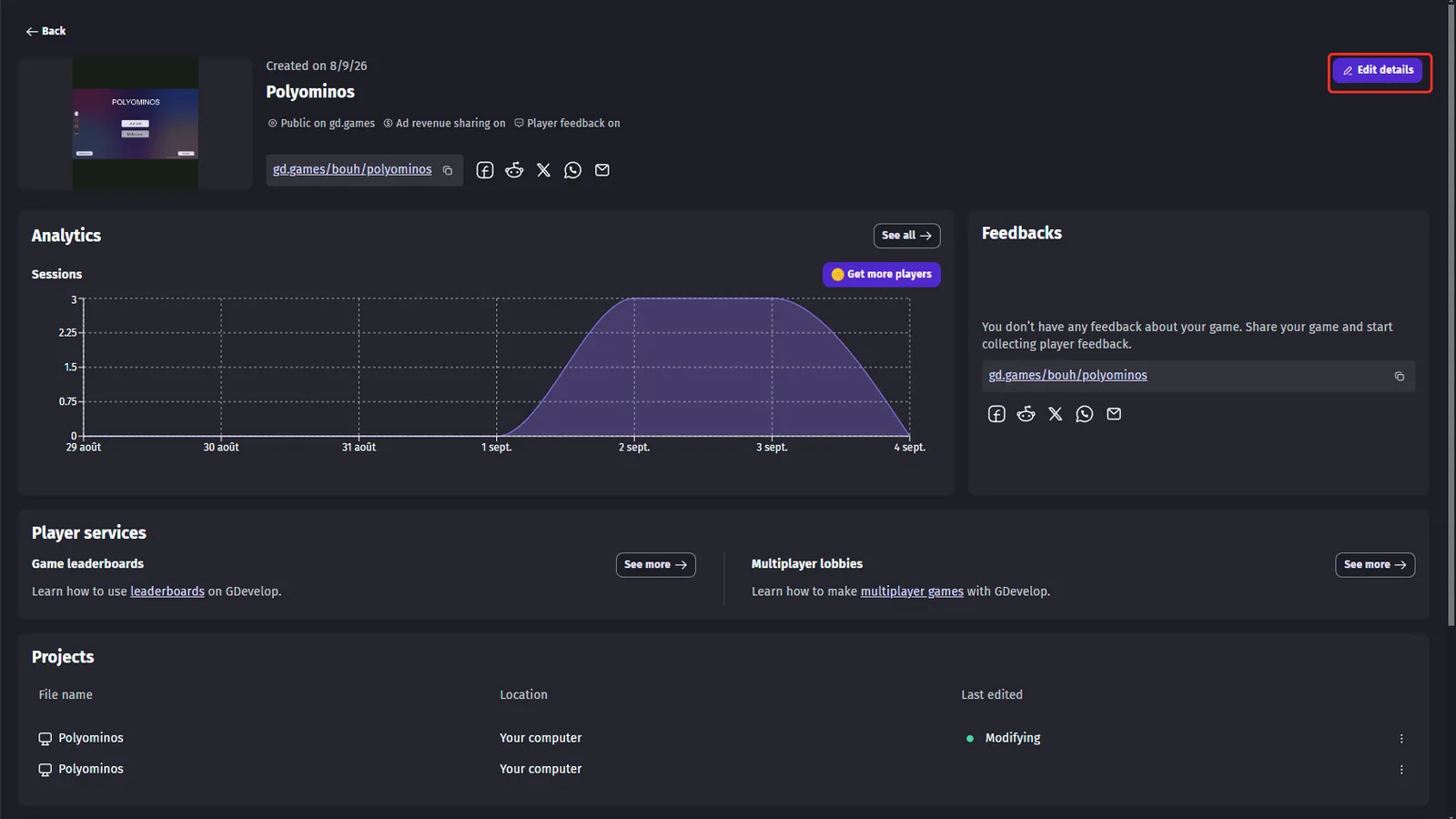
Every gd.games game also gets a dashboard with session analytics, player feedback, and services such as leaderboards and multiplayer lobbies. After a jam, this is where you learn which levels people quit on.
Tips for players: how to enjoy jam games
Jam games are short, free and often strange in a good way. A few habits make the experience better:
- Read the controls on the itch.io page before pressing Play; many jam games use only a keyboard.
- Use full-screen mode and turn the sound on, since audio is a rating category.
- Rate honestly and leave one kind, specific comment, because creators read every one.
- Play the Judges’ Awards games on gd.games once they are announced; they are a quick tour of the best ideas.
FAQ
Is GDevelop free?
Yes. The engine is open source under the MIT licence, and the free plan lets you make and publish a game. Paid plans add more cloud projects, AI credits and builds.
Do I need to know how to code to use GDevelop?
No. Logic is built with visual events and ready-made behaviors, so you can finish a full game without writing code.
Can I sell a game made with GDevelop?
Yes. The engine’s MIT licence lets you distribute or sell your games without making them open source.
When was GDevelop BIG Game Jam #10?
Submissions were open from 6 to 15 November 2026. Community voting followed for one week, then the judges’ vote.
Where can I play the BIG Game Jam #10 entries?
All 398 entries are listed on the jam’s itch.io page, and many are also published on gd.games.
How do I publish a GDevelop game to the web?
Click Share in the editor, choose gd.games and click Publish game for a free link, or use the Browser export to upload an HTML5 build to itch.io.