WebP vs KTX2 is really a question about two different budgets. WebP makes a texture small on the network, but the browser has to unpack it into raw pixels before the GPU can use it. KTX2 stays compressed on the graphics card, so a file that is slightly bigger to download can take about four times less video memory while your game is running.
That gap matters for every web game that shows 3D models, especially on phones with little memory. Below we walk through the numbers, the reason behind them and a practical setup you can copy.
| Quick facts | |
|---|---|
| Topic | Texture formats for 3D models in browser games |
| Formats compared | WebP (image format) vs KTX2 (GPU texture container) |
| Test data | 1,033 scanned household objects, each in a WebP and a KTX2 version |
| Median GPU memory per object | 21.5 MiB with WebP, 5.5 MiB with KTX2 |
| Median file size per object | 297 KiB with WebP, 336 KiB with KTX2 |
| Measured on | RTX 3060, headless Chrome, three.js r187 (phones and Safari not measured) |
| Licence of the models | CC BY 4.0, scans by Google Research |
Two budgets: bytes on the wire and bytes in VRAM
When a player opens your game, a texture costs you twice. First it travels over the network, and that is what tools like Lighthouse and your CDN bill show. Then it is uploaded to the GPU and sits in video memory (VRAM) for as long as the model is on screen. The two numbers answer different questions, and a format that wins the first one can lose the second.
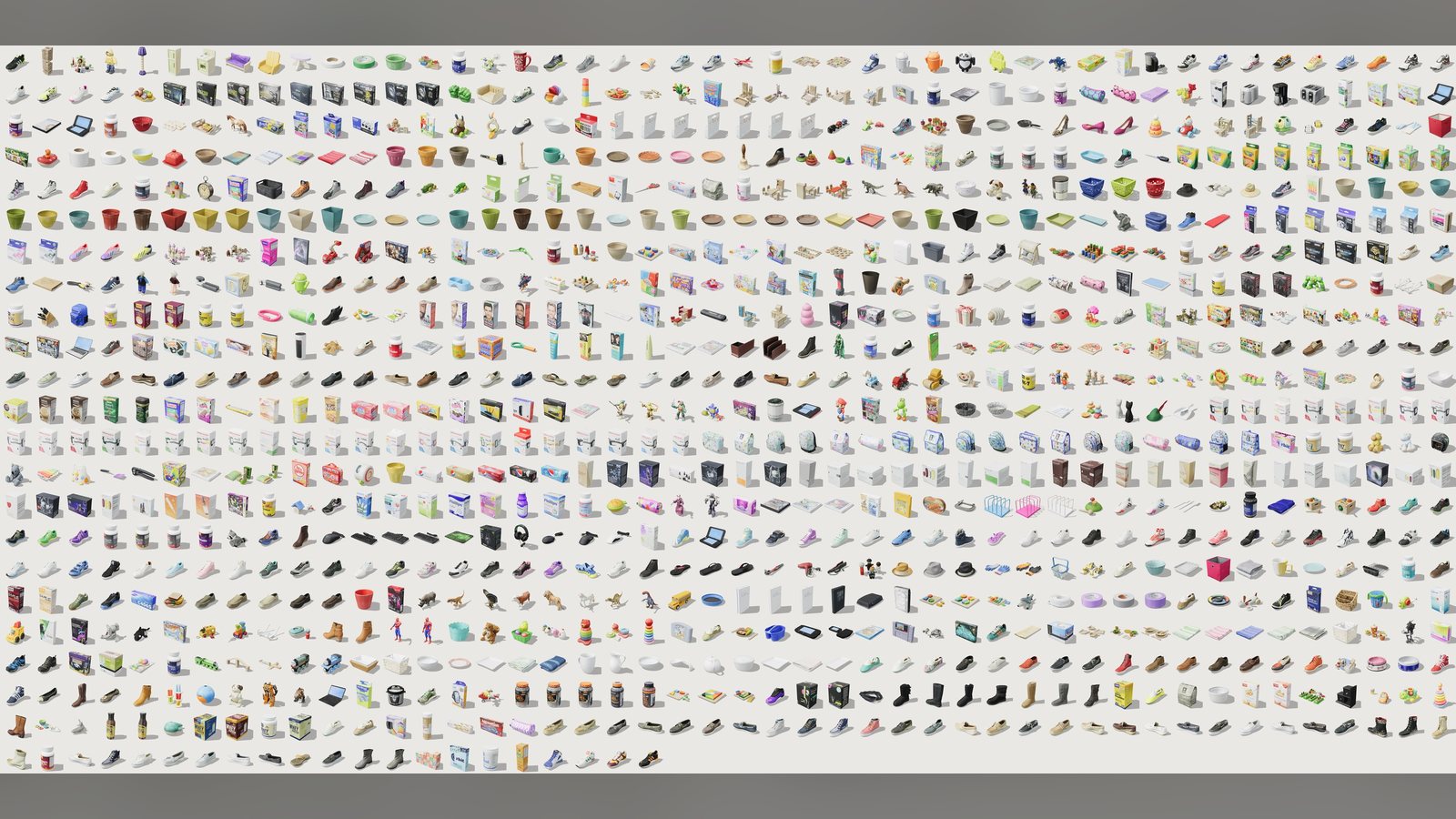
The clearest public example right now is the Scanned Objects GLB collection on Hugging Face. It packs the 1,033 household products from Google Scanned Objects as web-ready .glb files, and it ships every object twice: once with 2048 px WebP textures and once with KTX2 textures.
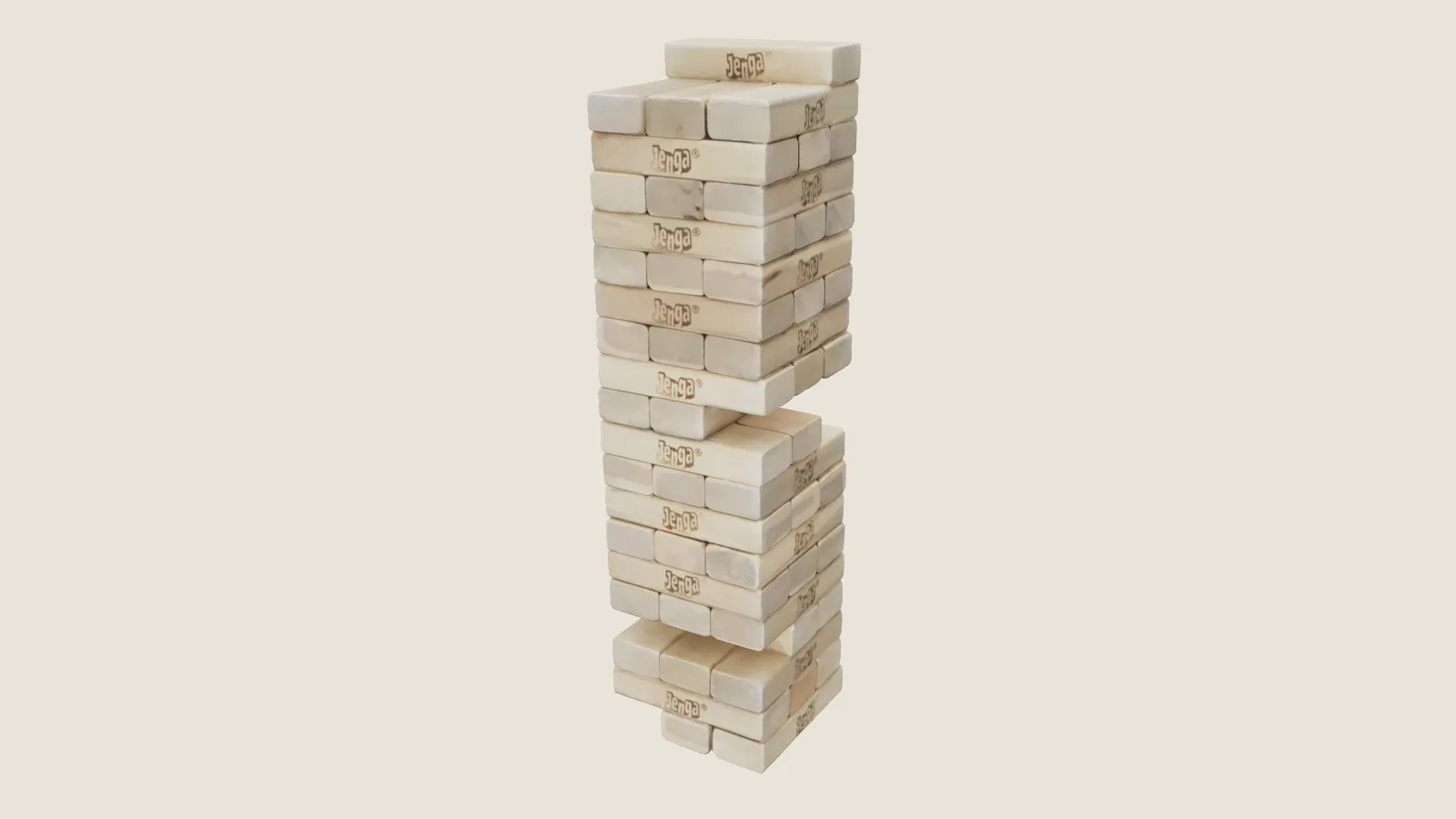
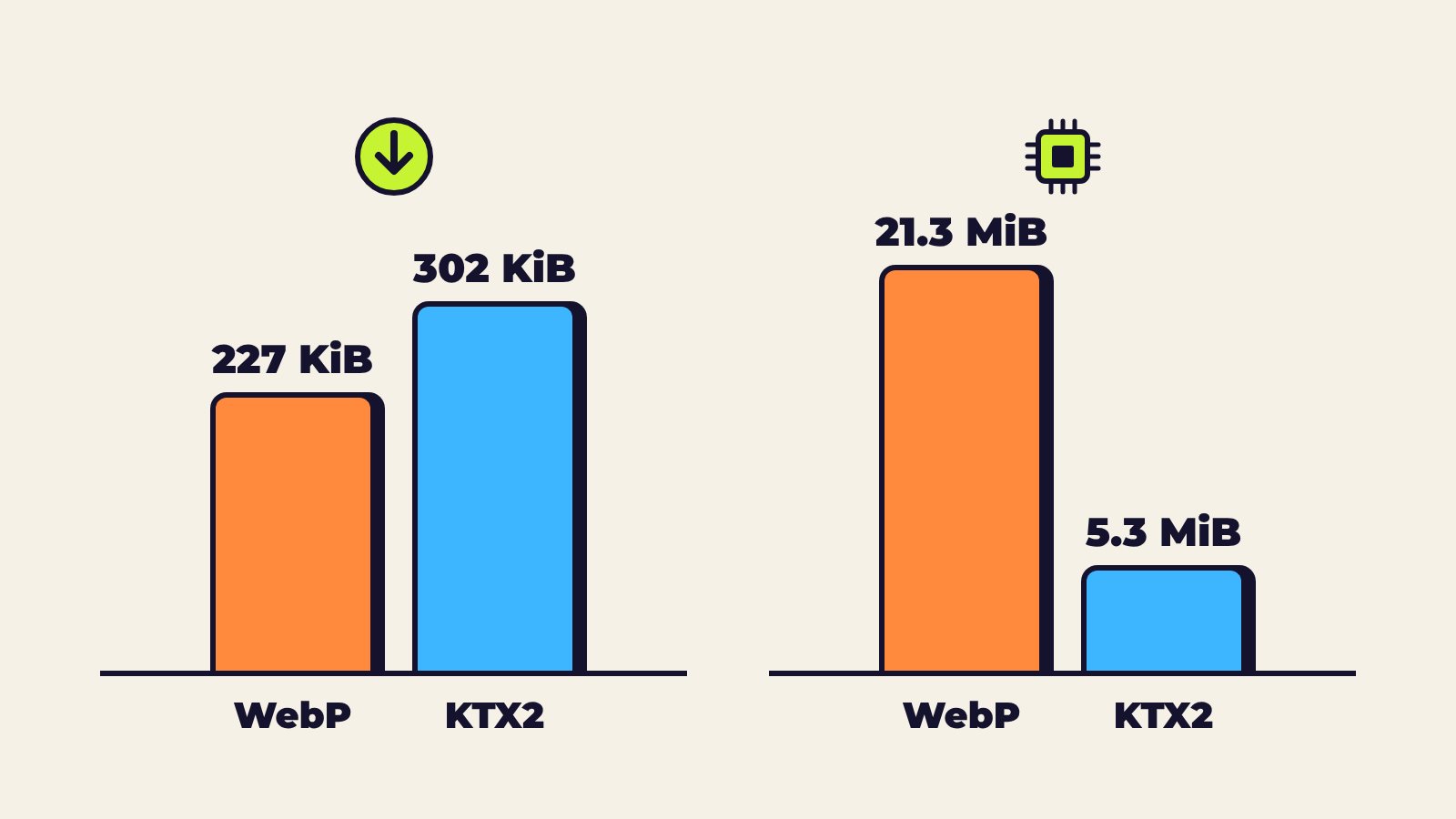
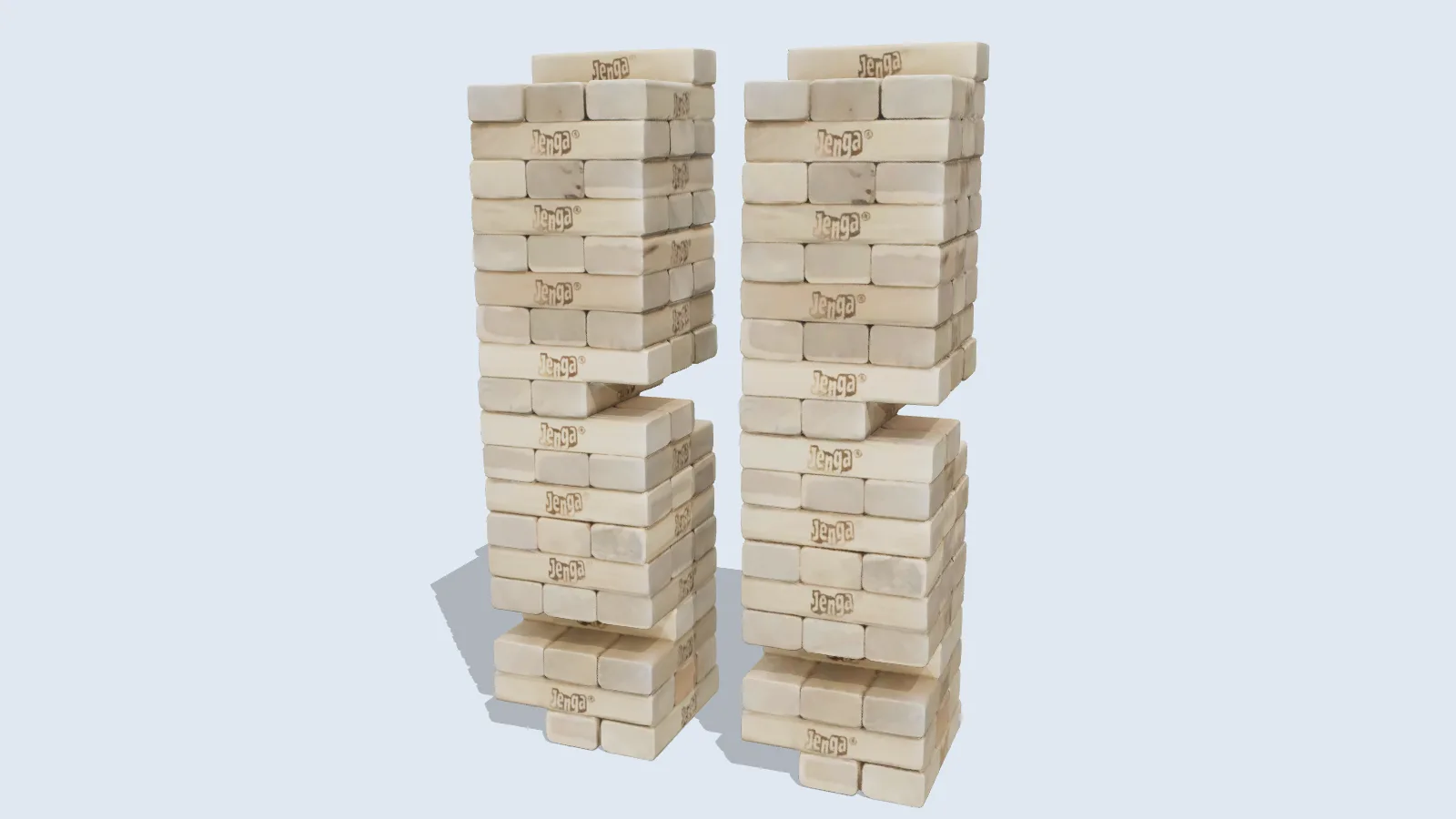
Take one object, a wooden block-stacking tower game. We downloaded both versions: the WebP file is 231,924 bytes and the KTX2 file is 309,316 bytes. On the wire, WebP wins by about a quarter.
Why WebP grows on the GPU
GPUs cannot read WebP, PNG or JPEG directly. The browser decodes the image into plain pixels first, usually RGBA8: 4 bytes for every pixel.
Here is the math for one 2048 × 2048 texture:
- 2048 × 2048 = 4,194,304 pixels.
- At 4 bytes per pixel, the full-size level takes 16 MiB.
- Games also need mipmaps (smaller copies for distant objects). The whole chain adds about one third, so roughly 21.3 MiB.
Notice what is missing: the WebP quality setting. Lowering it shrinks the download, but once decoded, the texture is still 2048 × 2048 × 4 bytes. Compression quality changes the network bill, not the VRAM bill.
How KTX2 stays small in VRAM
KTX2 is a texture container from the Khronos Group, the standards body behind glTF and WebGL. In 3D models it is used through the glTF extension KHR_texture_basisu. Its trick is Basis Universal “supercompression”: the file holds an intermediate format that the loader quickly transcodes into whatever block-compressed format the player’s GPU supports, such as BC7 on desktop graphics cards or ASTC and ETC2 on many phones.
Block compression stores every 4 × 4 group of pixels in a fixed number of bytes. With BC7 that is 16 bytes per block, compared with 64 bytes for the same 16 pixels in RGBA8.
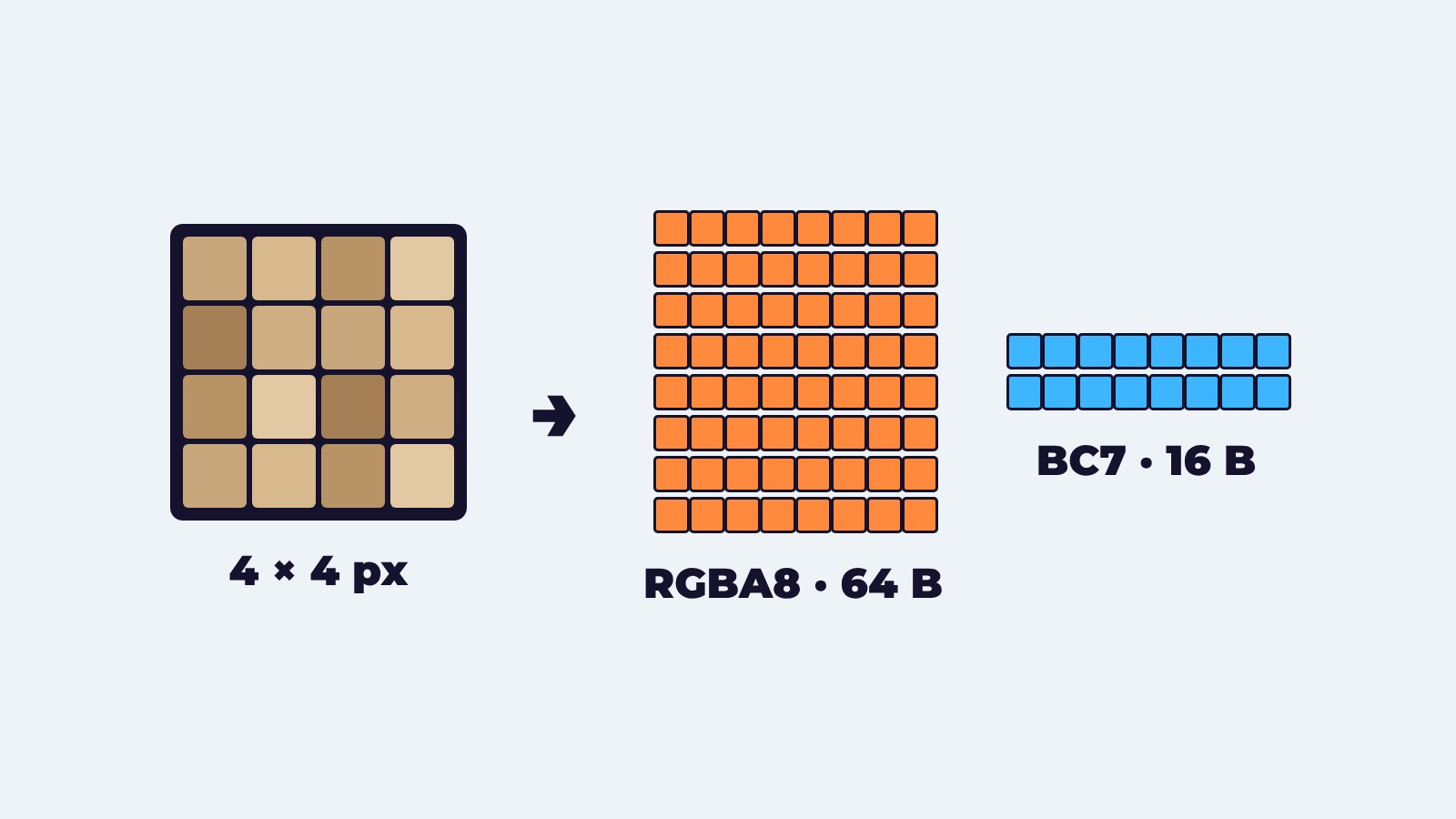
Apply that to the same 2048 px texture: the top level becomes 4 MiB, and with the full mip chain about 5.3 MiB. The GPU samples these blocks directly, so the texture never expands back to raw pixels.
The results across 1,033 objects
The collection’s authors measured every level on an RTX 3060 in headless Chrome with three.js r187, counting texture and geometry bytes as uploaded. On that GPU the KTX2 files were transcoded to BC7.
| Version | Triangles kept | Texture | GPU memory (median) | File size (median) |
|---|---|---|---|---|
| WebP pack | 100% | 2048 px WebP | 21.5 MiB | 297 KiB |
| KTX2 lod0 | 100% | 2048 px KTX2 | 5.5 MiB | 336 KiB |
| KTX2 lod1 | 50% | 1024 px | 1.4 MiB | 129 KiB |
| KTX2 lod2 | 20% | 512 px | 0.38 MiB | 56 KiB |
| KTX2 lod3 | 6% | 256 px | 0.10 MiB | 22 KiB |
Loading was faster too. With three.js WebGPURenderer, the median object loaded in 41.3 ms as WebP and 23.2 ms as KTX2, and reached its first frame in 48.1 ms versus 27.0 ms. The authors note the GPU was shared with other jobs, so treat the ratios as more reliable than the exact milliseconds.
The download result is not fixed either. For the board-game box in the same set, the KTX2 file (559,180 bytes) is smaller than the WebP file (872,836 bytes). Which format downloads faster depends on the texture, so measure your own assets.
WebP vs KTX2 at a glance
| WebP texture | KTX2 texture | |
|---|---|---|
| What the GPU stores | Raw RGBA8 pixels | Compressed blocks (BC7, ASTC, ETC2…) |
| GPU memory, 2048 px with mips | about 21.3 MiB | about 5.3 MiB (BC7) |
| Download size | Often smaller | Sometimes larger, sometimes smaller |
| Extra files to load | None | KTX2 loader + Basis transcoder |
| Encoder tools | Any image editor | KTX-Software toktx, Basis Universal |
| Best for | 2D sprites, UI, a few small textures | 3D models, many textures, mobile players |
How to set up KTX2 in three.js
The collection’s KTX2 files were encoded with toktx from KTX-Software 4.4.2 in ETC1S mode with generated mipmaps. ETC1S gives the smallest files; UASTC keeps more detail and suits normal maps. In three.js, loading them takes three pieces:
- A
KTX2LoaderwithsetTranscoderPath()pointing at the Basis transcoder files (they ship with three.js inexamples/jsm/libs/basis/). detectSupport(renderer)so the loader knows which GPU formats the device accepts. WithWebGPURenderer, callawait renderer.init()first.GLTFLoaderwithsetKTX2Loader(), plussetMeshoptDecoder()if your geometry uses meshopt compression, as this collection does.
When you compare formats, count the transcoder and decoder files in a cold first visit, and keep the camera, lighting and canvas size fixed so the texture is the only thing that changes.
LODs: the second lever
Texture format is the first saving. The second is level of detail (LOD): simpler copies of a model that you swap in as it moves away from the camera. The KTX2 set includes three LODs per object with the same origin, scale and orientation, so switching is a plain swap. At lod3 an object keeps 6% of its triangles and uses about 0.10 MiB of GPU memory.
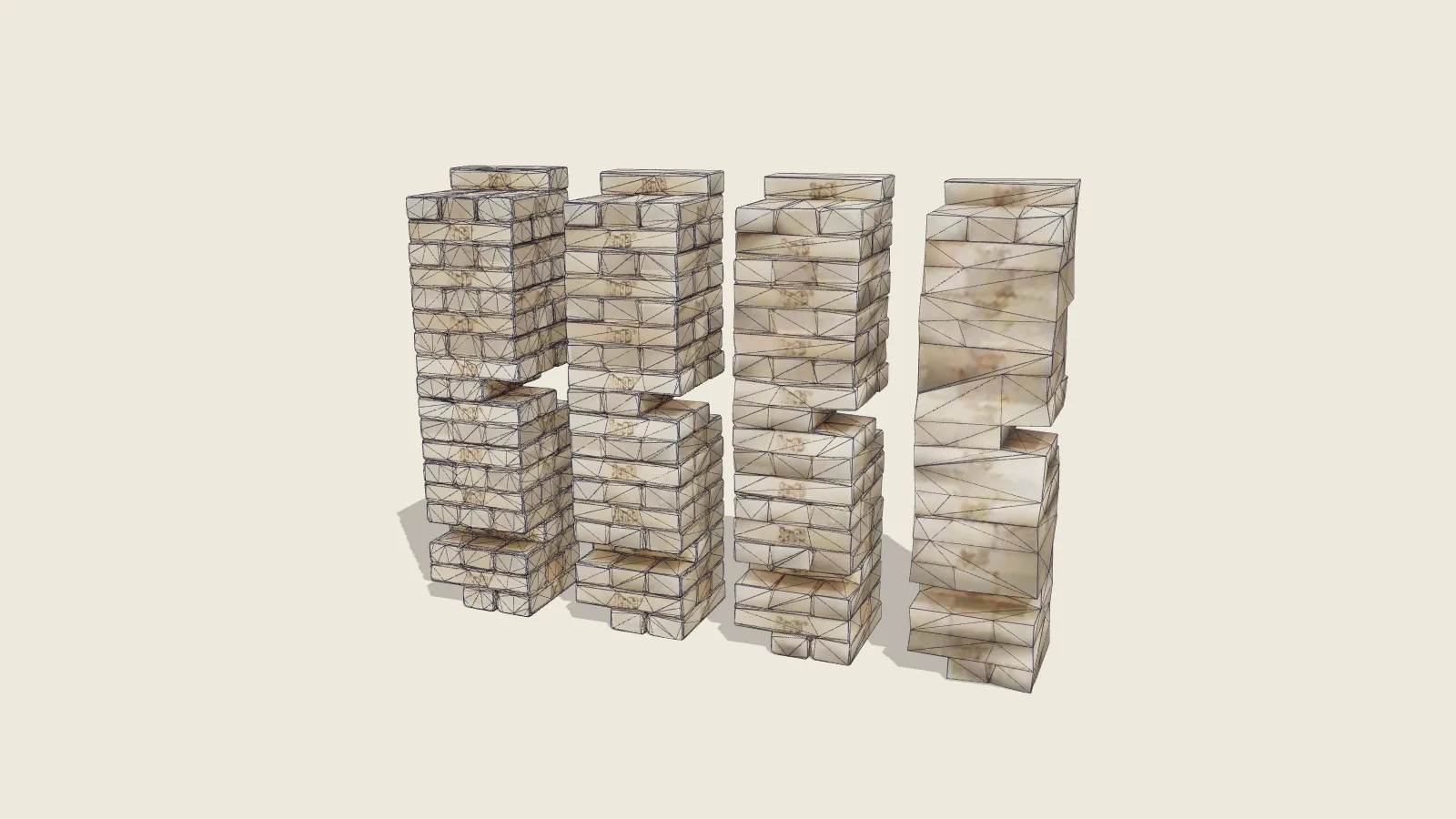
A simple rule for small web games: spend full texture detail on things the player picks up, reads or looks at closely, and drop distant shelf props to a lower LOD.
What this means for players
Players never see the words WebP or KTX2, but they feel the result. A game that keeps VRAM low is less likely to stutter, reload or crash when a phone browser runs short of memory, and it starts drawing sooner. That is why it is worth checking textures before you add another model to a scene.
One caution: the measurements above come from a desktop GPU. Phones transcode KTX2 to ASTC or ETC2 instead of BC7, and Safari was not tested, so profile on the devices your players actually use.
FAQ
Is KTX2 always smaller than WebP?
No. On the network, WebP is often smaller, though not always. In GPU memory, KTX2 is usually several times smaller because it stays block compressed.
Why does a WebP texture use so much GPU memory?
The GPU cannot read WebP, so the browser decodes it into raw RGBA8 pixels at 4 bytes each. A 2048 px texture with mipmaps needs about 21.3 MiB.
Do I need KTX2 for a 2D browser game?
Usually not. For a few sprites and UI images, PNG or WebP is simpler. KTX2 pays off with many large textures, 3D models or mobile players.
Which GPU format does KTX2 turn into?
It depends on the device. Desktop GPUs often get BC7, while many phones get ASTC or ETC2. The loader picks one after detectSupport().
ETC1S or UASTC: which one should I use?
ETC1S makes smaller files and works well for colour maps. UASTC keeps more quality and is the safer choice for normal maps and detailed textures.
Can I use these scanned models in my own game?
The scans are by Google Research under CC BY 4.0, so you can use them if you credit Google Research and link the source. Brand names printed on packaging still belong to their owners.