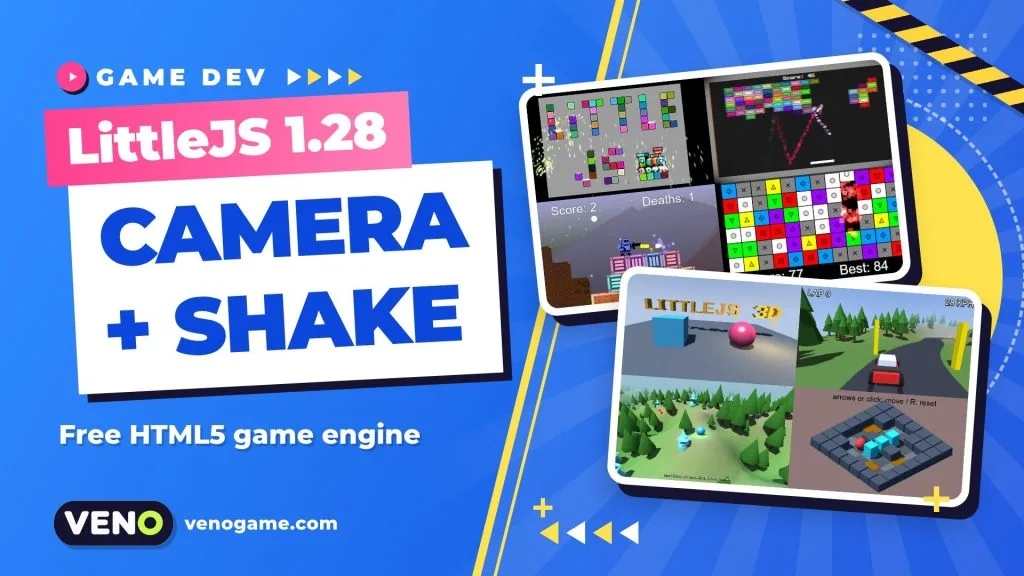
LittleJS 1.28 is the October 2026 release of LittleJS, a free and open-source HTML5 game engine for 2D and 3D browser games. It adds a ready-made follow camera, a third-person 3D camera, one-line screen shake that stacks and fades on its own, and new Box2D tools for one-way platforms and conveyor belts. If you make small web games, these are exactly the “game feel” pieces you usually write by hand.
| Quick facts | |
|---|---|
| What | LittleJS, a lightweight HTML5 game engine for 2D and 3D |
| Creator | Frank Force (KilledByAPixel) |
| Latest version covered | 1.28.0, released 20 October 2026 |
| Licence and price | MIT, free and open source |
| Rendering | WebGL2 + Canvas2D hybrid, plus a built-in 3D renderer |
| Install | npm install littlejsengine |
| Try it | Official example browser, runs in any modern browser |
What is LittleJS?
LittleJS is a JavaScript game engine built for simplicity and speed. It is written by Frank Force and released under the MIT licence on GitHub, where it has passed 4,400 stars.
Its main selling point is that it stays small without feeling bare. According to the official README, the full minified build with every plugin is about 135 KB gzipped, but a small 2D game bundled with a tool like Vite comes out at roughly 26 KB, and a lit 3D scene at about 47 KB. There is even a special branch for the js13kGames contest that builds to a 7 KB zip.
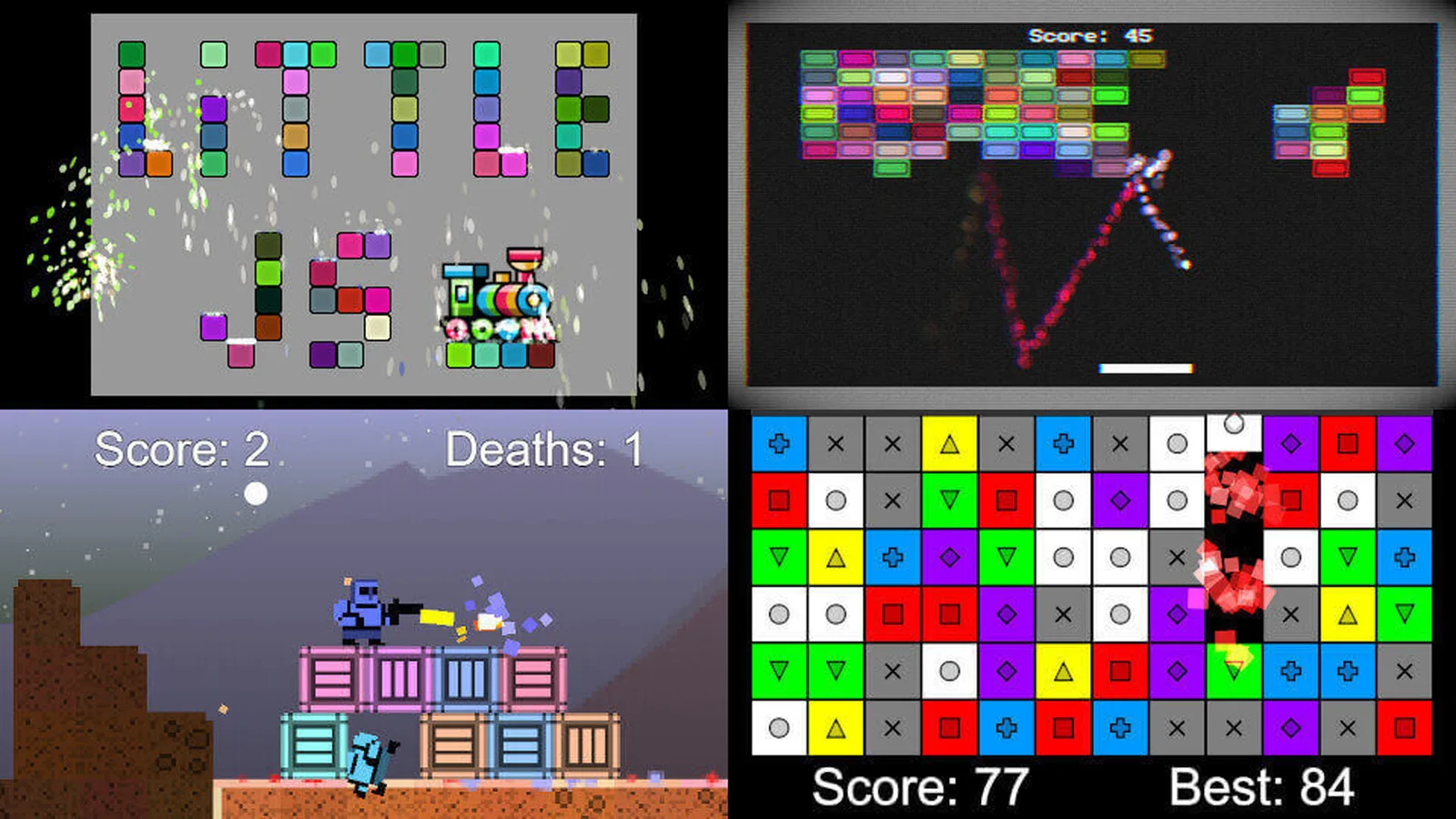
Inside that small package you get a lot:
- Graphics: sprites and atlases (TexturePacker, Aseprite), particles, Shadertoy-style shaders, 2D lights with soft shadows and parallax backgrounds.
- 3D: shape builders, OBJ and glTF loading, terrain, voxel maps and shadow maps.
- Audio: mp3, ogg and wave files, plus ZzFX for generated sound effects.
- Input: mouse, keyboard, gamepad and touch, including an on-screen gamepad for phones.
- Physics: simple arcade physics with tilemap collision, and an optional Box2D plugin.
- Tools: built-in 2D and 3D level editors, a particle designer and Tiled JSON support.
What is new in LittleJS 1.28
The release is titled “Cameras, Screen Shake and Box2D Platforms”, and that sums it up. Here are the changes that matter most for web game developers:
| Feature | What it does | Why you care |
|---|---|---|
FollowCamera (2D) |
Smooth following, dead zone, level bounds, zoom and look-ahead | No more hand-written lerp code for every platformer |
ThirdPersonCamera3D |
Follows behind the player, mouse or gamepad control, pulls in near walls | A usable 3D camera out of the box |
| Time-based smoothing | Camera smoothing no longer depends on frame rate | Same feel on a 60 Hz laptop and a 144 Hz monitor |
cameraShake(amount) |
Works in 2D and 3D, shakes stack and fade, keep running during pause or hit stop | One line for impact feedback |
Box2D oneWay platforms |
Jump up through a ledge, drop back down | Classic platformer ledges with real physics |
Box2D setSurfaceSpeed |
Turns a surface into a conveyor belt | Moving floors without custom code |
Box2D beginContact |
Reports contact location and impact strength | Play sounds or spawn sparks based on how hard things hit |
There are smaller additions too: child objects now keep their position and angle offset relative to their parent, new helpers (setWorldPos3D, setWorldRotation3D, getWorldRotation3D) place 3D children in world space, and plugins can register an updatePost function that runs after every object has moved.
The new follow camera and 3D camera
A good camera is invisible: the player never thinks about it. FollowCamera packs the usual tricks into one object. The dead zone lets the player move a little before the camera reacts, so small hops do not make the screen wobble. Look-ahead pushes the view in the direction of travel, so you see what is coming. Level bounds stop the camera from showing empty space past the edge of the map.
Because smoothing is now time-based, the camera eases the same way whether the game runs at 30 or 144 frames per second, which is important on the web, where you never know the player’s device.
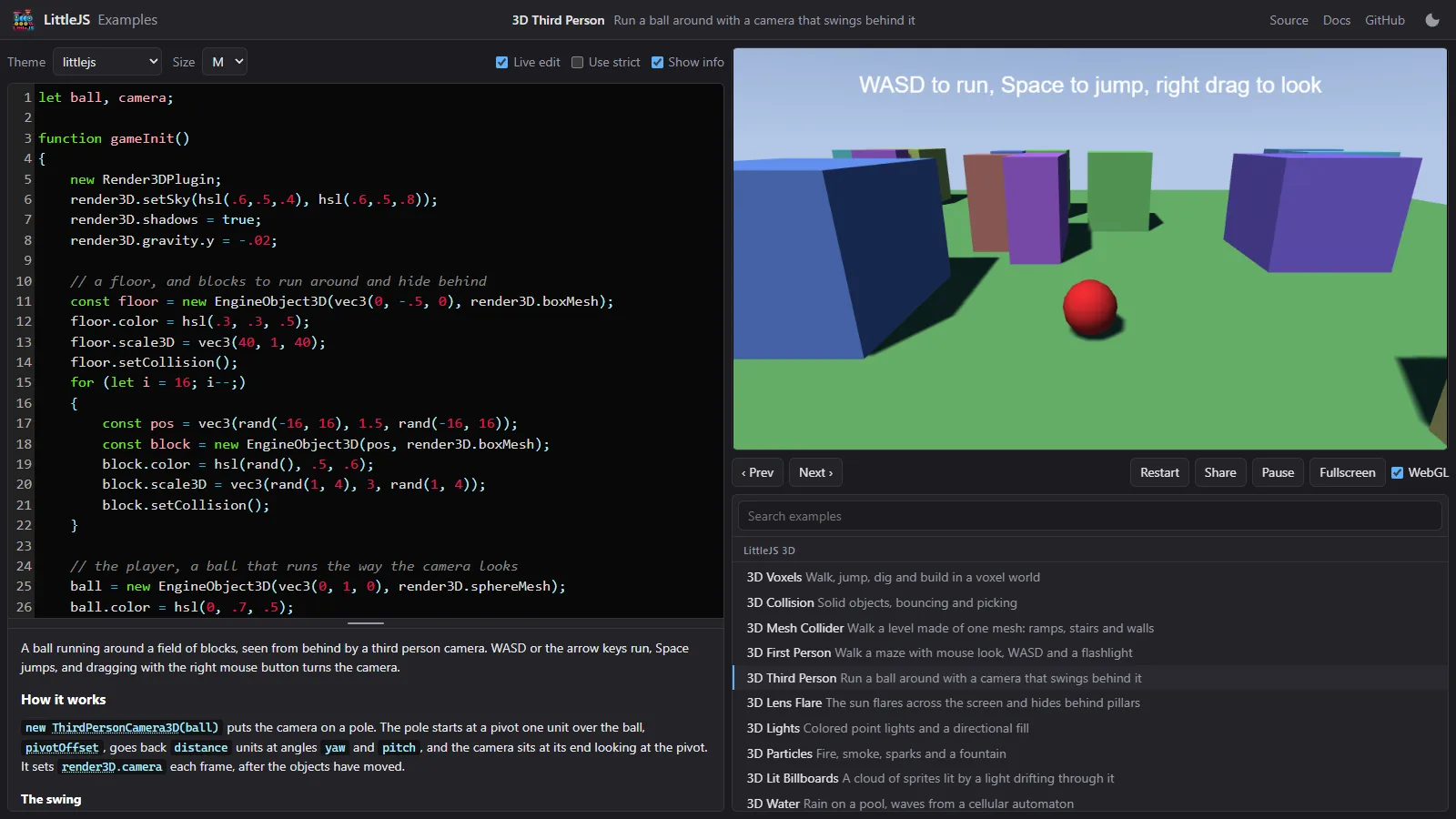
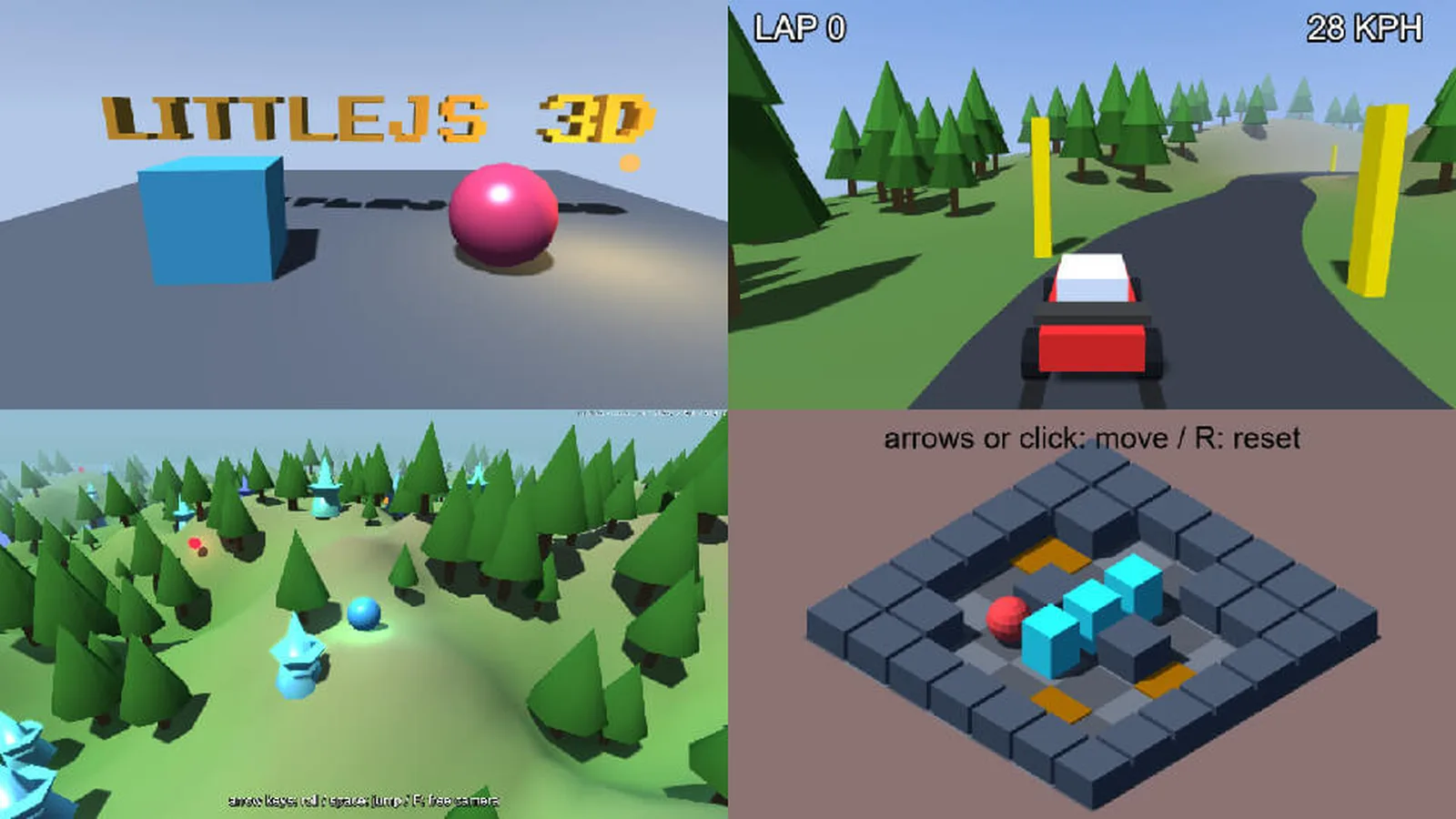
For 3D, ThirdPersonCamera3D sits behind the player, turns with the mouse or a gamepad and moves closer when a wall would block the view. The new “3D Third Person” demo shows it with a ball running through a field of blocks.
Screen shake done right
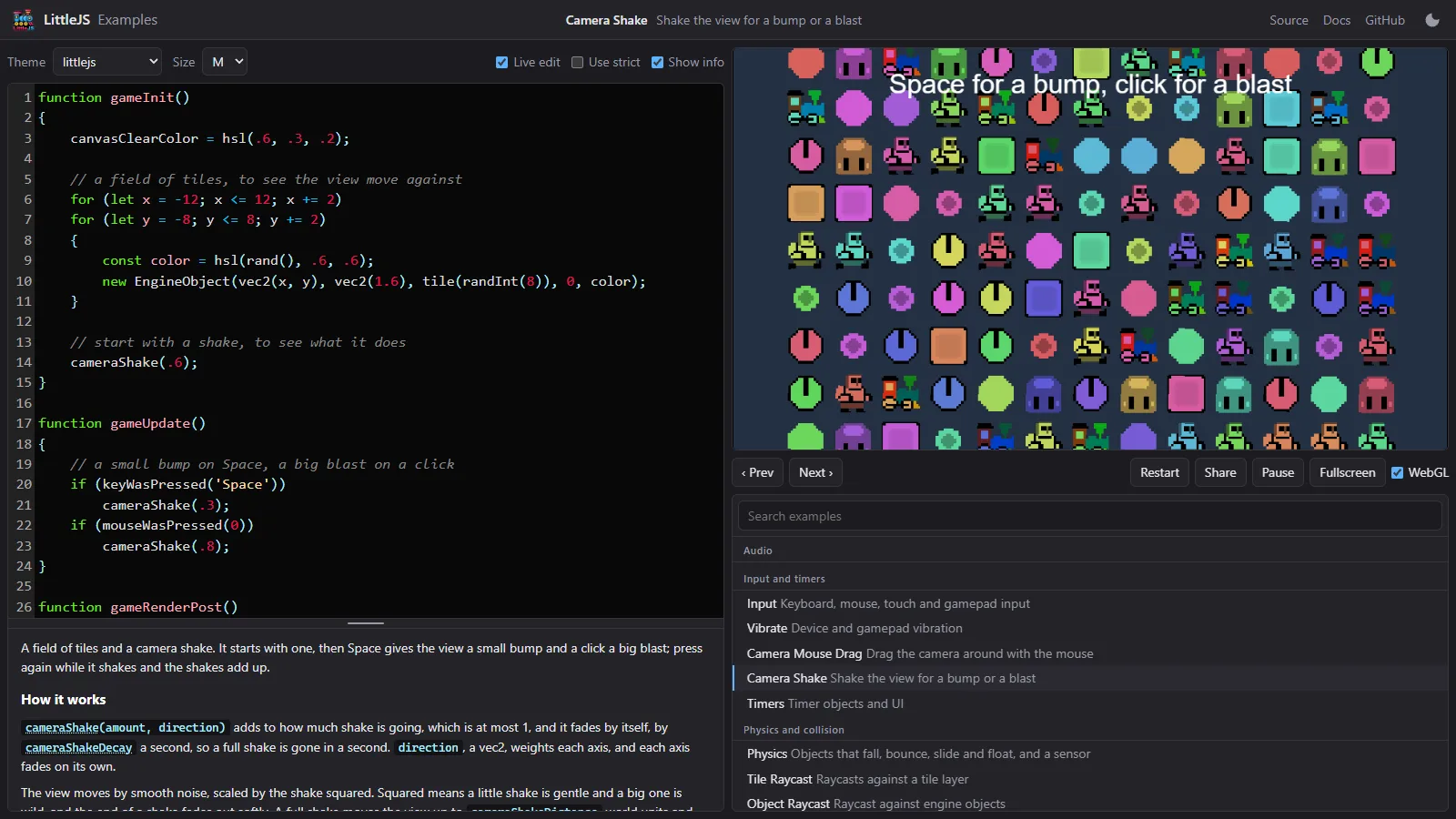
Screen shake is one of the cheapest ways to make a hit feel strong, and one of the easiest to overdo. In 1.28 you call cameraShake(amount) and the engine handles the rest: several shakes add together, then fade out by themselves. They also keep playing during a pause or a short “hit stop” freeze, which is when impact feedback matters most.
A few practical tips for using it in casual web games:
- Keep it short. A fraction of a second is enough; long shakes feel like a bug.
- Match strength to the event. A small bump for a jump landing, a bigger blast for an explosion.
- Never shake during reading or aiming. Text, menus and precise shots should stay steady.
- Offer an option to turn it off. Some players get uncomfortable with motion, so a simple toggle is good practice.
- Compare with no shake at all. Play the same moment both ways; if you cannot tell the difference, the shake is too weak, and if it hurts readability, it is too strong.
One-way platforms and conveyor belts with Box2D
LittleJS has its own light arcade physics, but it can also use Box2D (version 2.3.1 compiled to WebAssembly) through an optional plugin. Version 1.28 makes that plugin much friendlier for platformers.
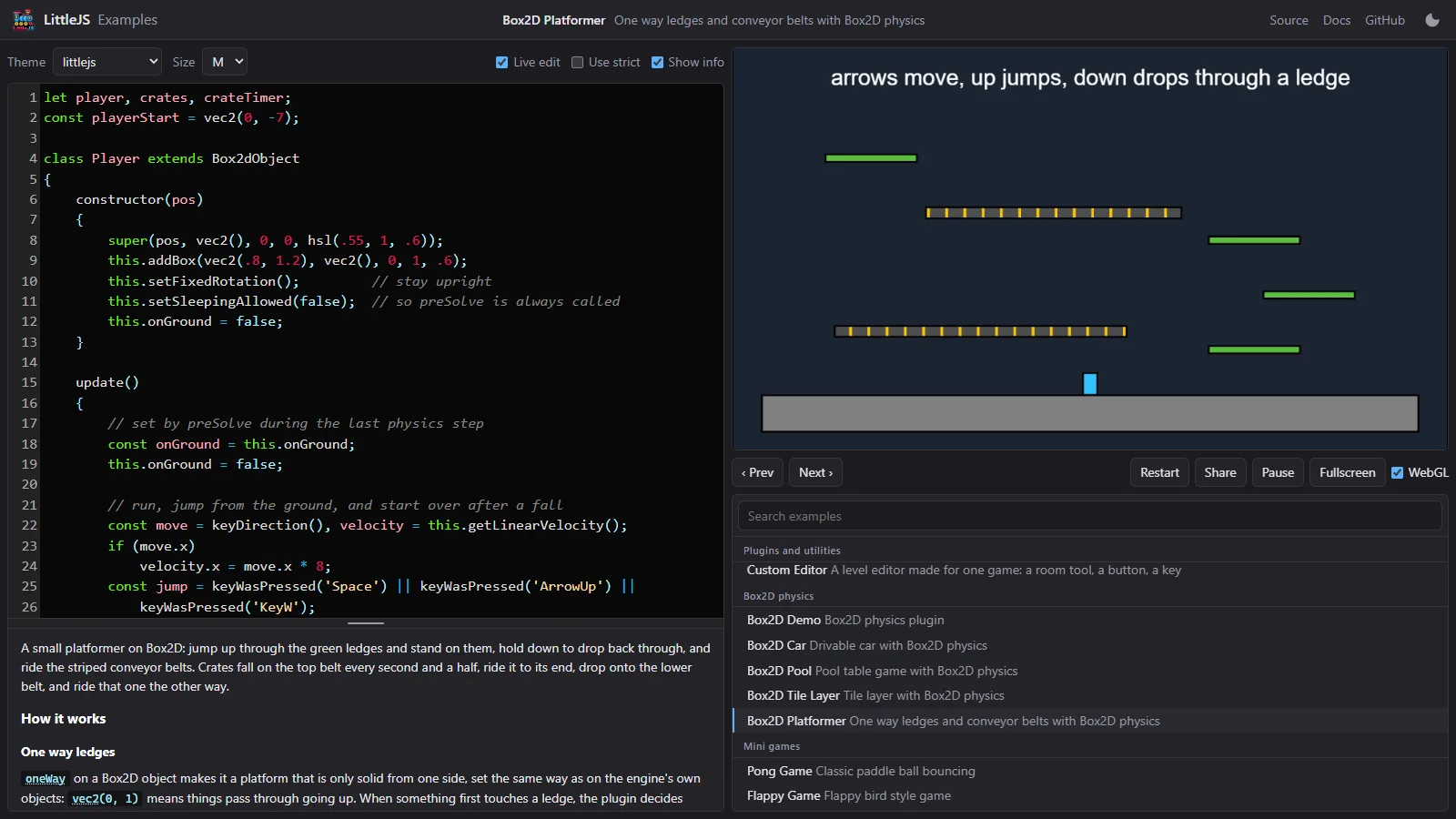
With oneWay platforms, the player can jump up through a ledge from below and press down to drop back through it, the classic behaviour from countless 2D platformers. setSurfaceSpeed turns any surface into a conveyor belt that carries the player and crates along. And beginContact now tells you where two bodies touched and how hard, so you can scale a sound or a particle burst to the impact. For special cases, preSolve lets you decide whether a contact should be ignored.
The new “Box2D Platformer” demo puts all of this together: one-way ledges, drop-through, conveyors and pushable crates.
How to try LittleJS 1.28 in five minutes
You do not need to install anything to see the new features. Open the official LittleJS example browser and pick “Camera Shake”, “Box2D Platformer”, “3D Third Person” or “Platforming Game”. The code is shown next to the running game, so you can read and play at the same time.
To start your own project:
- Install Node.js, then run
npx degit KilledByAPixel/LittleJS/examples/vite-starter my-game. - Or add the engine to an existing project with
npm install littlejsengine. - Serve the folder with a local web server; pages that load images or modules will not work from a plain file.
- Copy the pieces you need from the matching example, then tune the numbers until it feels right.
Upgrading from an older version? One change can break code: CameraControl3D and FirstPersonCamera3D now set the 3D camera after all objects have moved, not inside their own update(). If you call update() yourself and read the camera, call updateCamera() afterwards. Keep a working build before you upgrade, then test your core moves: jump, land, drop and restart.
Who should use LittleJS?
LittleJS fits developers who want to ship small, fast browser games without a heavy editor. It is a strong pick for game jams and size contests, for mobile web games where load time matters, and for learning, since the whole engine is readable JavaScript.
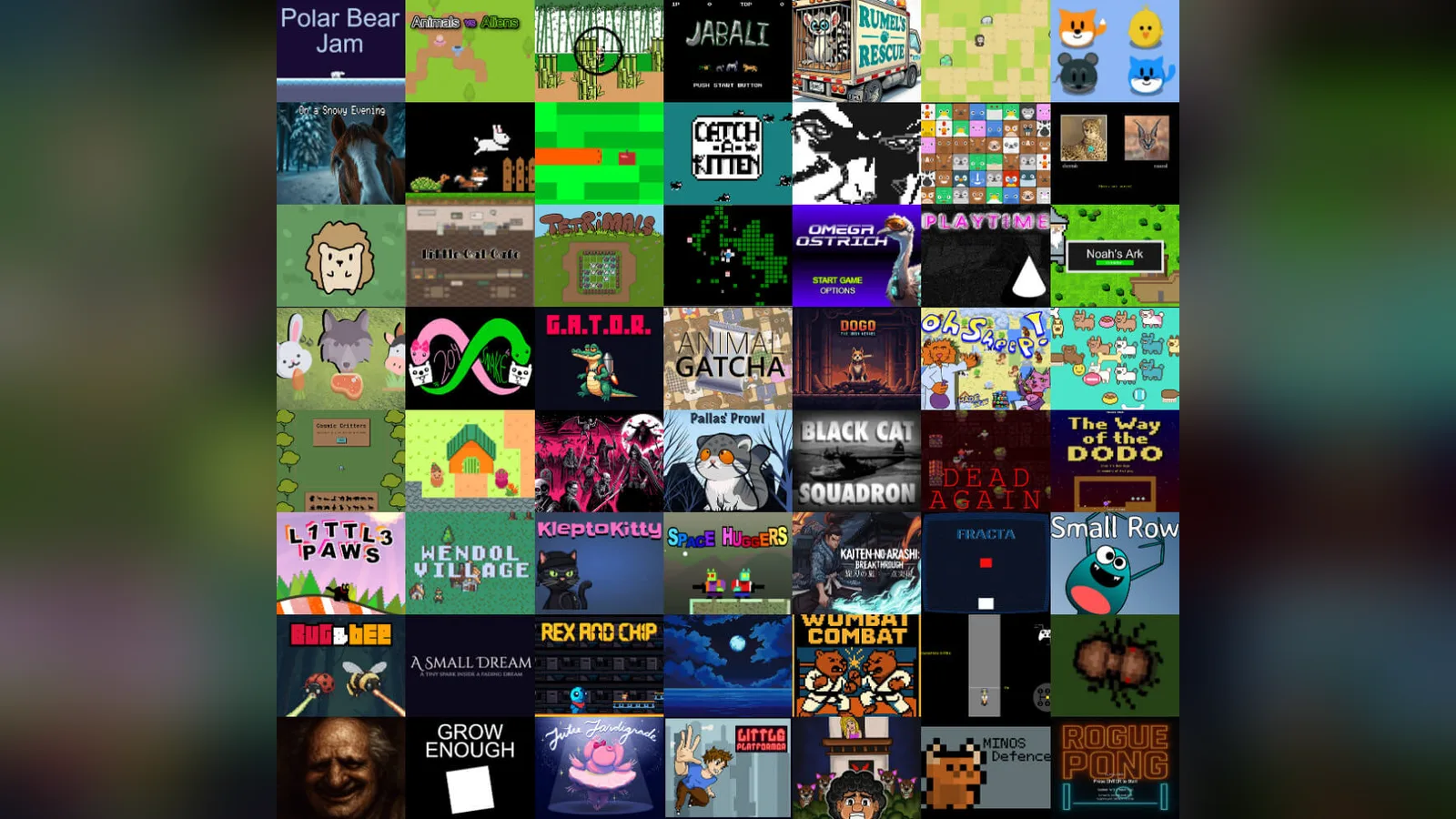
Games listed in the official README include Space Huggers, Black Cat Squadron and The Way of the Dodo (both placed fifth in js13kGames) and many jam entries. The project’s “LittleJS Arcade” also gathers more than 50 example games you can play in the browser.
If you need a large visual editor, a big asset store or console exports, a bigger engine may suit you better. If you want something you can understand end to end and ship as a tiny file, LittleJS is hard to beat.
FAQ
Is LittleJS free?
Yes. LittleJS is open source under the MIT licence, so you can use it in free and commercial games.
When was LittleJS 1.28 released?
Version 1.28.0 was published on GitHub on 20 October 2026.
Does LittleJS support 3D?
Yes. It has a built-in 3D renderer that shares the canvas with 2D content, with glTF and OBJ loading, terrain, shadow maps and, since 1.28, a third-person camera.
How do I add screen shake in LittleJS?
Call cameraShake(amount). Shakes stack, fade automatically and work in both 2D and 3D, with or without a camera object.
Can I make a mobile web game with LittleJS?
Yes. It supports touch input and includes an on-screen gamepad, and small 2D games bundle to around 26 KB gzipped, which helps loading on phones.