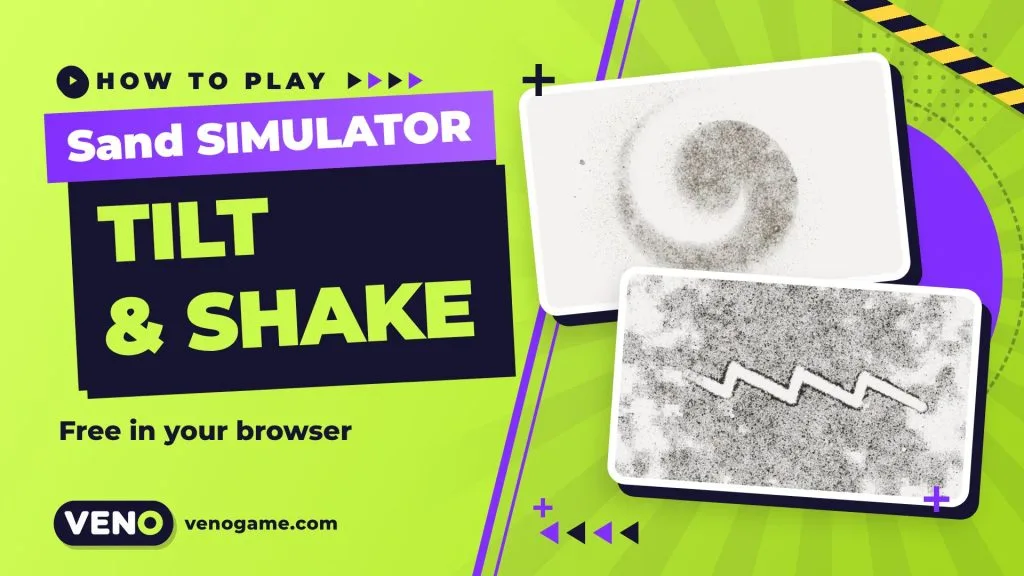
Sand is a free sand simulator that runs in your web browser. It fills your screen with hundreds of thousands of tiny grains that you can push with a finger, slide by tilting your phone and scatter with a shake. It is built with WebGL2 and JavaScript, and it works on phones, tablets and desktop computers with no download.
It is not a game with levels or a score. It is a calm digital toy, a bit like a zen sand tray, and it is surprisingly hard to put down. Below you will find how to play, what each option does, a few tips for nicer patterns and a short look at why it feels so real.
Sand at a glance
| What it is | Hyper-realistic sand simulator (relaxing toy, no levels) |
| Where to play | av.github.io/safe-sand in any modern browser |
| Price | Free on the web |
| Devices | Phones, tablets and desktops |
| Phone controls | Drag to draw, tilt to slide, shake to scatter |
| Desktop controls | Mouse drag to push, arrow keys or WASD to tilt, hold Space to shake |
| Built with | WebGL2 and JavaScript, simulated on the graphics chip |
| Source code | GitHub |
How to play Sand
When the page opens you see a small start card. You pick the sand, pick what lies “under” it and press Pour.
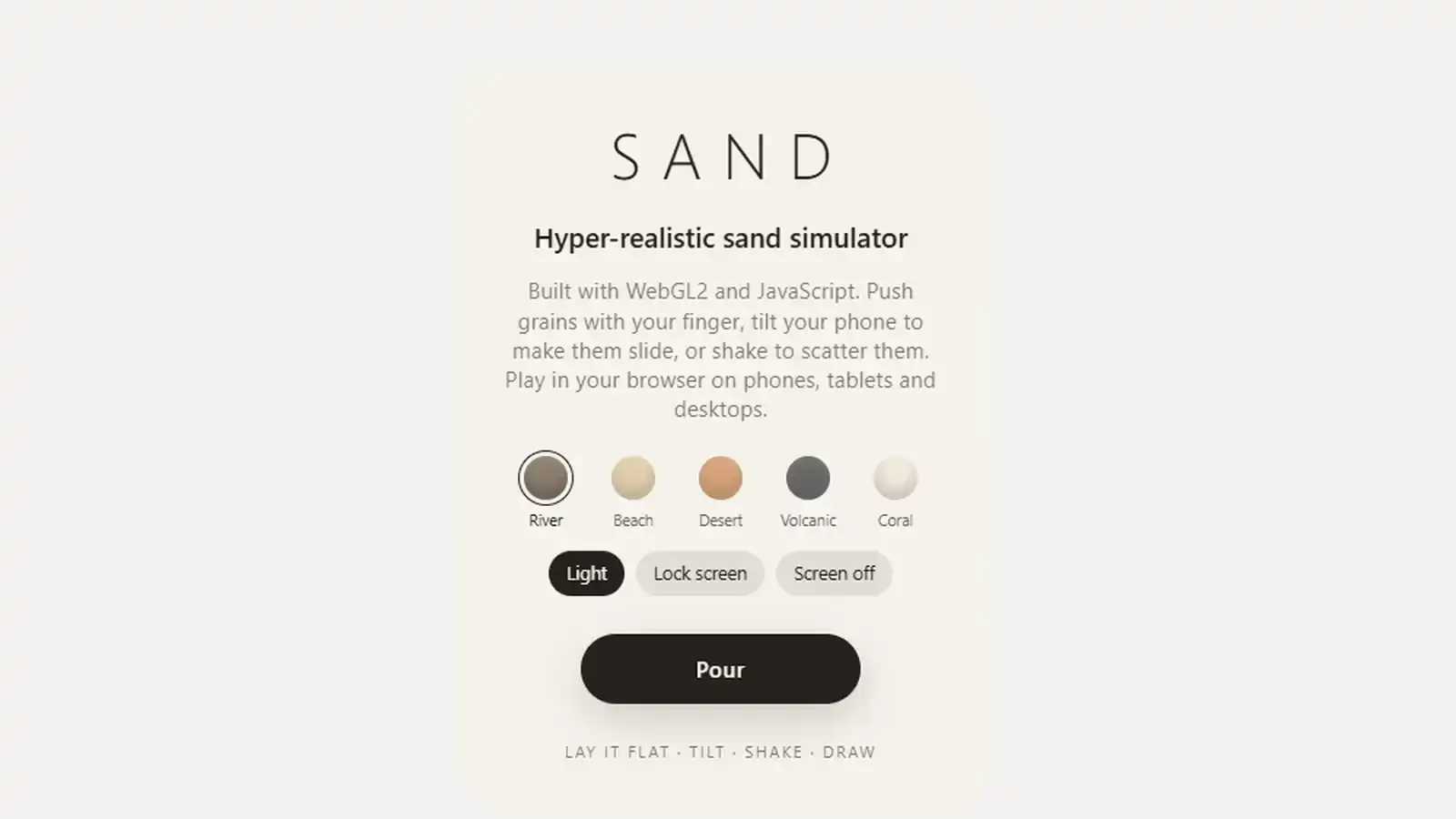
- Choose a sand type: River, Beach, Desert, Volcanic or Coral. Each has its own colour mix, from grey river grit to dark volcanic sand and pale coral.
- Choose what is under the sand: Light, Lock screen or Screen off. This changes the surface the grains sit on.
- Tap Pour. On an iPhone, allow motion access when asked, otherwise tilting will not work.
- Play. Drag a finger through the sand to plough a channel, tilt the phone to let it slide, shake it to throw grains around, or flip the phone face down and watch the sand fall off.
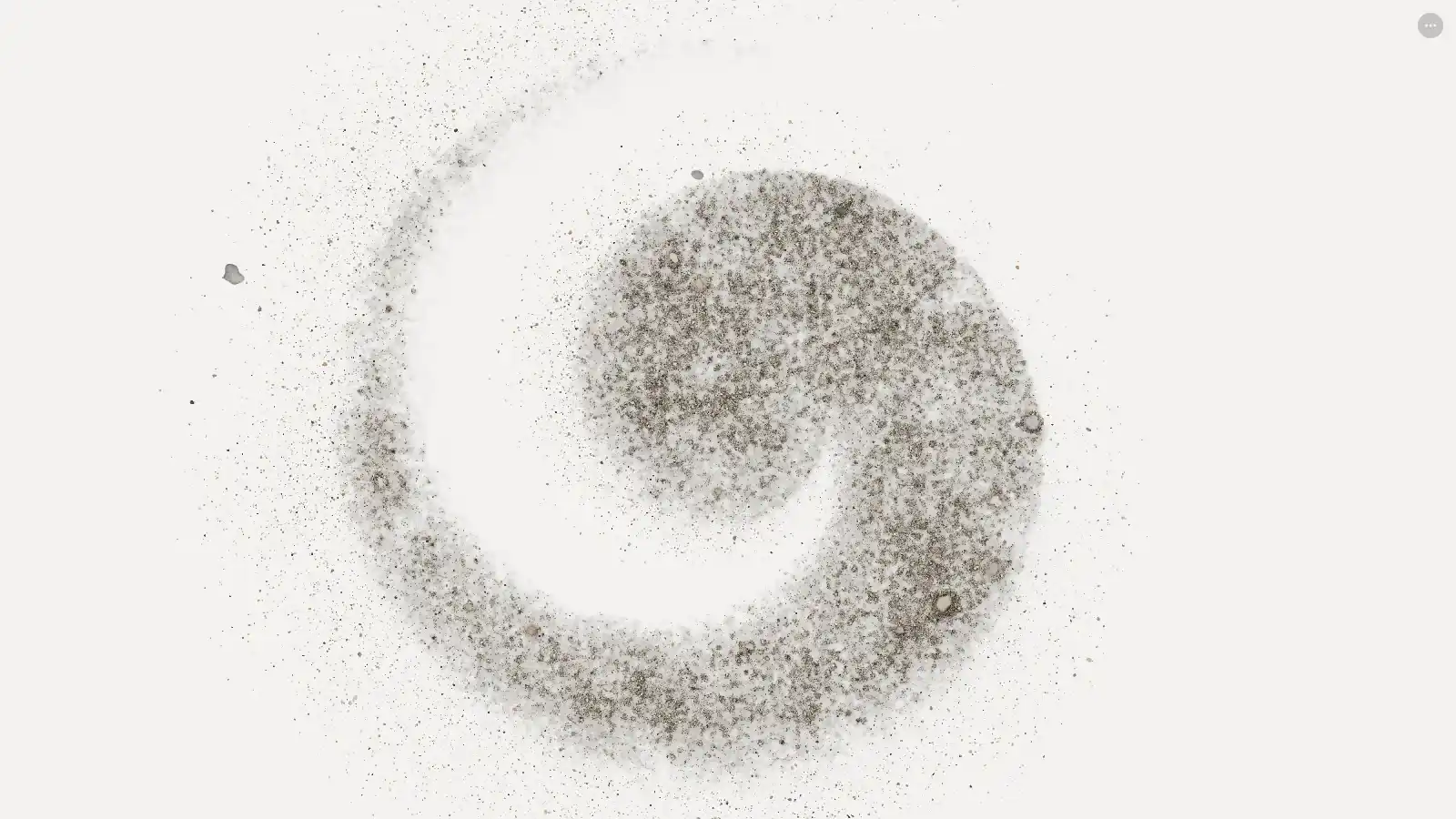
On a computer you use the mouse instead of a finger, the arrow keys or WASD to tilt the virtual tray, and you hold Space to shake it. The sand reacts the same way, but the phone version is the one the creator designed it for, because the motion sensors make the sand respond to your real hand.
Get true fullscreen on a phone
Browser bars take up space. For the full effect, add the page to your home screen: Share → Add to Home Screen on iOS, or Install app on Android. It then opens like an app, edge to edge.
What makes this sand simulator feel real
Most browser sand games you may know use a grid: each pixel is a “cell” that can be sand, water or empty, and simple rules move it down one step at a time. That style is great for building and mixing, but the sand looks like pixels. Sand takes a different route and tries to copy real sand.
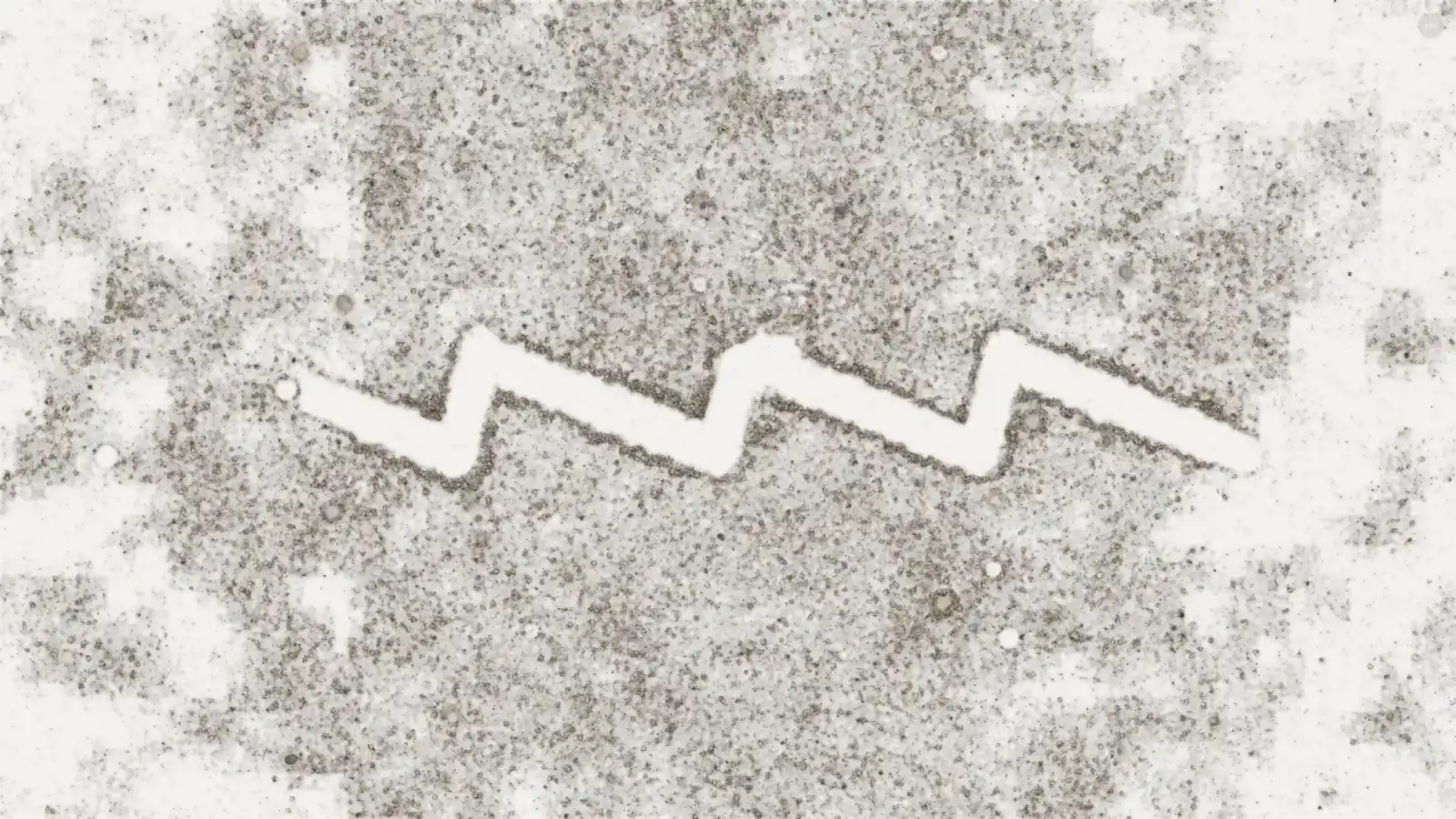
According to the project’s own description on GitHub:
- Every grain is simulated. Roughly 100,000 to 460,000 individual grains move on the graphics chip (GPU) at once.
- Real units. The simulation works in millimetres with real gravity (9.81 m/s²), so the speed and the slight lag of the sand match what you expect from the real thing.
- Each grain is different. Grains get their own size, mineral colour and friction. Loose grains roll and skitter, while a big pile stays put until you tilt past its angle of repose, the steepest slope a pile can hold before it slides.
- Light and shadow. The app builds a height map of the piles every frame, which gives slopes, self-shadowing and soft shading in the creases. The light direction follows the phone’s tilt, so shadows stretch and quartz grains glint as you move.
- Sound from the sand itself. The hiss is made from thousands of tiny clicks per second, depending on how much sand is actually moving. Pebbles make lower clicks. When nothing moves, the sound is completely silent.
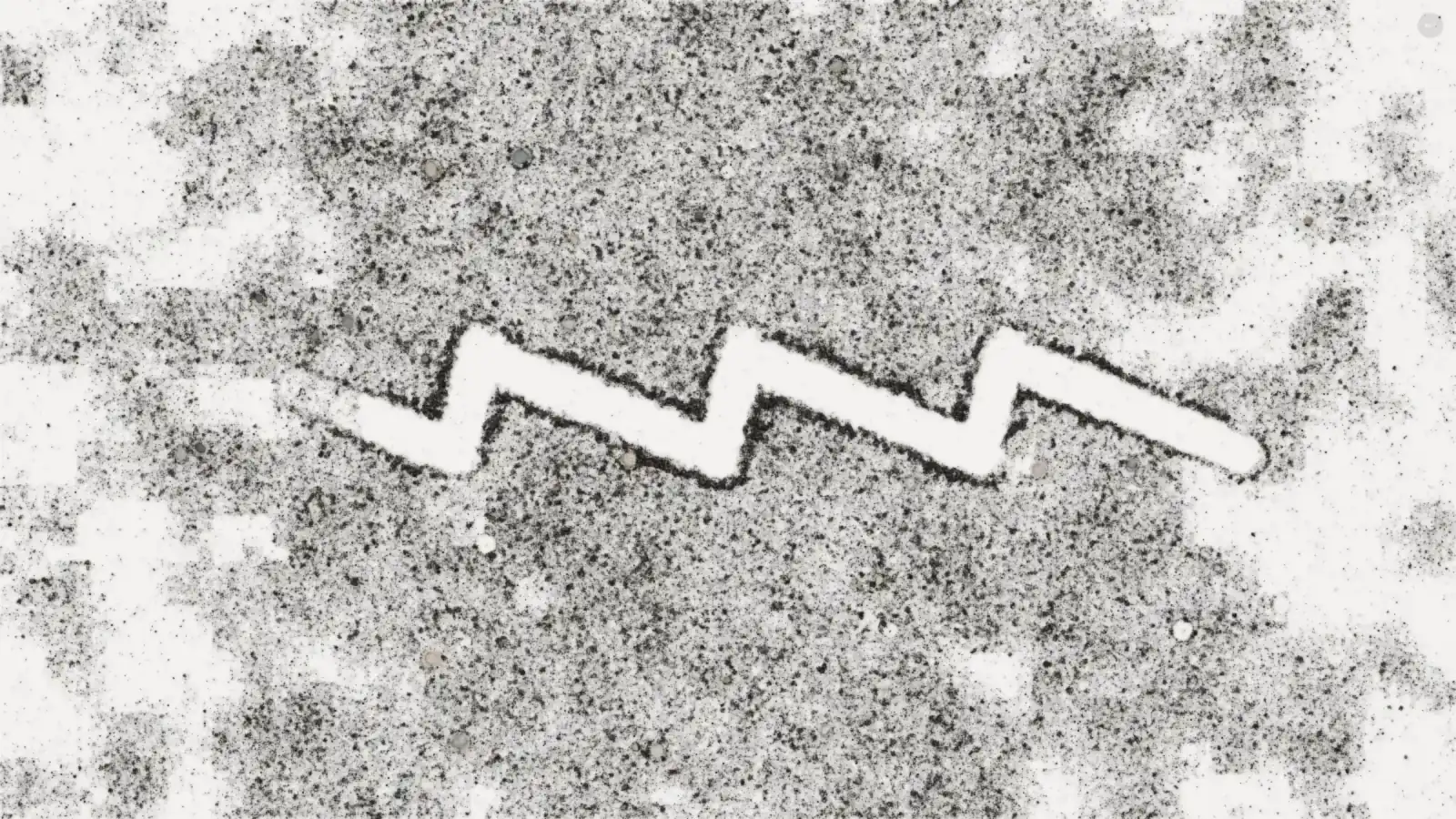
One more detail shows how far the realism goes: rotating the phone does not move the picture. The sand stays fixed to the glass, the way real sand in a tray would.
Sand types and backgrounds compared
| Sand type | Look | Good for |
|---|---|---|
| River | Grey-brown grit with small pebbles | Deep, clear channels |
| Beach | Light, warm tan | Soft, calm patterns |
| Desert | Orange-red grains | Strong colour contrast on a light surface |
| Volcanic | Dark grey to black | Sharp lines and bold shadows |
| Coral | Very pale, almost white | Subtle, delicate swirls |
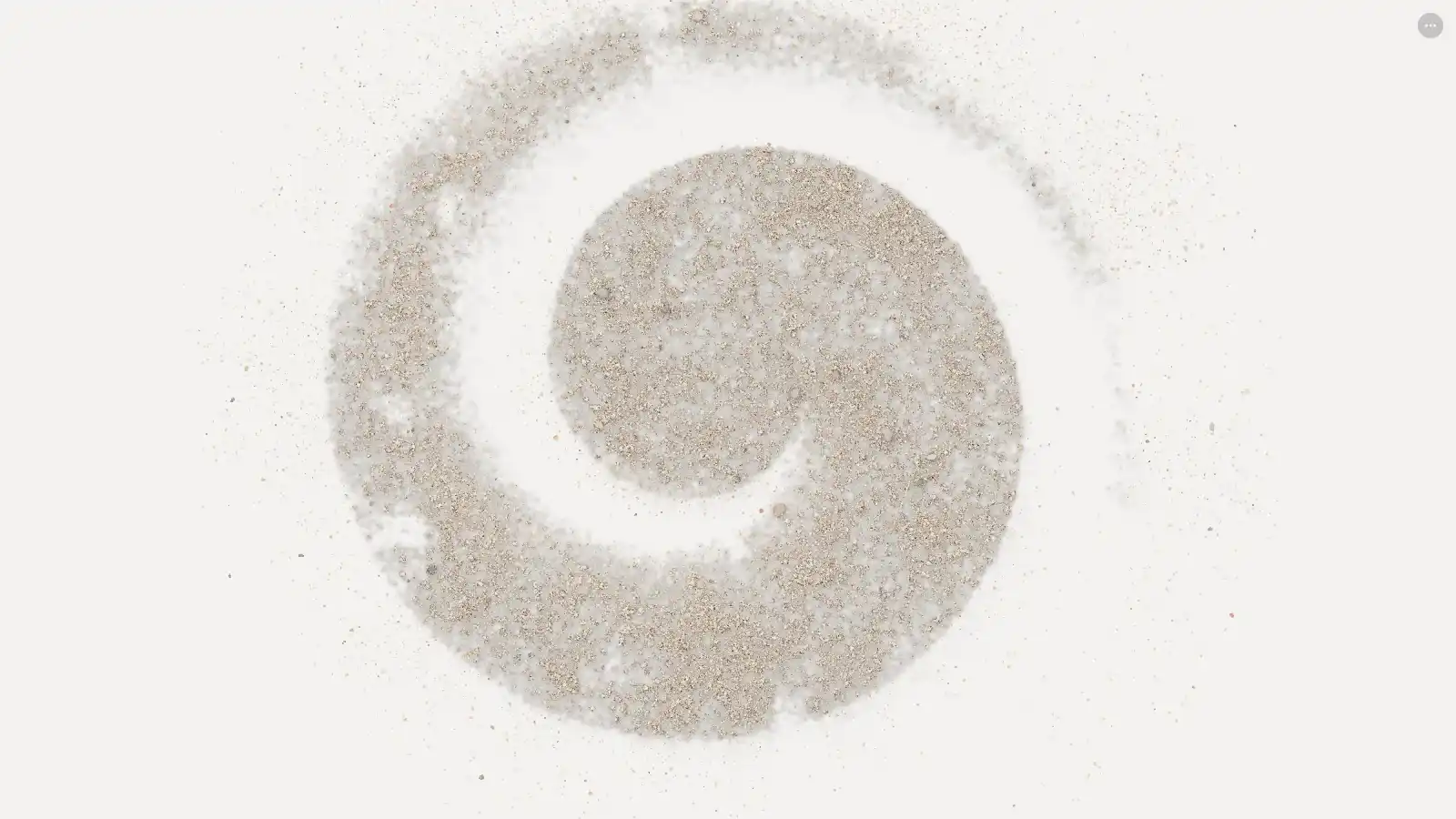
The “under the sand” option changes the surface the grains lie on: Light, Lock screen or Screen off. Try each one with the same sand type to see which look you like best.
7 tips for nicer sand patterns
- Pour, then wait a second. Let the grains settle before you draw, or your lines will fill back in.
- Draw slowly for clean edges. A slow finger leaves a crisp channel with neat walls; a fast swipe throws sand to the sides.
- Use small tilts. Tilt just past the point where the sand starts to move, then level the phone again. You can steer whole dunes this way.
- Shake to reset. A strong shake spreads the sand into a fresh, even layer for the next drawing.
- Pick volcanic sand for drawing. Dark sand on a light surface shows lines and shadows best.
- Turn the sound on with headphones. The audio is made from the moving grains, so you hear the difference between a slow slide and a sudden avalanche.
- Check Low Power Mode if it feels choppy. On iPhones, Low Power Mode caps browsers at 30 frames per second. The app detects this and does not reduce the sand because of it, but switching Low Power Mode off brings back the full frame rate.
If it runs slowly
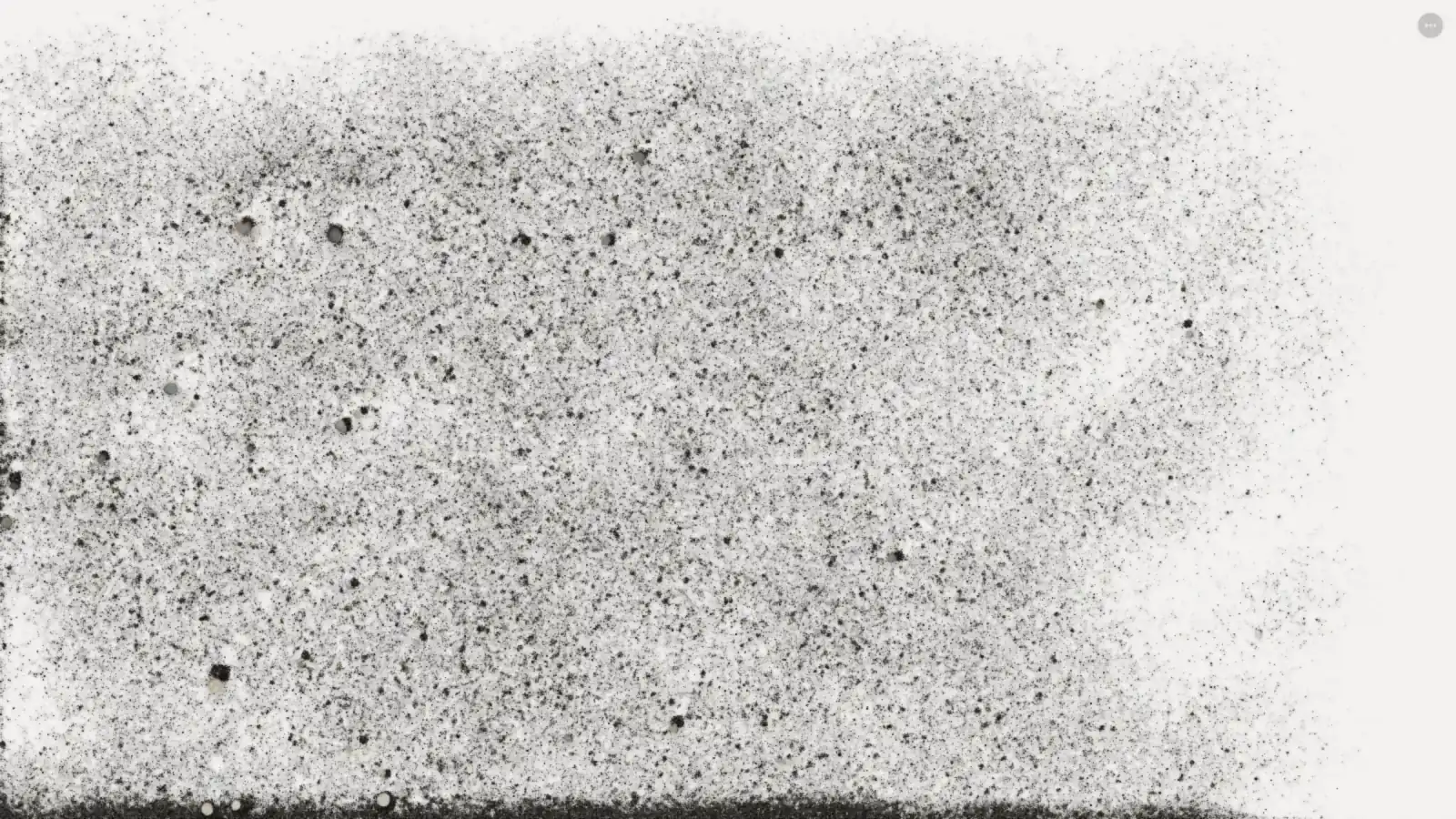
The app adjusts quality by itself. If frames run slow for two seconds, it first lowers the screen sharpness in steps, and only then reduces the number of grains. It remembers the level for your next visit. So on an older phone or a laptop without a strong graphics chip, the sand may look a little softer, but it will still move smoothly. The screenshots in this article were taken in a desktop browser with software graphics, which is why some areas look slightly blocky.
A short history of falling-sand games
Sand toys have been popular in browsers for about twenty years:
- 2005: a Java applet on a Japanese blog made the genre popular. A later expanded version, the “Falling Sand Game”, gave the whole genre its name.
- 2007: Powder Game added liquid simulation to the formula.
- 2010: The Powder Toy brought liquids and Newtonian gravity to desktop players.
- 2019: Sandspiel showed that a sand toy could run fast in the browser using Rust compiled to WebAssembly and WebGL. Its creator explained in his write-up that each element follows very simple rules on a grid; the fun comes from how neighbours interact.
- 2020: Noita by Nolla Games left early access on 15 October, as an action roguelite in which, in the studio’s words, “every pixel is physically simulated”.
Sand is a different branch of that family. Instead of many elements on a pixel grid, it focuses on one material, real grains measured in millimetres, and the feeling of holding a tray in your hands.
What web game developers can learn from it
- WebGL2 is enough for heavy simulation. Hundreds of thousands of particles run in a normal browser tab, no native app needed.
- Use the sensors. Tilt and shake through device motion make a toy feel physical. Remember that iOS asks for permission, so start the sensors from a button tap.
- Adapt quality, do not guess it. Measure frame time, check whether the browser simply caps the frame rate, then step quality down in small stages and remember the result.
- Sound should follow the simulation. Audio generated from what is actually moving sounds more natural than a looping sample.
- Keep it simple to host. The project has no build step: any static file server can host it.
FAQ
Is the Sand simulator free?
Yes. The web version at av.github.io/safe-sand is free to play in your browser, with no download or account.
Does Sand work on a PC?
Yes. Drag with the mouse to push sand, use the arrow keys or WASD to tilt and hold Space to shake. The phone version feels more natural because it uses motion sensors.
Why doesn’t tilting work on my iPhone?
iOS needs your permission to share motion data with a web page. Tap Pour and allow motion access when the prompt appears.
Is Sand a game with levels?
No. It is a relaxing sandbox toy. There is no score, timer or goal; you simply draw, tilt and shake.
What is a falling-sand game?
It is a type of simulation game where many small particles, such as sand, water or fire, follow simple physics rules and interact with each other. Powder Game, The Powder Toy and Noita are well-known examples.
How many grains does Sand simulate?
Its creator says roughly 100,000 to 460,000 grains, depending on your device.