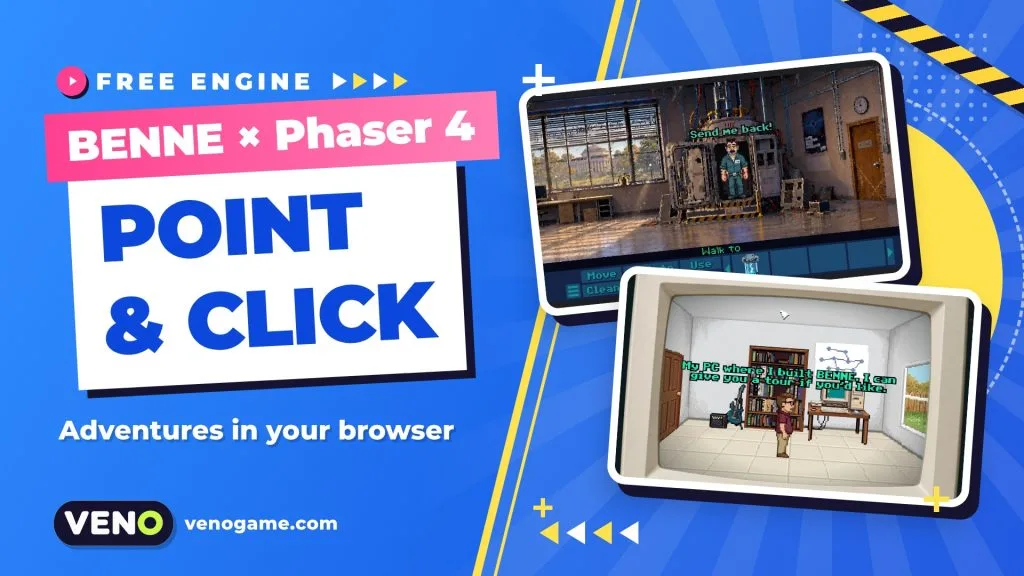
BENNE is a free point and click game engine for the web. It is built on Phaser 4 with a TypeScript core and comes with its own Visual Studio Code editor, so you can make a classic adventure with rooms, verbs, inventory and dialogue, then publish it as a browser game. The engine is made by the developer Bennethon and is released under the MIT licence.
If you grew up with pixel-art adventures where you clicked “Look at” on everything, BENNE tries to give you that feel with modern web tools. This guide covers what is inside, how to create your first project and how to put the finished game on itch.io.
BENNE at a glance
| What it is | Engine + VS Code editor for point-and-click adventure games |
| Made by | Bennethon |
| Built on | Phaser 4, TypeScript, Vite |
| Licence | MIT (free, open source) |
| Runs in | Any modern browser; Windows desktop builds are optional |
| Latest release | v0.1.3 (25 October 2026) on GitHub |
| First game made with it | Hank Steele and the AI Apocalypse (jam game, free) |
| Official site | benne.games |
The version number tells you something important: BENNE is young. The first 0.1 release appeared in October 2026, so expect changes between versions and read the release notes before you update an existing project.
What a point-and-click engine does for you
A point-and-click adventure looks simple on screen, but under the hood it needs a lot of plumbing: a character who walks around obstacles, hotspots you can click, a verb system, an inventory where items can be used on other things, branching conversations, cutscenes and save games. A general engine like Phaser gives you sprites, input and sound, but not these adventure rules.
BENNE adds that layer on top of Phaser 4. According to its official guide, it is inspired by Adventure Game Studio and LucasArts’ SCUMM engine, and it ships with:
- Rooms, characters, inventory and dialogue as ready-made building blocks.
- Dialog trees with state tracking, so options can appear or disappear as the story moves on.
- Region-based perspective scaling and tinting, so a character shrinks as they walk “into” the scene.
- Inventory use-on-target, cutscenes, screen fades, character following and saved speech/audio settings.
- Music, sound effects, voiced dialogue and video cutscenes, all referenced by named assets that autocomplete.
- A JSON-driven interface system with 9-slice images, buttons, sliders, list boxes and text inputs.
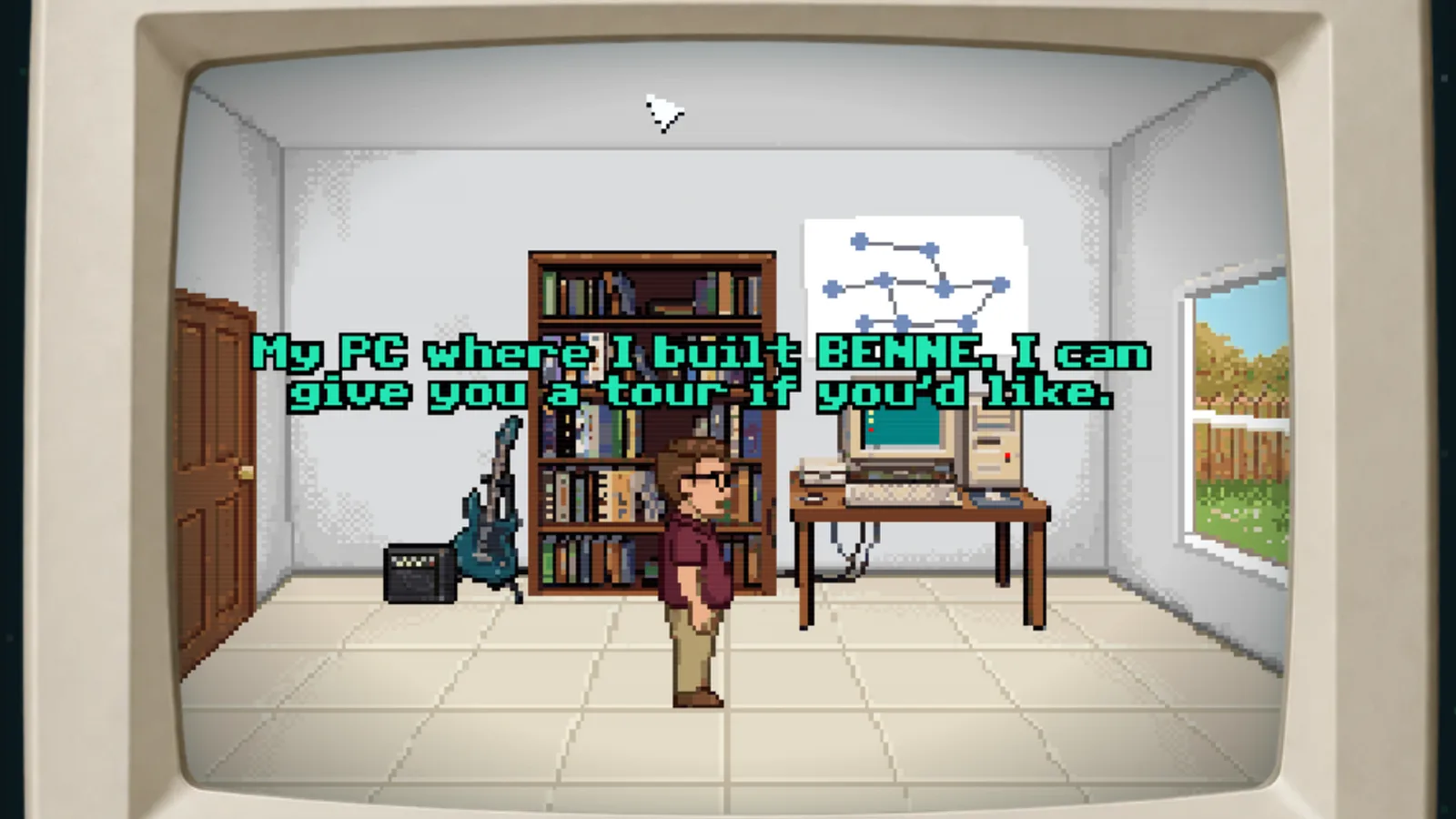
You can try this yourself: the official homepage has a small playable demo in which you walk around the developer’s office.
Verbs, styles and the “opinionated” rules
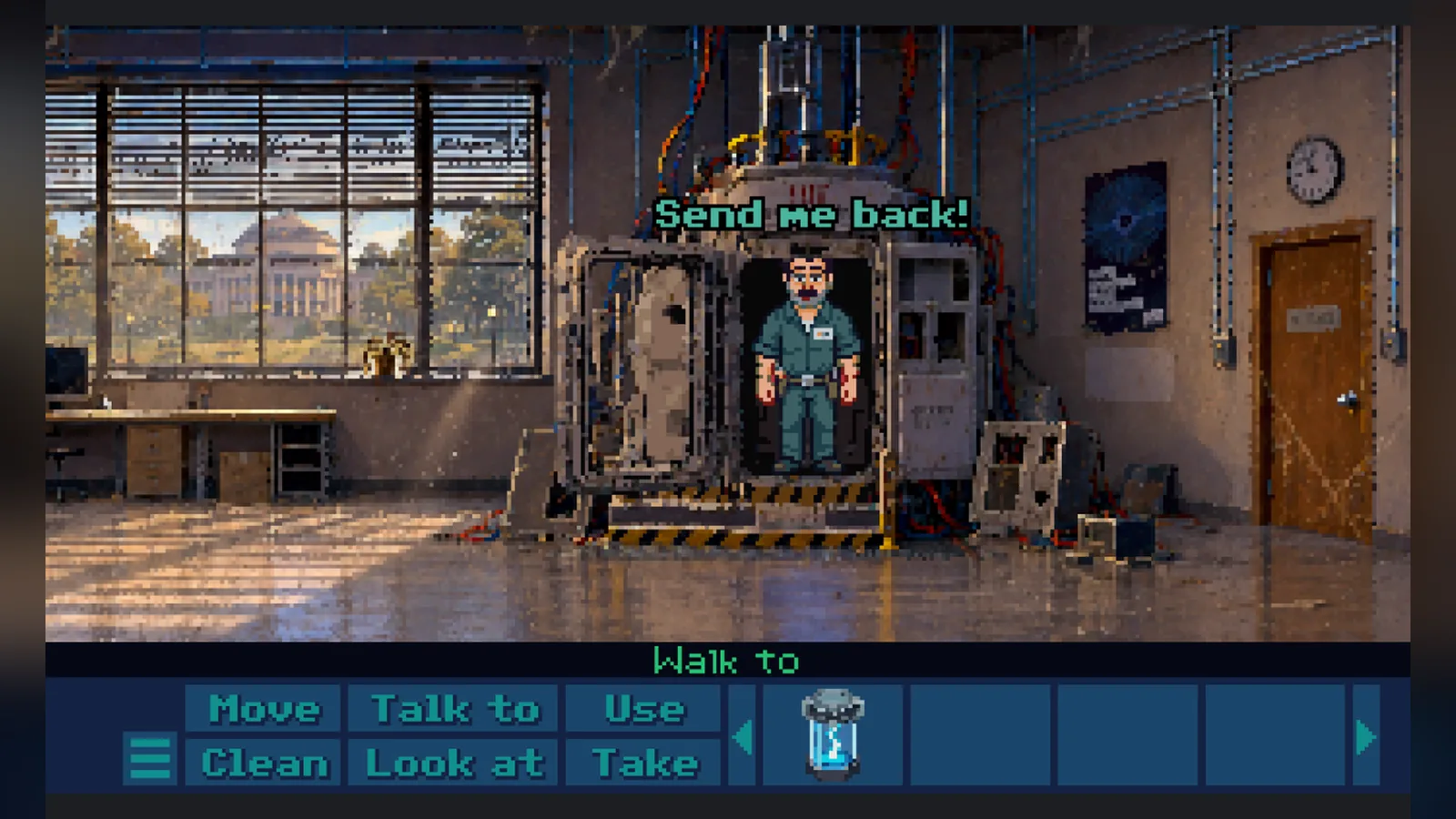
Interaction styles are defined in a game-config.json file. That means one engine can make a classic nine-verb game with a LucasArts-style bar (“Walk to”, “Look at”, “Use”…), a modern two-click game (left click to act, right click to look) or a Sierra-style or hybrid setup.
BENNE is also deliberately strict in a few places, which keeps projects consistent:
| Area | BENNE’s rule | What it means for you |
|---|---|---|
| Sprites | Aseprite sprite sheets with tagged animations | Animate in Aseprite; other import workflows are on the roadmap |
| Text | Bitmap fonts only | Crisp pixel text at every scale |
| Resolution | Low internal resolution, usually 320×240 to 640×480 | Integer or near-integer scaling for sharp pixel art |
| World shape | Polygons for walkable areas, hotspots and regions | No tile maps or grids; you draw shapes in the editor |
| Scripts | BenneScript lines run in order | A walk or a line of speech finishes before the next line starts |
If you want a free-form engine for any genre, these limits may feel tight. If you want to make a retro adventure quickly, they remove a lot of decisions.
How to start your first BENNE project
The official installation guide lists three things you need: Visual Studio Code 1.106 or newer, a current LTS version of Node.js and, recommended, Aseprite for your sprites. Then:
- Open the Extensions view in VS Code, search for BENNE Editor and install it. A BENNE icon appears in the Activity Bar.
- Open the Command Palette and run BENNE: Create New Game.
- Pick a template: 9-verb (classic verb bar), 2-click (minimal controls) or Blank (empty, not recommended for beginners).
- Name the project and choose a folder. The extension scaffolds the files and runs
npm installfor you. - Open the new folder and run
npm run devfor a hot-reloading development server.
All of your own content lives in src/game/: rooms, characters, interfaces, inventory, dialogs, assets and game-config.json. Engine folders are managed by the editor, so engine updates do not overwrite your story.
What BenneScript looks like
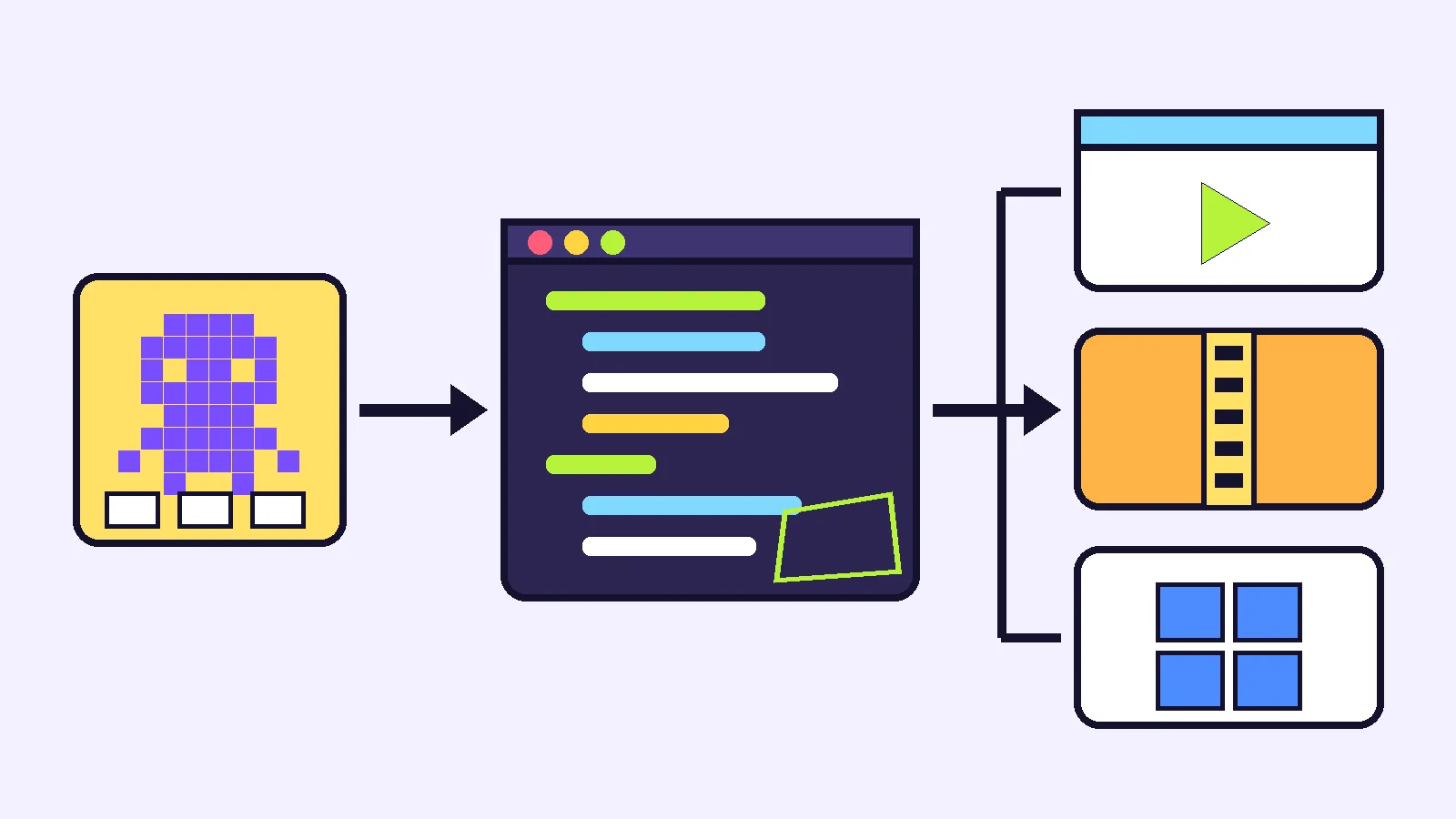
Scripts are TypeScript, but BenneScript lets you write adventure logic almost like a play script. A line such as Hank: `It's open!` makes the character speak, and you do not need to write await for every action. A typical door script walks the player to the door with walkToClicked(), removes the key with inventory.remove(items.key), plays a sound, waits with wait(0.75) and changes the door animation.
A few more commands from the official guide:
rooms.<name>.goTo()moves to another room.cutscene(() => { … })wraps a scene that players can skip with Esc..now,together(…)andbackground(…)let several actions happen at once.npm run lintchecks your scripts for common mistakes.
Rooms, props, items and sounds are typed names generated from your content, so the editor autocompletes them and catches typos early.
Publishing a BENNE game to itch.io and Windows
Shipping is where BENNE is most useful for web game developers, because it handles the details that often break HTML5 uploads.
- Run
npm run build:itchin the game folder. It type-checks, builds, checks itch.io’s file count and size limits and writesreleases/<package-name>-itch.zip. - Test the production build with
npm run preview. Openingdist/index.htmldirectly will not behave like real web hosting. - On itch.io, upload the ZIP as an HTML project and tick “playable in the browser”. The
index.htmlfile is already at the root of the ZIP. - Optional: run
npm run build:windowsfor a portable Windows ZIP that bundles Electron. Players unzip it and run the.exe, with no Node.js needed. Upload it as a separate file marked Windows.
Two practical notes from the guide: Windows builds are unsigned, so test them on a real Windows PC first, and browser and desktop saves are stored separately. In scripts, game.isDesktop tells you which build is running, which is handy for hiding a “Quit” button in the browser.
Hank Steele: what a 14-day BENNE game looks like
The first game built with BENNE is Hank Steele and the AI Apocalypse, a comedy adventure about a janitor who travels ten years into the future, where AI has taken over, and has to repair a time machine to get home. Bennethon made it in 14 days for the $110 Adventure Game Challenge, a jam with the theme “Delayed Consequences”. It is free on itch.io, plays in the browser or on Windows and takes about half an hour.
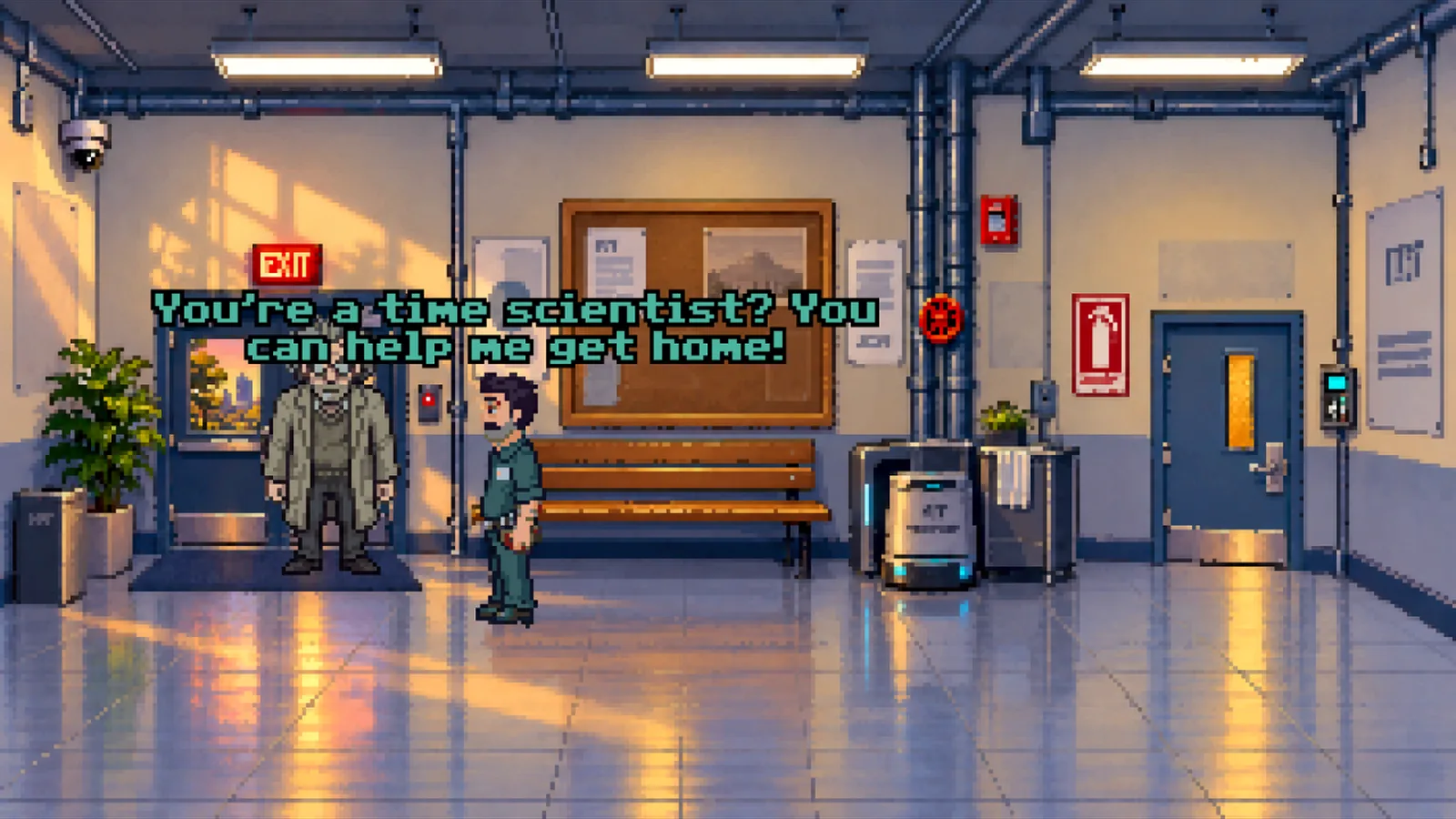
The itch.io page states that AI tools assisted with the game’s code, graphics and sounds. BENNE itself does not require AI; you can draw every frame by hand in Aseprite.
Who should try BENNE
- Adventure fans who code a little: the templates and BenneScript keep the focus on puzzles and jokes.
- Web game developers: you get a Phaser 4 and TypeScript project you can read and extend, plus a clean itch.io export.
- Game jam teams: a 14-day jam game already exists, so a short timeline is realistic.
It is less suited if you need tile-based worlds, high-resolution art or a stable 1.0 engine for a long commercial project today.
FAQ
Is BENNE free?
Yes. The official site lists BENNE under the MIT licence, so you can use it for free, including in your own games.
Do I need to know Phaser to use BENNE?
No. BENNE handles rooms, verbs, inventory and dialogue for you. Knowing TypeScript helps, and Phaser knowledge is useful if you want to extend the engine.
Can BENNE games run on phones?
BENNE builds run in any modern browser. The engine is designed around mouse-style pointing, so test touch controls on a phone before you promise mobile support.
What resolution should a BENNE game use?
The guide suggests a low internal resolution, usually between 320×240 and 640×480, scaled up by whole numbers so the pixel art stays sharp.
How do I upload a BENNE game to itch.io?
Run npm run build:itch, upload the ZIP from the releases folder as an HTML project and mark it playable in the browser.
Where can I learn more?
Start with the official BENNE guide, the publishing guide and the source code on GitHub.