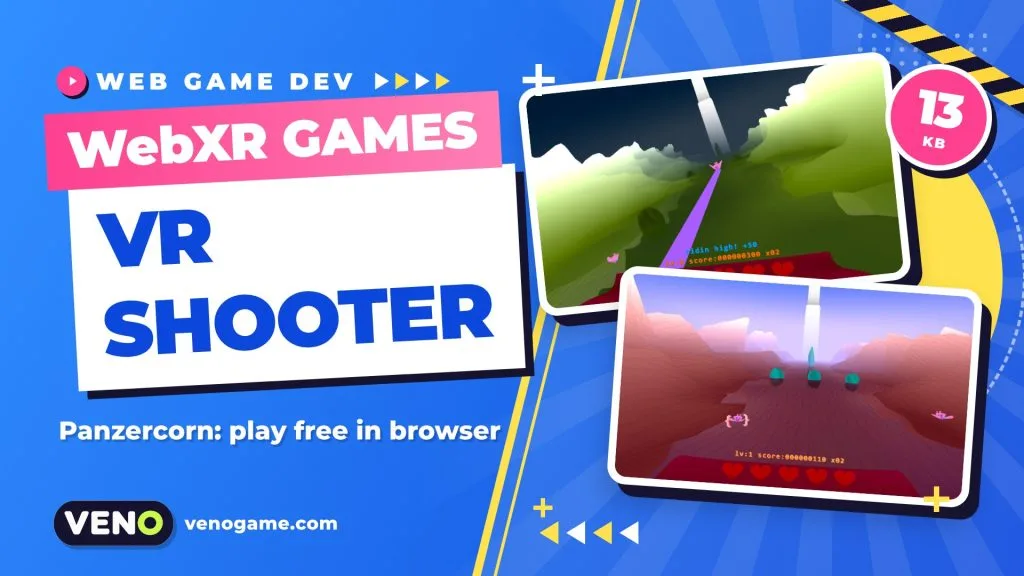
WebXR games are games that run inside a web browser and can switch into a VR headset with one tap, with nothing to install. Panzercorn is one of the best recent examples: a magic-carpet rail shooter made for js13kGames 2026 that plays in VR, on desktop and on phones, and still fits into a 13,309-byte ZIP file.
This guide explains what WebXR is, how to play Panzercorn on each device, and which techniques web developers can borrow from it.
Panzercorn at a glance
| Game | Panzercorn |
| Developer | Chris Subagio |
| Made for | js13kGames 2026 (categories: Desktop, Mobile, WebXR) |
| Genre | First-person arcade shooter (action, arcade, shooter) |
| Platforms | WebXR VR headsets (hand tracking or controllers), desktop browser, mobile browser in landscape |
| Size | 13,309 bytes zipped (limit: 13,312 bytes) |
| Price | Free, plays in the browser |
| Result | 2nd in the overall score, 4th in graphics |
| Play / code | Play Panzercorn · Source code on GitHub |
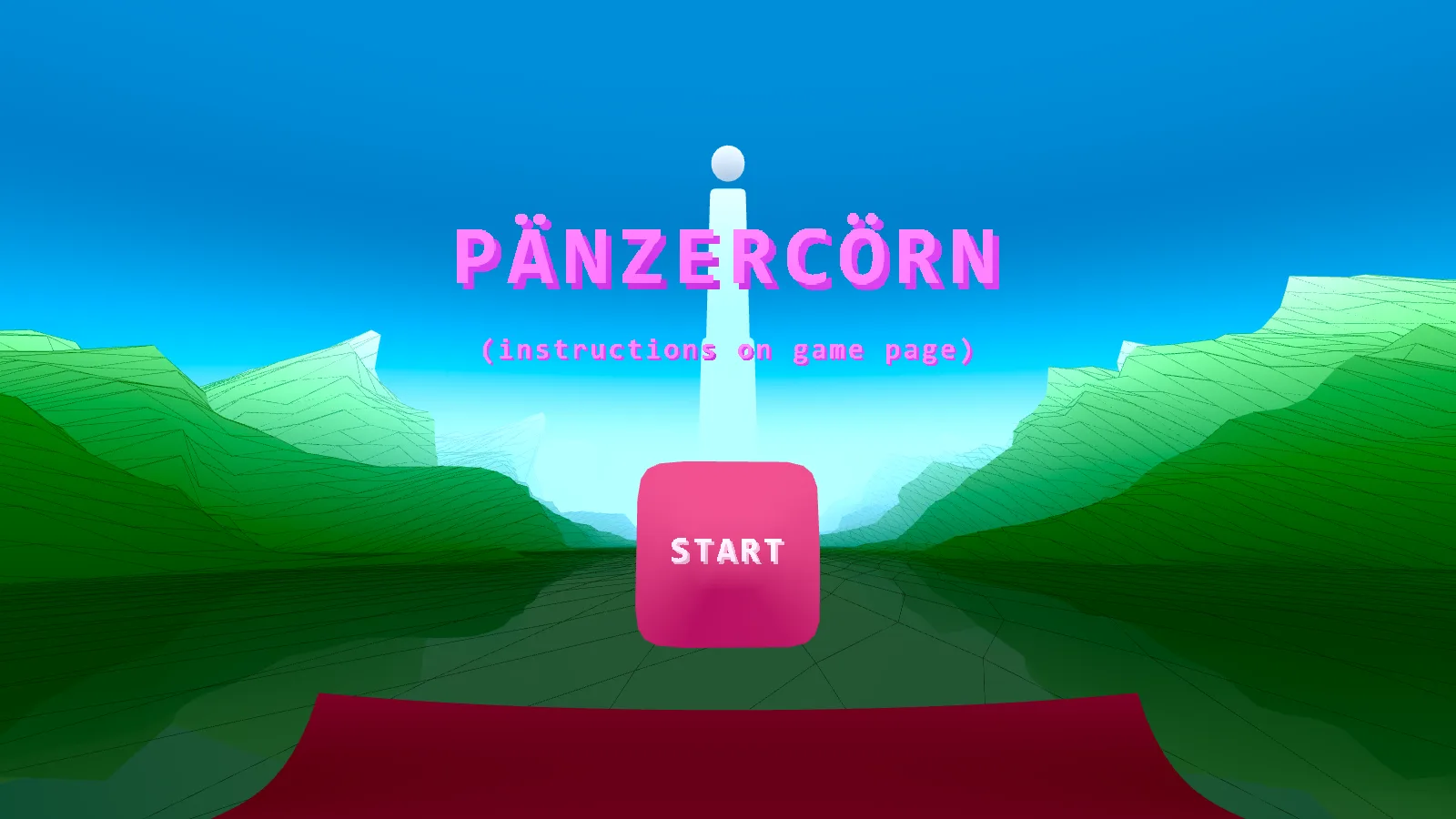
What are WebXR games?
WebXR is the browser standard that lets a web page render a 3D scene to virtual reality and augmented reality hardware. According to the MDN guide to the WebXR Device API, it picks the output device, renders the scene at the right frame rate and tracks motion controllers. It replaced the older WebVR API, which only handled VR.
For players, that means a WebXR game is just a link. You open it in a headset’s browser, press a button, and the page becomes a full VR scene. For developers, it means one build can reach a headset, a laptop and a phone.
A few things to know before you start:
- WebXR only works on secure pages (HTTPS).
- It is still marked as experimental and is not supported in every major browser, so good WebXR games also offer a normal screen mode.
- On Meta Quest headsets, tracked hands show up to a web page as an input source next to the controllers, with the poses of 25 joints per hand, as described in Meta’s WebXR hands documentation.
Panzercorn uses all of this: hand tracking when you have it, controllers when you do not, and mouse or touch when there is no headset at all.
How to play Panzercorn
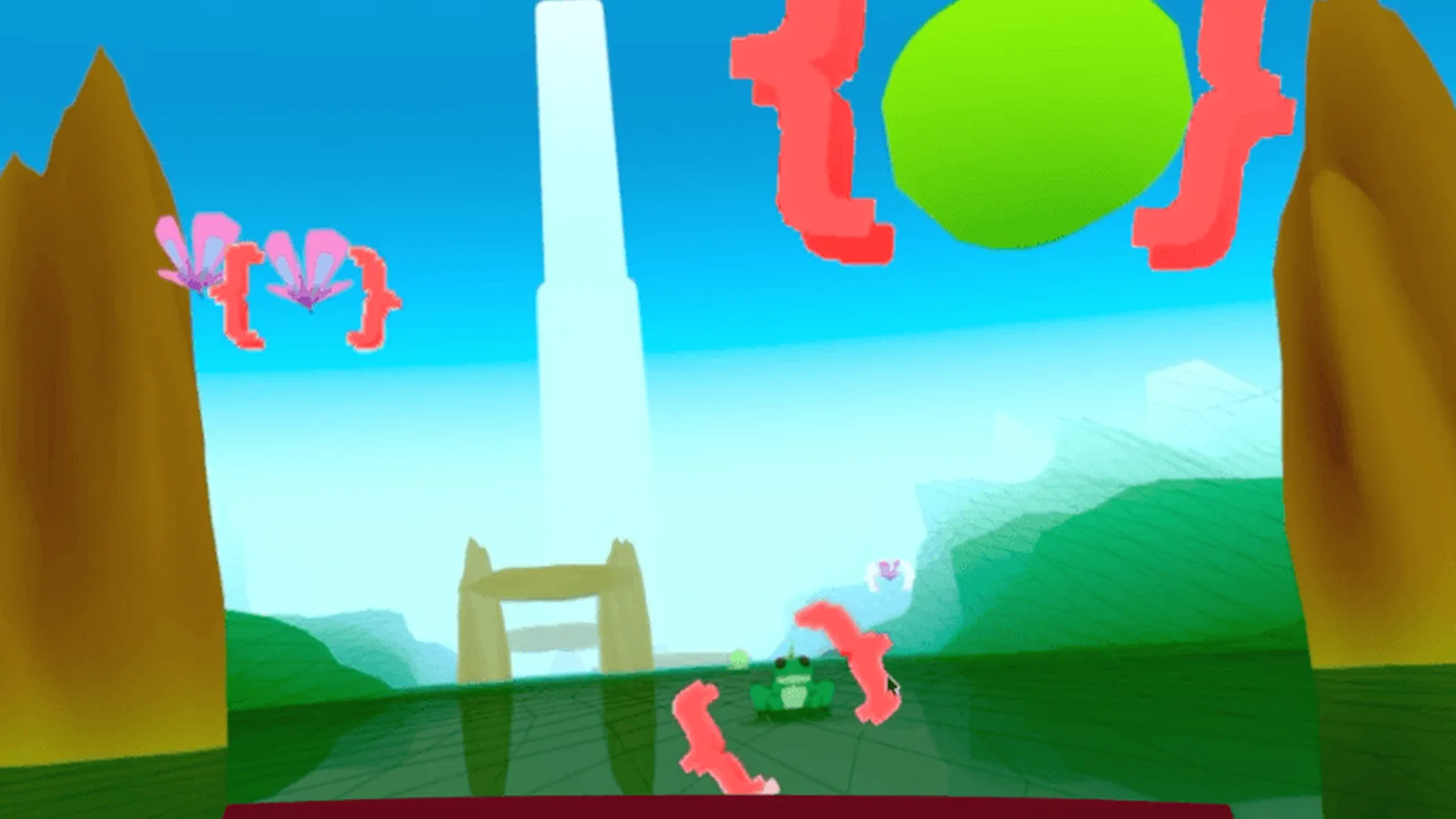
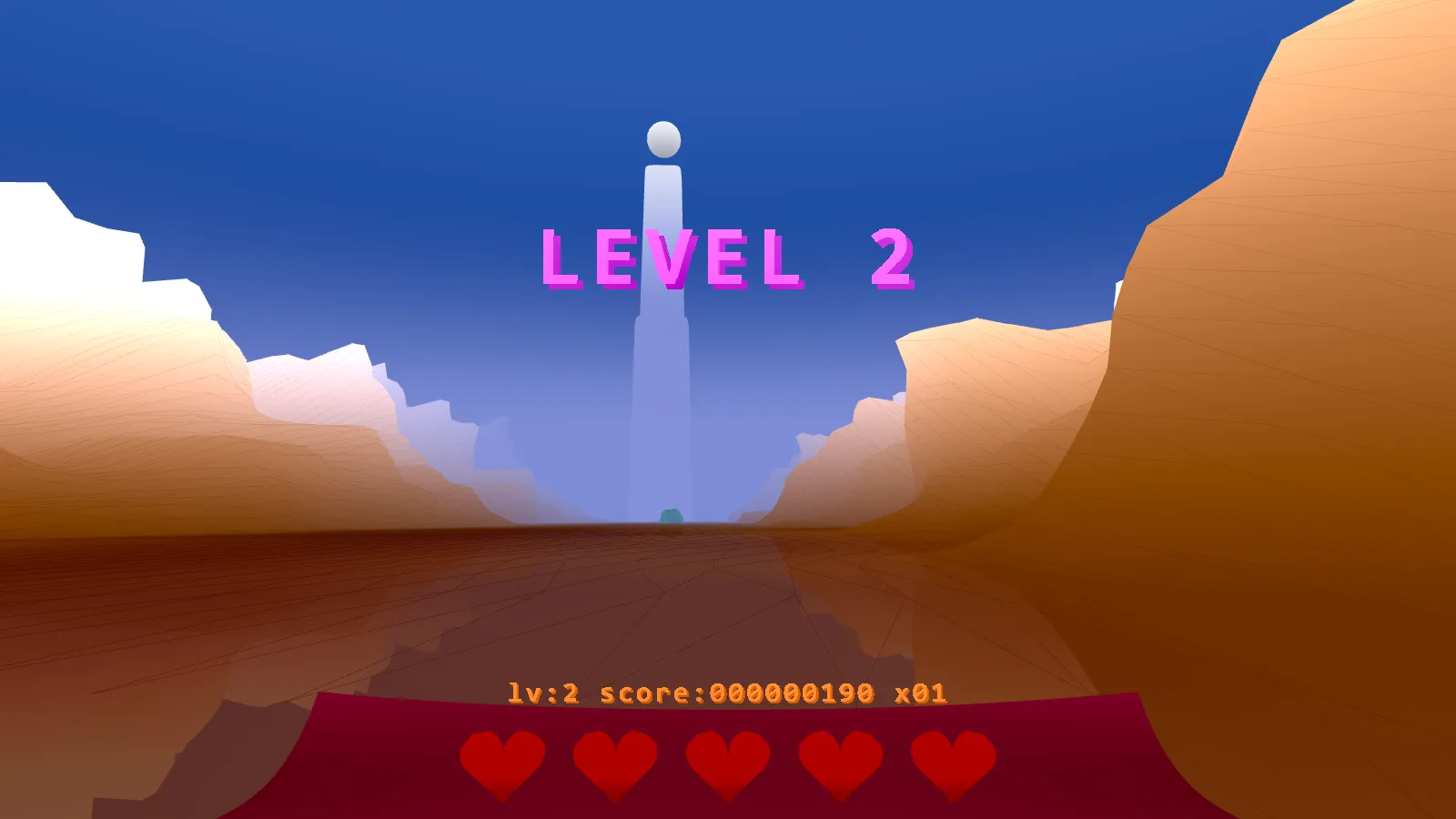
You ride a magic carpet through the valleys of Utopia and fire rainbow beams at the “everycorn” forces: toadicorns, buttercorns and more, all the way up to the dread unicorns. There are no instructions inside the game, so here is the short version from the official game page.
The main idea is a lock-on weapon. You charge it, sweep your aim across enemies until a red lock symbol appears above each one, then release to fire up to five beams at once.
Controls on each device
| Device | Move the carpet | Fire |
|---|---|---|
| VR with hand tracking | Put your left hand in the control orb, palm level, and tilt it like a plane; hand above the orb to rise, below to descend | Close your right fist, look through your hand at enemies to lock, open your fist to fire |
| VR with controllers | Left stick | Hold the right trigger, look through your right hand to lock, release to fire |
| Desktop | W, A, S, D keys | Hold the left mouse button, hover over enemies, release to fire |
| Phone (landscape) | Tap and drag | Drag over enemies to lock, lift your finger to fire |
To start in VR, tap anywhere once the game has loaded. The game page notes a known issue on Quest: you may need to press the js13kGames full-screen button in the top right corner first, then enter VR.
Tips for a higher score
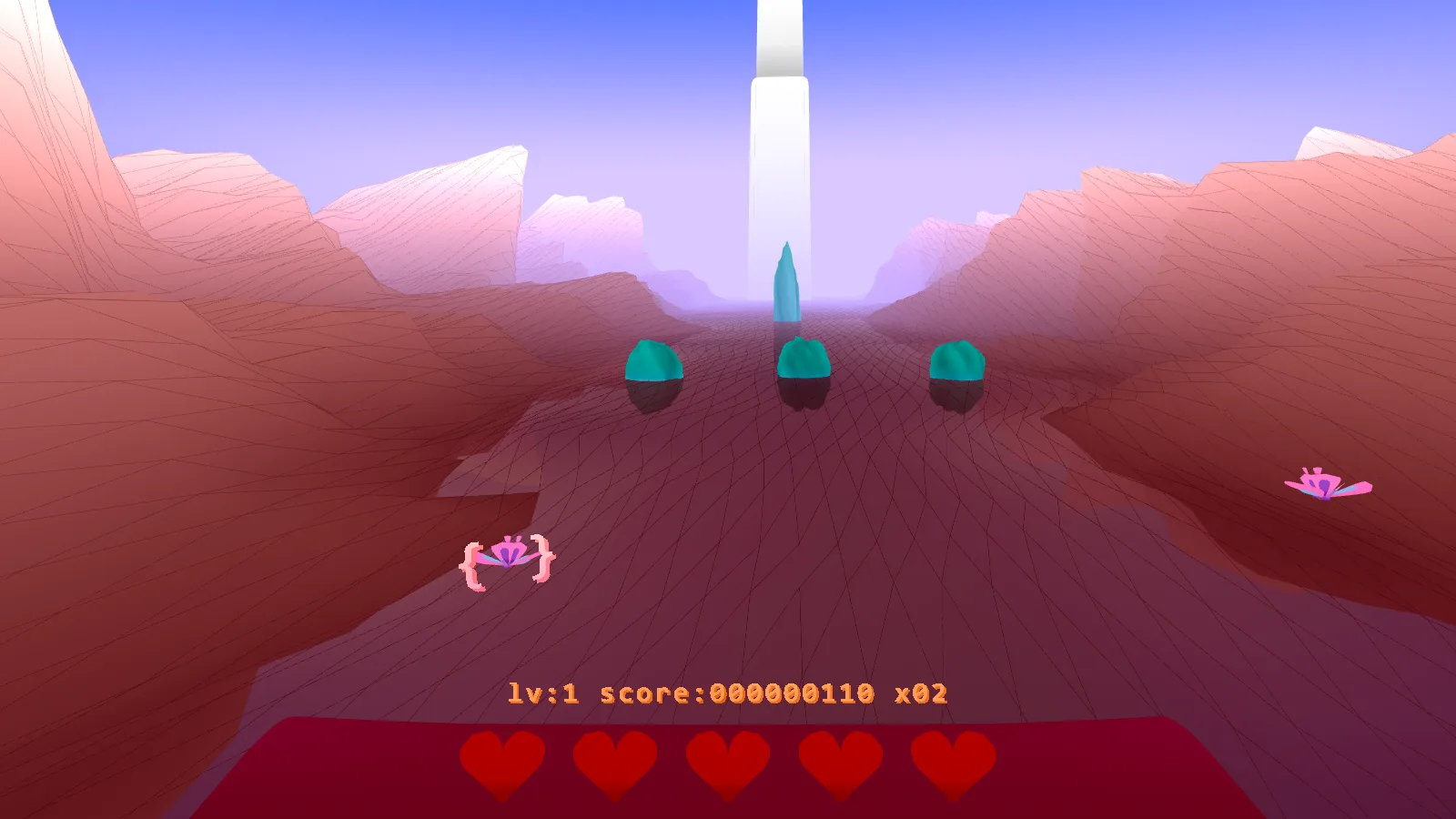
- Lock first, fire later. Charging and sweeping across a whole group gives you up to five hits in one release.
- Skim the rocks. Barely missing a rock awards a score multiplier.
- Whalicorn can only be locked when it is out of the water. Wait for it to surface.
- Eaglicorn fires a horizontal beam. Fly above or below it.
- The Unicorn shoots straight at you. Dodge left or right.
- Survive the bosses. You get a free heart after every boss.
- Expect it to get harder. Speed and difficulty rise with each level; the developer said in the comments that for experienced players the challenge really starts around level 15.
How Panzercorn fits a VR game into 13 KB
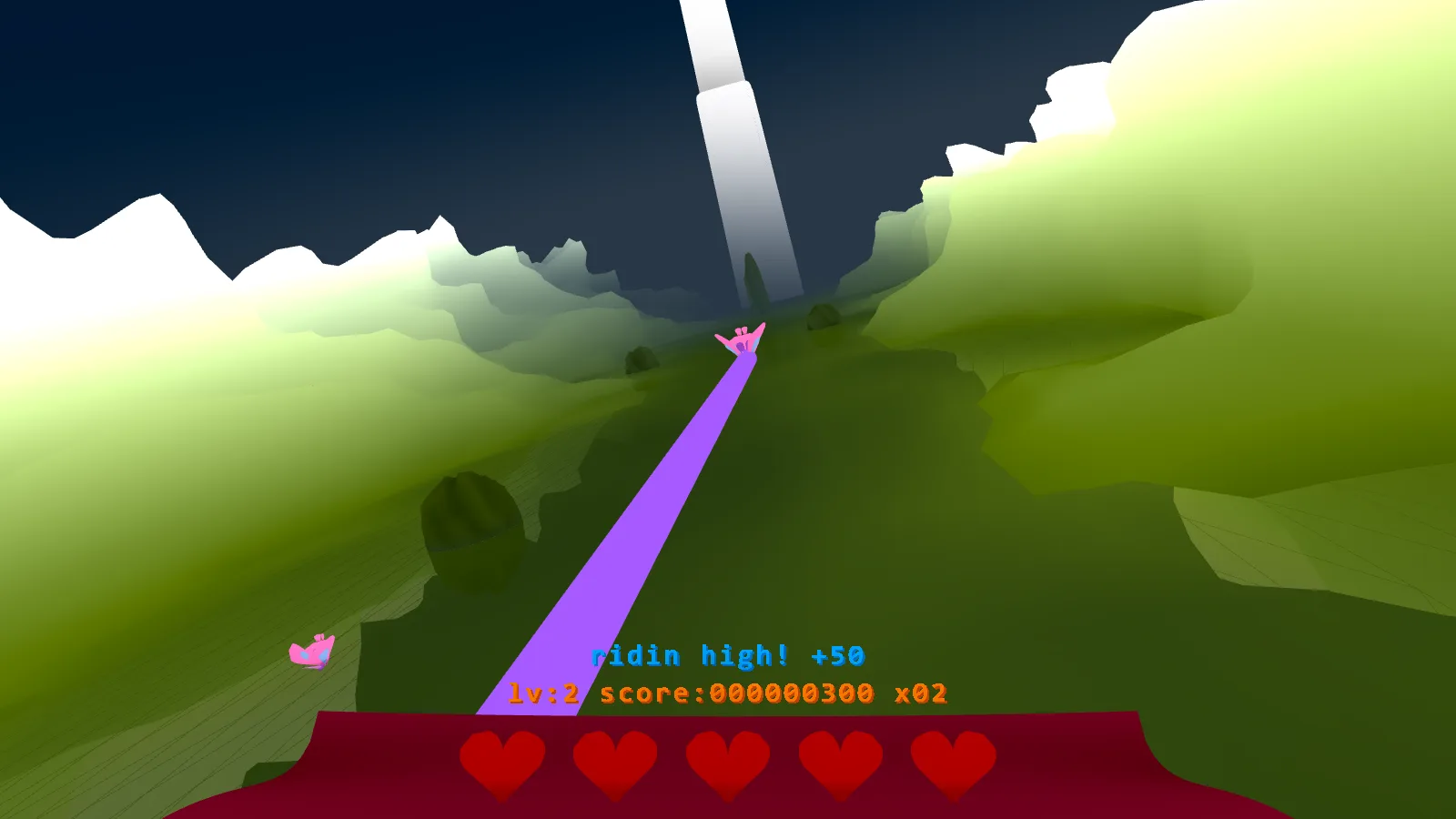
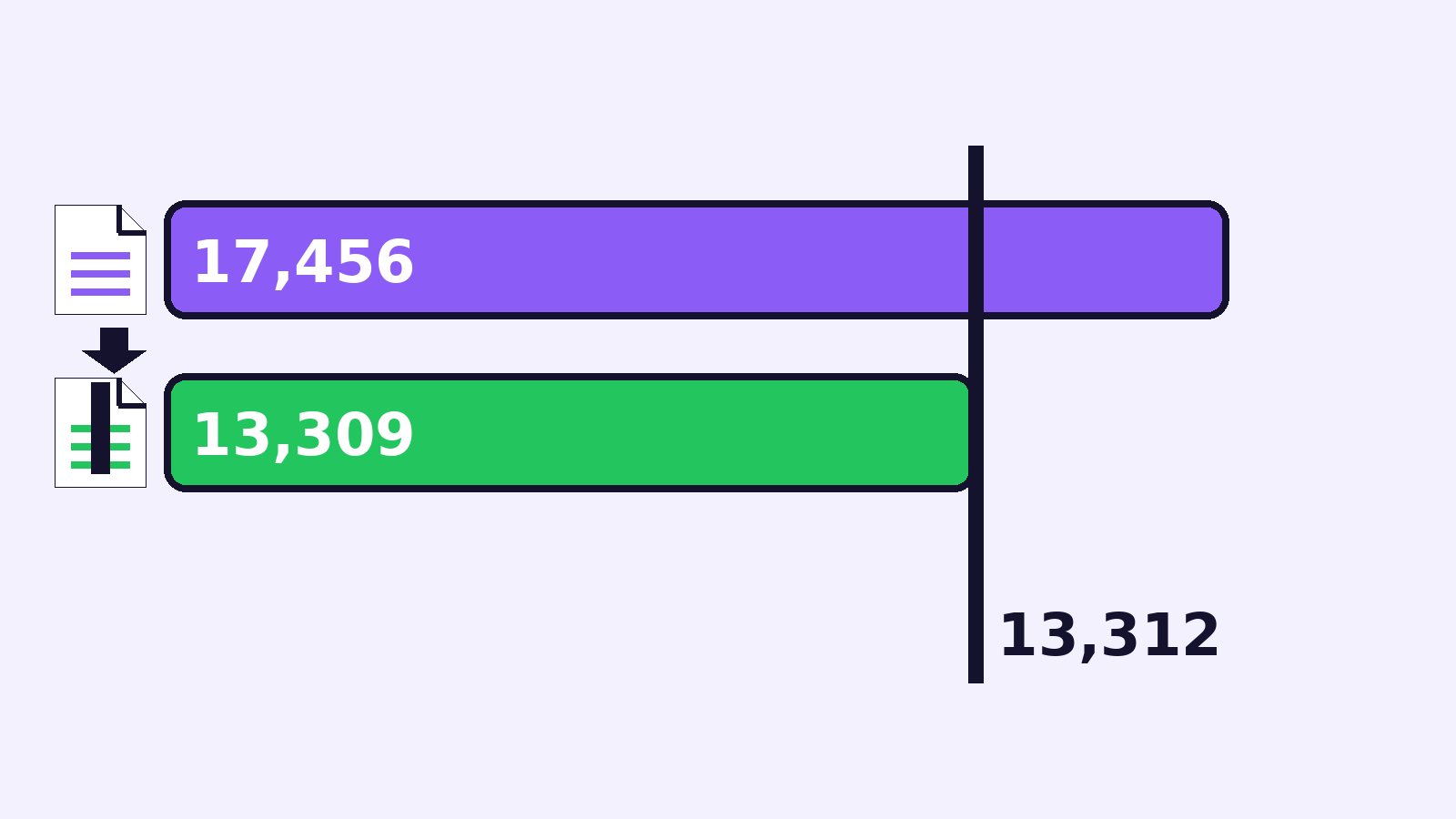
js13kGames entries must fit in a 13,312-byte ZIP. Panzercorn’s archive is 13,309 bytes, just 3 bytes under the limit, and the single index.html inside unpacks to 17,456 bytes. The WebXR category even allowed the three.js library outside the budget, but the developer chose to write a tiny WebXR renderer using only browser standards.
According to the project’s README on GitHub, the main tricks are:
- No vertex buffers. In WebGL2 a draw call does not need bound buffers, so the game builds grids and repeated shapes from the built-in
gl_VertexIDandgl_InstanceIDvalues on the GPU. - One shader for everything. Terrain, the carpet, trails, particles and text all share one shader program; an integer uniform picks what to draw. That avoids the code needed to set up many shaders.
- Noise terrain. A small hash, sampled fractally, makes the valley walls; the same noise is reused for rocks and splashes.
- Sharp text in VR. Blurry text is a known VR problem, so the game draws a 2K font atlas on a canvas. Because the Quest 2 struggled with an uncompressed 2K texture, it uses a luminance-only texture with a hard alpha cut-off.
- Colours in OKLab. Colours are stored as tiny OKLCH numbers such as
[7,7,6]and converted to sRGB at the end of the shader, which gives bright gradients and an easy rainbow. - “Capsulite” creatures. Almost every creature is built from one tapered-capsule primitive, modelled in Blender with Geometry Nodes and exported as flat arrays.
- Music from an audio worklet. A small synth running in its own thread plays pads, a lead, drums and sound effects, so the game needs very little Web Audio code.
What web game developers can learn
Even if you never ship a 13 KB game, Panzercorn’s notes contain habits that make any browser game lighter.
- Build first, shrink later. The developer ran out of space on day 2. Make the game exist, then golf the code once you know what matters.
- Let the tools do the work. The build chain is TypeScript, Rollup, Terser, a custom golfing step, Roadroller and zip. You can keep types, readable names and many files in source.
- Avoid words a minifier cannot shorten. Arrow functions instead of
function, no classes (so nothis.), and aliases such asconst sin = Math.sin. - Use small whole numbers for data. Angles stored as 0–99 instead of 0–360 compress better; the maths to expand them is collapsed at build time.
- Plan for every input. One game loop that accepts hands, controllers, mouse and touch reaches far more players than a headset-only demo.
| Approach | Good for | Trade-off |
|---|---|---|
| Raw WebXR + WebGL2 (Panzercorn) | Tiny size, full control | More low-level code to write |
| WebXR with a 3D library such as three.js | Faster development, ready-made helpers | Much bigger download |
| Normal screen mode only | Widest reach, simplest testing | No VR immersion |
Where to play and read more
You can play Panzercorn for free on its official js13kGames play page and see its scores and comments on the js13kGames 2026 game page. The full source, build scripts and the long technical write-up are in the GitHub repository. For the WebXR API itself, start with MDN’s WebXR Device API reference.
FAQ
What are WebXR games?
WebXR games are browser games that can enter virtual or augmented reality through the WebXR Device API. You open a link, press a button and play in a headset, with no app store download.
Do I need a VR headset to play Panzercorn?
No. VR is recommended, but Panzercorn also plays on desktop with W, A, S, D and the mouse, and on phones in landscape with tap and drag.
Is Panzercorn free?
Yes. It is a free js13kGames 2026 entry that runs in the browser, and its source code is public on GitHub.
How big is Panzercorn?
The zipped game is 13,309 bytes, 3 bytes under the 13,312-byte competition limit. Unpacked, its single HTML file is 17,456 bytes.
Why does Panzercorn not start in VR on my Quest?
The game page mentions a Quest issue: press the js13kGames full-screen button in the top right corner first, then tap to enter VR.
Does Panzercorn use three.js?
No. Although the WebXR category allowed three.js outside the size budget, Panzercorn uses its own small WebXR and WebGL2 renderer.