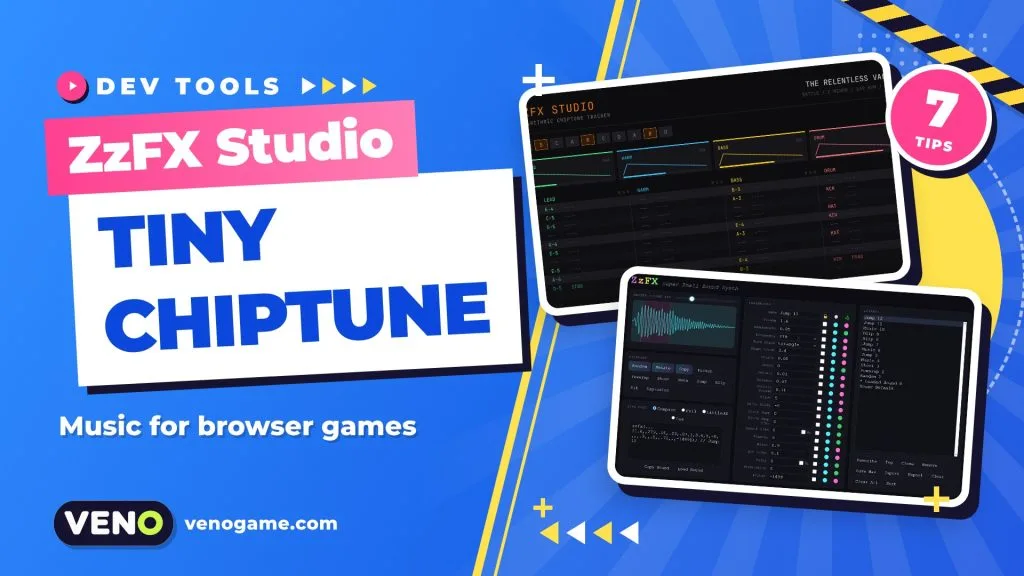
ZzFX Studio is a free, open-source chiptune tracker that builds a complete four-channel retro song (lead, harmony, bass and drums) with one click, using math instead of audio samples. You can edit the result in the browser and export it either as a WAV file or as a tiny JavaScript snippet that plays the song inside your game. For game jams and small web games, that means title music that weighs a few kilobytes instead of a few megabytes.
The tool is made by developer Justin Walsh and released under the MIT licence. It sits on top of two well-known tiny audio libraries from the web game scene: ZzFX by Frank Force for sound effects and ZzFXM by Keith Clark for music.
| Quick facts | |
|---|---|
| What it is | Algorithmic chiptune tracker (music generator + editor) |
| Made by | Justin Walsh, open source on GitHub |
| Licence and price | MIT, free |
| Where it runs | In the browser (installable PWA, works offline), or as a desktop app with npx zzfx-studio on Windows, macOS and Linux |
| Channels | 4: Lead, Harmony, Bass, Drums |
| Song styles | Adventure, Battle, Dungeon, Title Screen, Boss |
| Export | Copy code, download .js, export .wav; re-import saved songs |
| Built on | ZzFX (sound effects) and ZzFXM (music player) |
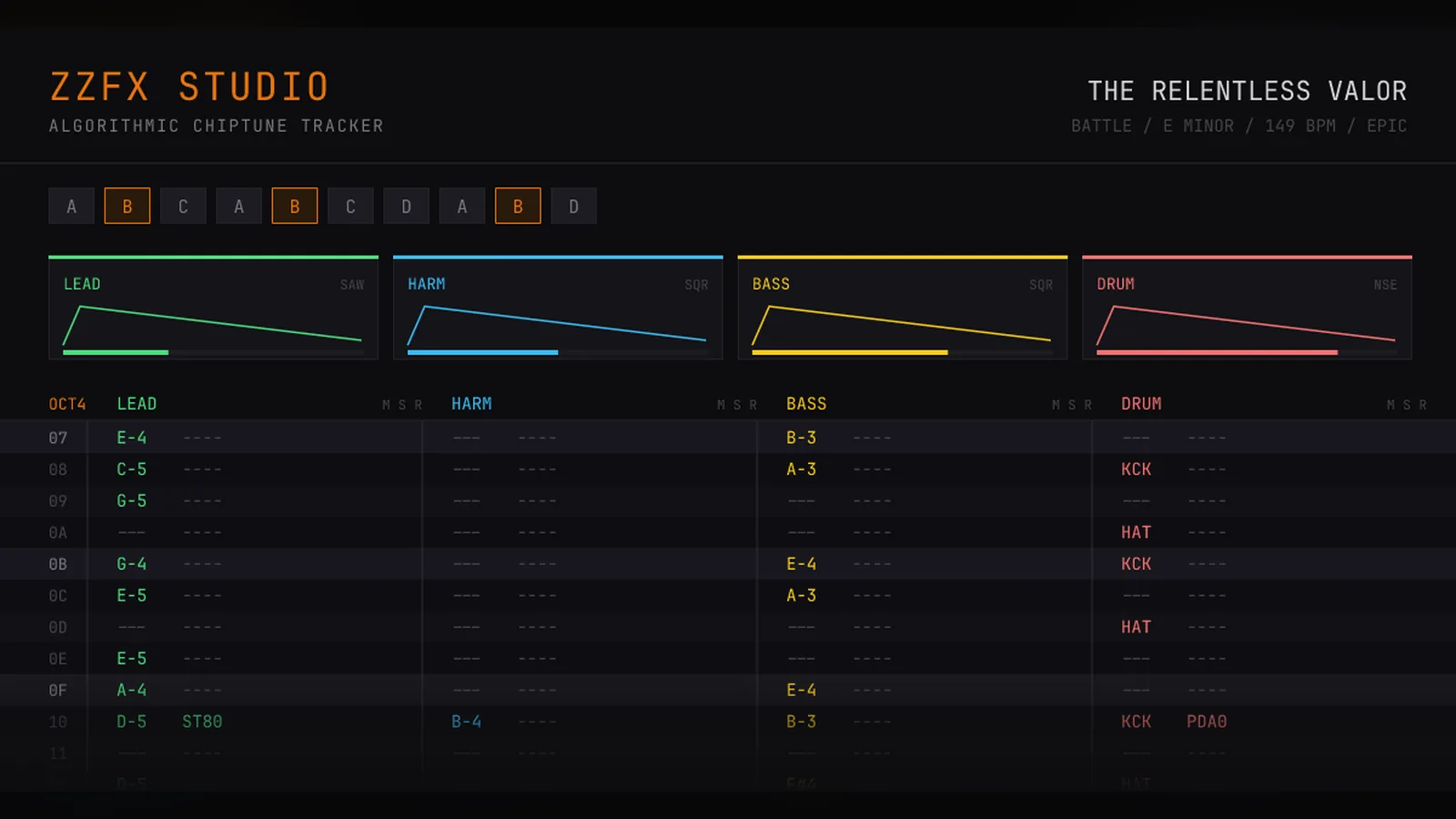
What ZzFX Studio actually does
Open the ZzFX Studio web app, pick a “vibe”, a key and a scale, and press generate. According to the project’s README, a full song is produced in under 10 milliseconds. The project describes itself plainly: “No AI, pure math.” There is no sample library and no network call; every note comes from rules written in code.
The generator works in a fixed order, the way many human composers sketch a loop:
- Drums first – kick patterns, plus snares and hi-hats placed by probability to fill the gaps.
- Bass – rhythm from Euclidean patterns (beats spread as evenly as possible over a bar), with notes picked only from the chosen scale.
- Melody – a “constrained random walk” that steps up and down the scale and repeats short motifs, so the tune sounds like a tune rather than noise.
- Harmony – fills the spaces the melody leaves, mostly with arpeggiated chord notes.
Because everything is locked to one key and scale, even a random result rarely sounds wrong. If you like the song but not one part, you can regenerate just that channel, for example only the bass line, while the rest stays as it is.
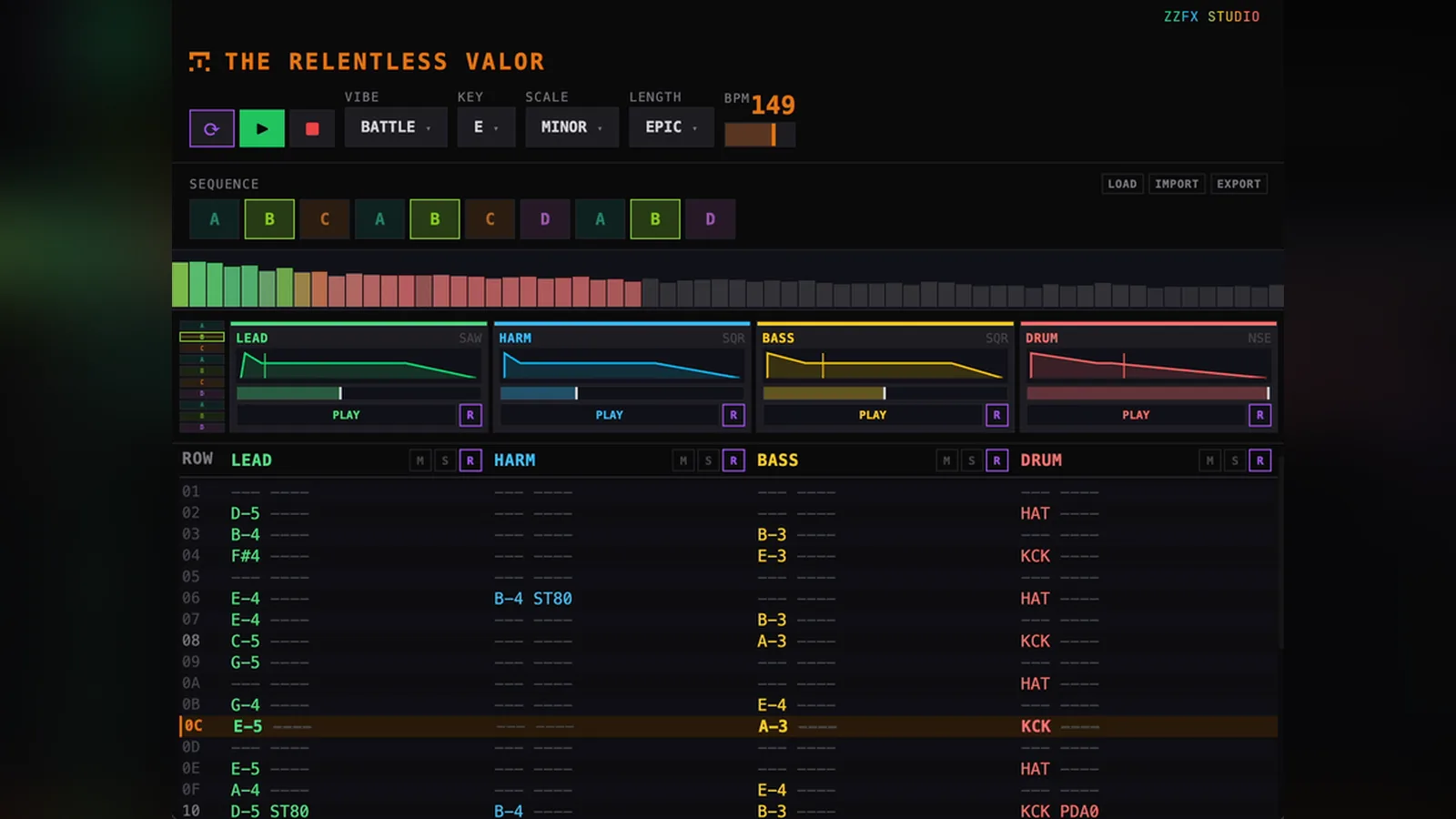
The editor is a classic tracker: rows of notes running down the screen, one column per channel. You can change BPM, mute or solo channels and swap instruments while the song keeps playing. Eight retro note effects are built in: slide up, slide down, vibrato, detune, staccato, pitch drop, bit crush and tremolo. Projects are saved in the browser, and you can keep several songs side by side.
ZzFX, ZzFXM and ZzFX Studio: who does what
The names are easy to mix up, so here is the family in one table.
| Tool | Made by | Job | Typical use |
|---|---|---|---|
| ZzFX | Frank Force | Tiny sound effect synth, under 1 KB compressed, 20 parameters | Jumps, coins, hits, explosions |
| ZzFX sound designer | Frank Force | Web app to design ZzFX sounds and copy the code | Making the SFX for a jam game |
| ZzFXM | Keith Clark | Tiny music renderer with a MOD-style pattern format, plus a browser tracker | Hand-written chiptune songs |
| ZzFX Studio | Justin Walsh | Song generator + tracker that exports ZzFXM-compatible music | Fast title, menu and level loops |
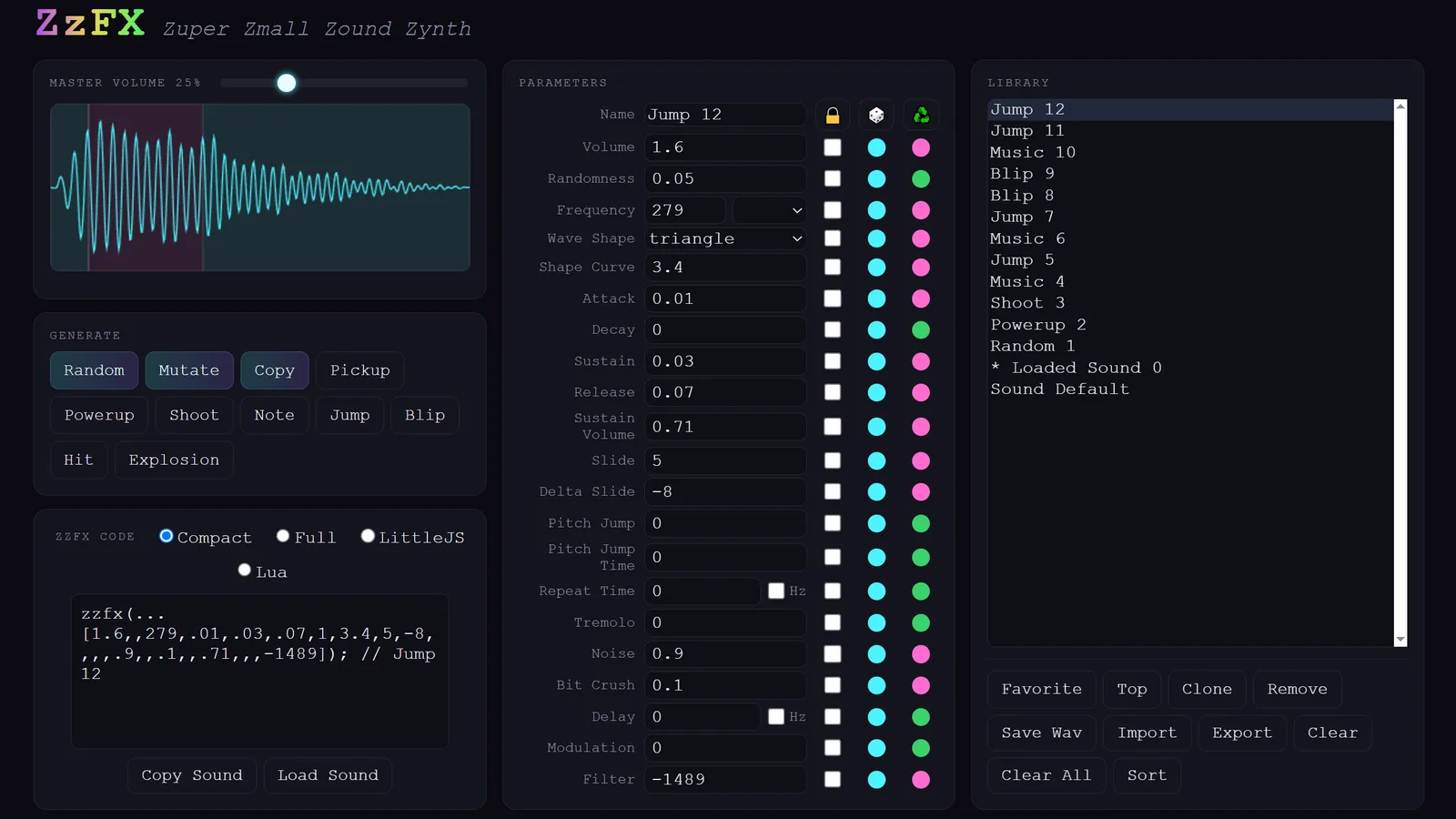
The ZzFX sound designer is where most developers start. It has one-click presets for pickup, power-up, shoot, jump, blip, hit and explosion sounds, plus Random and Mutate buttons. Every sound is just a short list of numbers, and the app copies it as one line of JavaScript such as zzfx(...[,,925,.04,.3,.6,1,.3,,6.27,-184,.09,.17]) (the “Game Over” example from the ZzFX GitHub page).
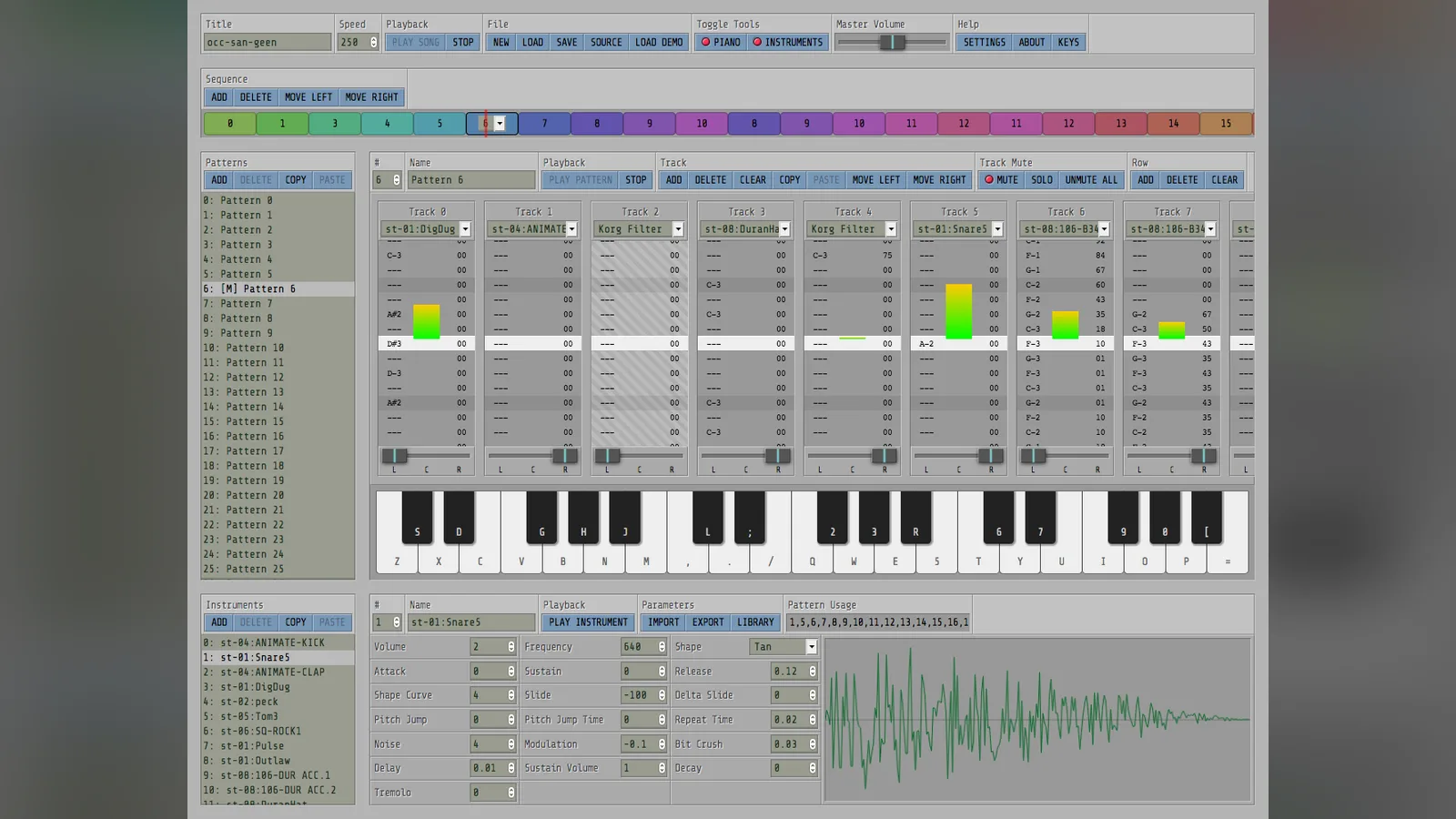
If you prefer to write every note yourself, ZzFXM has its own browser tracker and can even convert ProTracker MOD files. ZzFX Studio is the faster route when you need “good enough, right now” music for a jam.
Why tiny audio matters for web games
Every byte of a browser game is downloaded before the player can start, often on a phone. Audio files are usually the heaviest part. Code-generated sound flips that: you ship the recipe, and the player’s device cooks the sound when the game loads.
We measured this ourselves with the official npm packages (ZzFX 1.4.0 and @zzfx-studio/zzfxm 0.1.5). The whole ZzFX micro player is 1,226 bytes, or 872 bytes after gzip. The ZzFX Studio music player (micro build) is 2,722 bytes, or about 1.5 KB gzipped. Then we rendered four sounds from the ZzFX examples and compared the one-line code with the same sound saved as a plain 16-bit mono WAV at 44.1 kHz:
| Sound | Length | ZzFX code | Same sound as WAV |
|---|---|---|---|
| Game Over | 0.94 s | 50 bytes | 82,952 bytes |
| Heart | 0.26 s | 46 bytes | 22,976 bytes |
| Drum | 0.16 s | 34 bytes | 14,156 bytes |
| Jump | 0.11 s | 65 bytes | 9,746 bytes |
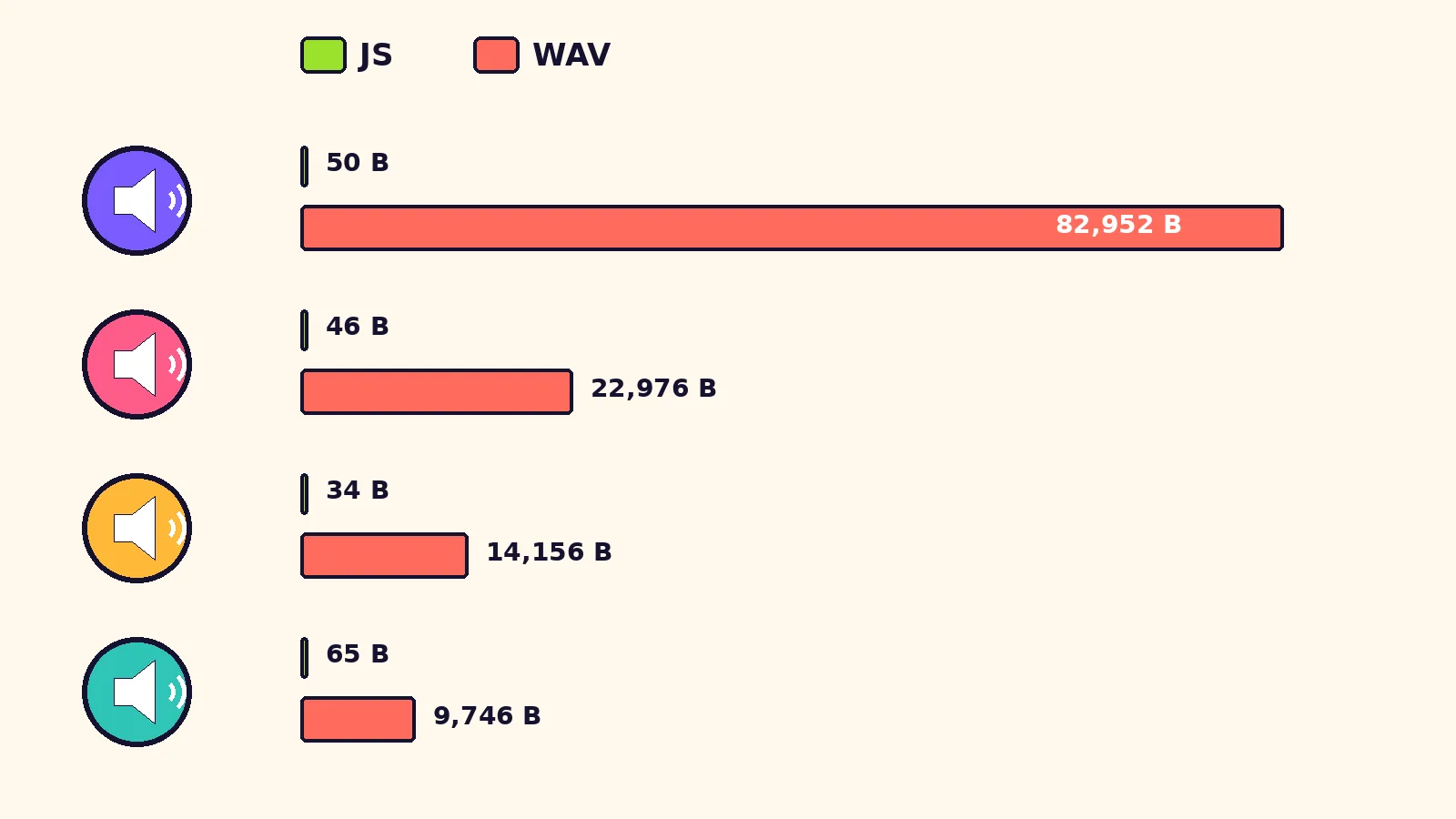
A compressed format such as OGG or MP3 would shrink the WAV a lot, but not to 50 bytes. That gap is why ZzFX is a favourite in js13kGames, the yearly jam where the whole game must fit in a 13-kilobyte ZIP. The trade-off: the sound is built on the player’s device when the game starts, which costs a little CPU time, so test on a slow phone.
How to add a ZzFX Studio song to your game
- Generate and edit the song in the web app. Save a copy before big changes so you can go back.
- Export with “Copy Oneliner” (a single
zzfxm([...],[...],[...],120);call) or “Export JS” (a.jsfile you can re-import later). - Install the player in your project:
npm install @zzfx-studio/zzfxm zzfxfor music plus sound effects, or only@zzfx-studio/zzfxmfor music. - Wait for a click or tap. Browsers block sound until the player interacts with the page (see the MDN autoplay guide). Start the music from your “Play” or “Tap to start” button, not on page load.
- Keep the returned node. The player returns an audio source node; keep it so you can stop the song when the player pauses, mutes or goes back to the menu.
- Prefer WAV for very long tracks if start-up time on low-end phones matters more than download size. Export WAV, then encode it in your usual format.
7 tips for game jam audio that sounds intentional
- Start with a short loop. A 4–8 second title loop is easier to polish than a full song, and players hear it the most.
- Mute the lead. If bass and drums alone still give a clear beat, the loop is solid. Then solo the harmony and check it does not fight your menu sounds.
- Leave space for sound effects. Play the music quietly while you move between buttons. If the select sound disappears, thin out the melody there.
- Listen to the loop point many times. A loud first kick coming back can feel like a bump. Shorten the last note or move one drum hit.
- Never start the music twice. Pause, go to the menu and start again during testing; a second copy of the loop playing on top is a classic jam bug.
- Always add a mute button, and remember the choice when the game returns to the title screen.
- Make sound effects match the music. Use the same retro waveforms (square, saw, noise) in ZzFX so effects and music feel like one game.
Who should try it
ZzFX Studio is a good fit if you are making a jam entry, a prototype, a small HTML5 game or a retro-style project, and you cannot (or do not want to) compose by hand. Musicians may still prefer a full tracker or DAW for long, emotional scores, and you can always replace a placeholder loop later. Since everything is MIT-licensed, you can ship the generated music in commercial games too; check the licence file of each package before you publish.
Want to see how much atmosphere a few kilobytes of sound can add? Play a few small browser games with sound on, then with sound off, and listen for the notes you miss.
FAQ
Is ZzFX Studio free?
Yes. ZzFX Studio is open source under the MIT licence, and the web app needs no account or install.
Does ZzFX Studio use AI to make music?
No. Its own description says “No AI, pure math”: songs come from rule-based algorithms (Euclidean rhythms, random walks locked to a scale), not from a trained model or samples.
What is the difference between ZzFX and ZzFXM?
ZzFX by Frank Force makes single sound effects from a short list of numbers. ZzFXM by Keith Clark turns ZzFX instruments into full songs with patterns and a sequence. ZzFX Studio generates songs for that music player.
Can I use ZzFX Studio music in Phaser, PixiJS or a game engine?
Any engine that runs JavaScript in the browser can play the exported code, because the player uses the standard Web Audio API. For engines that do not run JavaScript, export a WAV file instead.
Why does my ZzFX music not play when the page loads?
Browsers block audio until the user interacts with the page. Start the music from a click, tap or key press, for example on your “Play” button.
How small is a ZzFX sound effect?
In our test, ZzFX example sounds took 34 to 65 bytes of code, while the same sounds as 16-bit WAV files took about 10 to 83 kilobytes.