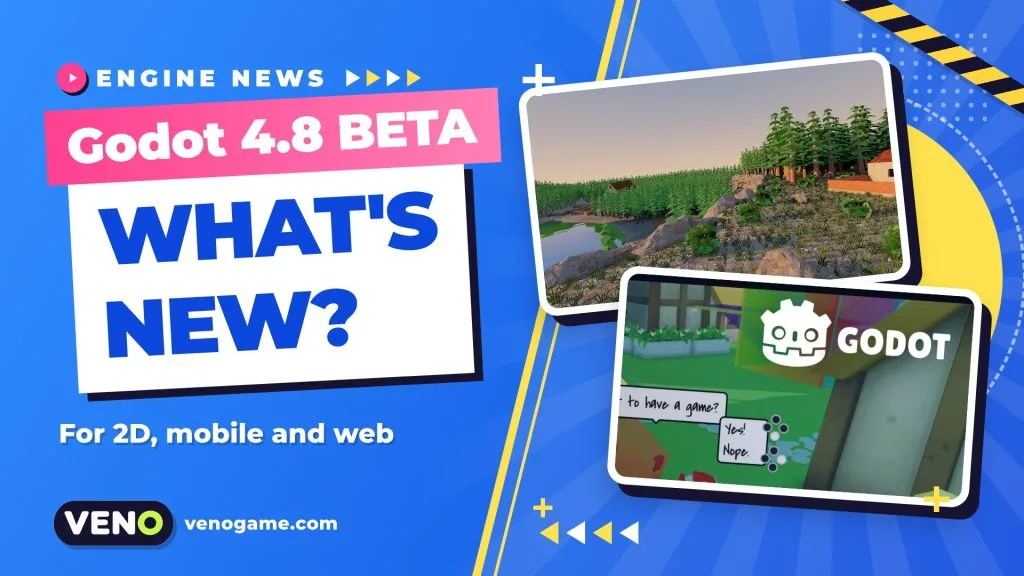
Godot 4.8 is now in beta and feature-complete. The second beta arrived on 29 October 2026 with nearly 150 bug fixes, and the release brings a long list of editor and runtime upgrades. For people who make small 2D, mobile or browser games, the most useful parts are the new editor workflow, better touch input, text that resizes itself, and several fixes to the Compatibility renderer that web exports rely on.
This guide sums up what is new in Godot 4.8, which changes matter for casual and web games, and how to try the beta without risking your main project.
Godot 4.8 beta at a glance
| Item | Details |
|---|---|
| Engine | Godot Engine 4.8 (free, open source) |
| Current build | 4.8 beta 2, published 29 October 2026 |
| Status | Feature freeze: no new features before the stable release, only fixes |
| Changes since 4.7 | 1,523 fixes from 340 contributors (count at beta 1) |
| Fixed in beta 2 | Nearly 150 bugs, around 30 of them regressions, from 59 contributors |
| Builds | Standard (GDScript, GDExtension) and .NET (C#) for Windows, macOS and Linux |
| Other ways to try it | Web editor in the browser, Android editor (testing group), XR editor |
| .NET requirement | .NET 10.0 or newer (up from .NET 8) |
A beta is a pre-release. The Godot team asks testers to report regressions, especially anything that breaks a project that worked in an earlier 4.x version. Use it to test, not to ship a live game.
The editor gets faster to work in
Godot 4.8 spends a lot of its effort on everyday editor comfort. These are the changes you will notice in the first hour:
- Main screens become docks. The main screens of the editor are now docks that can be closed or floated in their own window (the Game screen stays fixed).
- New Game, 2D and 3D toolbars share one consistent style.
- Play Scene from the FileSystem. Right-click any scene file and run it without opening it first.
- Fuzzy search finds approximate matches, and the FileSystem dock gains glob search plus Ctrl + scroll to zoom.
- Edit the running game. You can move, resize, rotate and scale CanvasItems while the game runs, with undo and redo. For 2D layouts and UI this saves many restart cycles.
- Experimental symbol renaming renames a function or variable across the whole project.
- The game window is embedded in the editor by default.
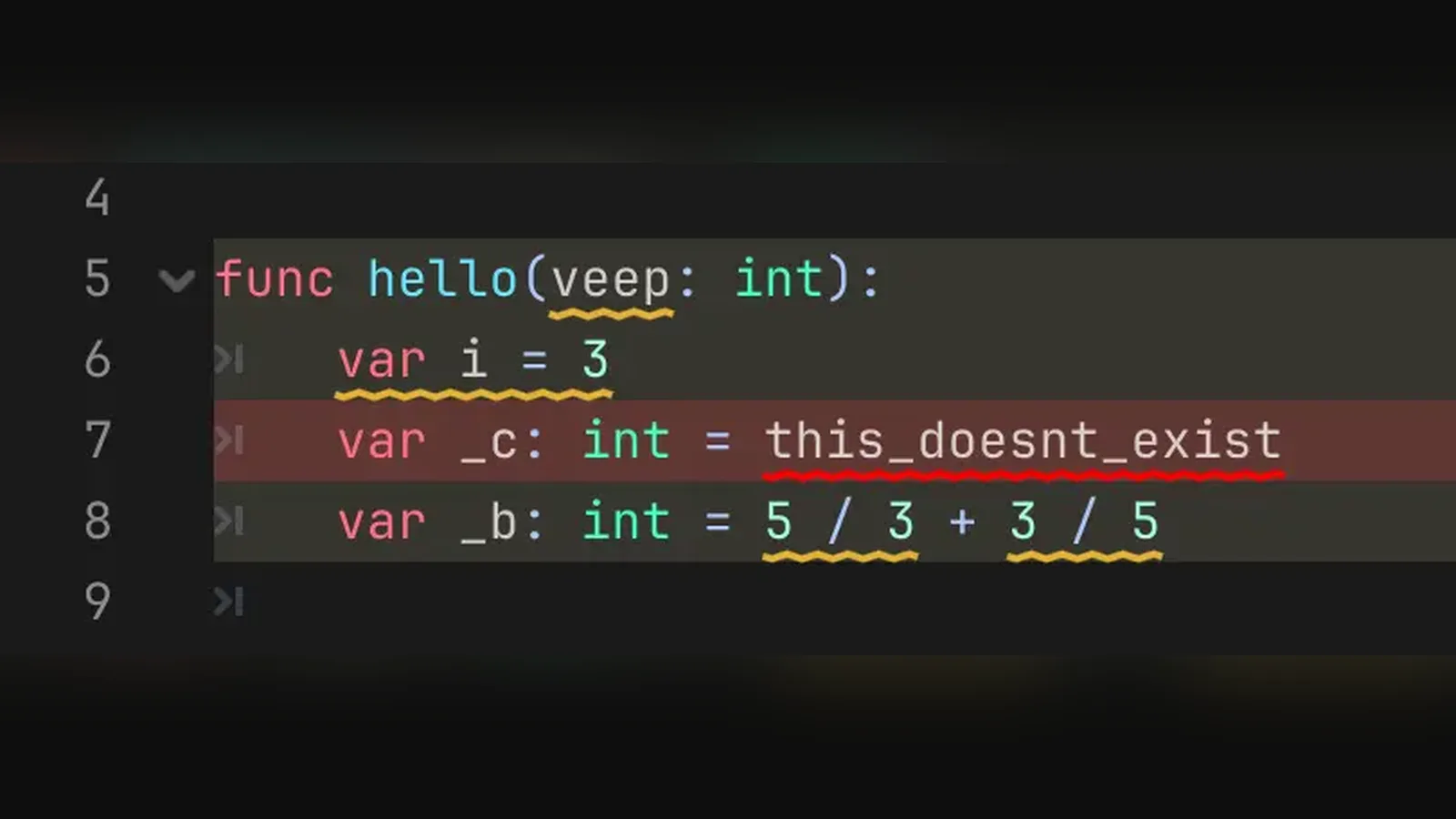
GDScript users also get warnings that underline only the part of a line that causes the problem, instead of the whole line. It is a small change that makes long lines much easier to fix.
Why 2D, mobile and casual games benefit
Many browser and mobile games are 2D, touch-driven and text-heavy (menus, scores, shop buttons). Godot 4.8 adds several things aimed squarely at that kind of game:
- Text that fits its box.
LabelandRichTextLabelgetauto_font_size,min_font_sizeandmax_font_size. When a button label is longer in German or Russian than in English, the font can shrink to fit instead of overflowing. That is a real help for games translated into many languages. - Native touch in more controls. TextEdit and CodeEdit now support tap to place the cursor, drag to scroll with inertia and double-tap to select a word. TabBar and PopupMenu gained native touch support too.
- Fewer double taps. A bug that produced duplicated button presses on touch was fixed in beta 1, and beta 2 makes buttons check the visible part of the viewport when handling touch.
- Theme sounds. Themes can now hold sound items and play them on UI events, so click and hover sounds can live in the theme instead of in every button script.
- Lighter physics queries. 2D and 3D space queries can reuse result objects instead of allocating new ones, which helps games that run many ray or shape checks per frame.
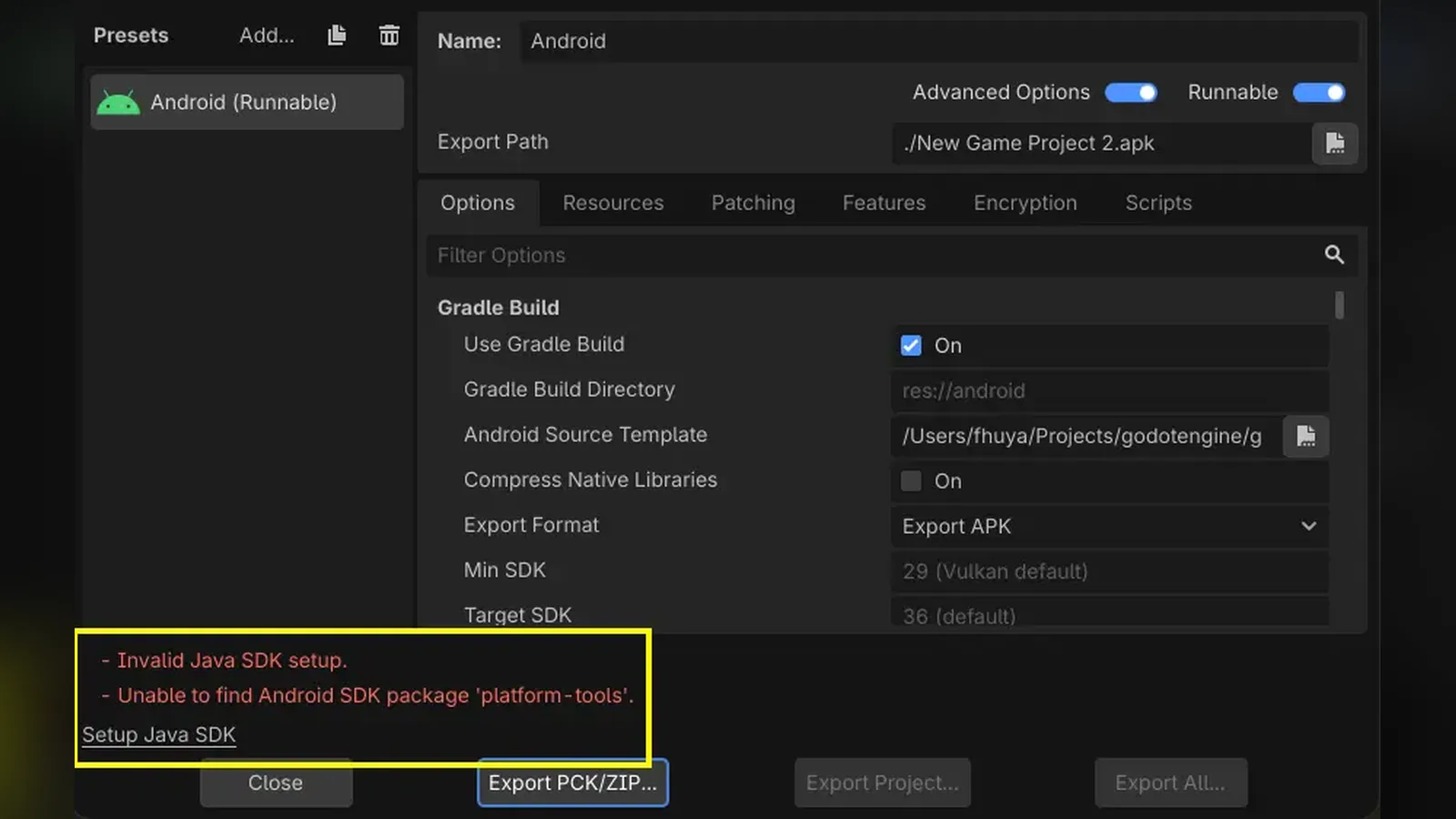
- Android export help. The editor can now download and manage the Android and Java SDKs for you, a common stumbling block for first-time mobile exports.
What Godot 4.8 changes for web (HTML5) games
Godot’s web export runs in the browser through WebAssembly and WebGL 2.0, and the Compatibility renderer is the default (and only) renderer for the web. That makes Compatibility fixes the part of each release that web developers should read first.
In Godot 4.8 that list includes:
| Change | Why a web game cares |
|---|---|
| Decals now work in the Compatibility renderer | Effects such as scorch marks or footprints can be used in browser builds |
| Multiply blending no longer too dark in Compatibility (beta 2) | Sprites and particles using multiply blend look as intended on the web |
Sky shader SCREEN_UV fixed in Compatibility |
Custom sky shaders render correctly |
| Unicode data updated to version 18.0.0 (beta 2) | Better text handling for multilingual games |
| New projects ignore joypads when the window is unfocused | Avoids stray input when players switch browser tabs or windows (it only applies to new projects) |
There is no big headline web feature in this release. Web projects mostly gain from the general editor, GUI and touch improvements, plus the Compatibility fixes above. Test your own export in Chrome, Firefox and Safari before you rely on it.
Rendering highlights for 3D projects
Godot 4.8 also brings a strong set of rendering features. Most target the Forward+ and Mobile renderers rather than the web, but they show where the engine is heading:
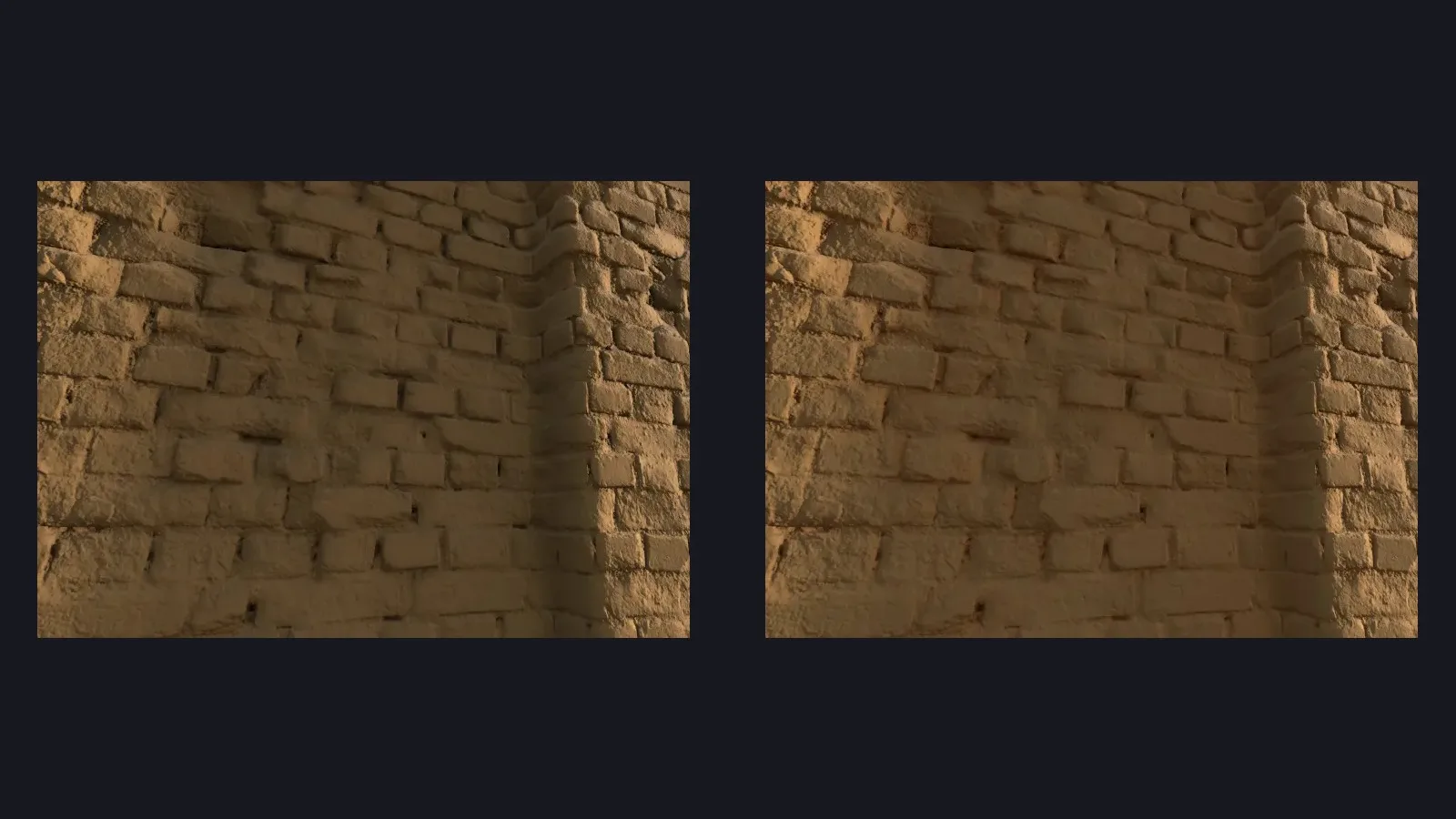
- Screen-space contact shadows add fine shadows where objects meet the ground.
- Multi-bounce ambient occlusion reduces the over-dark look of corners.
- Directional lightmap specular bakes shiny highlights into lightmaps.
- Mip-level texture streaming loads only the texture detail that is needed, saving video memory.
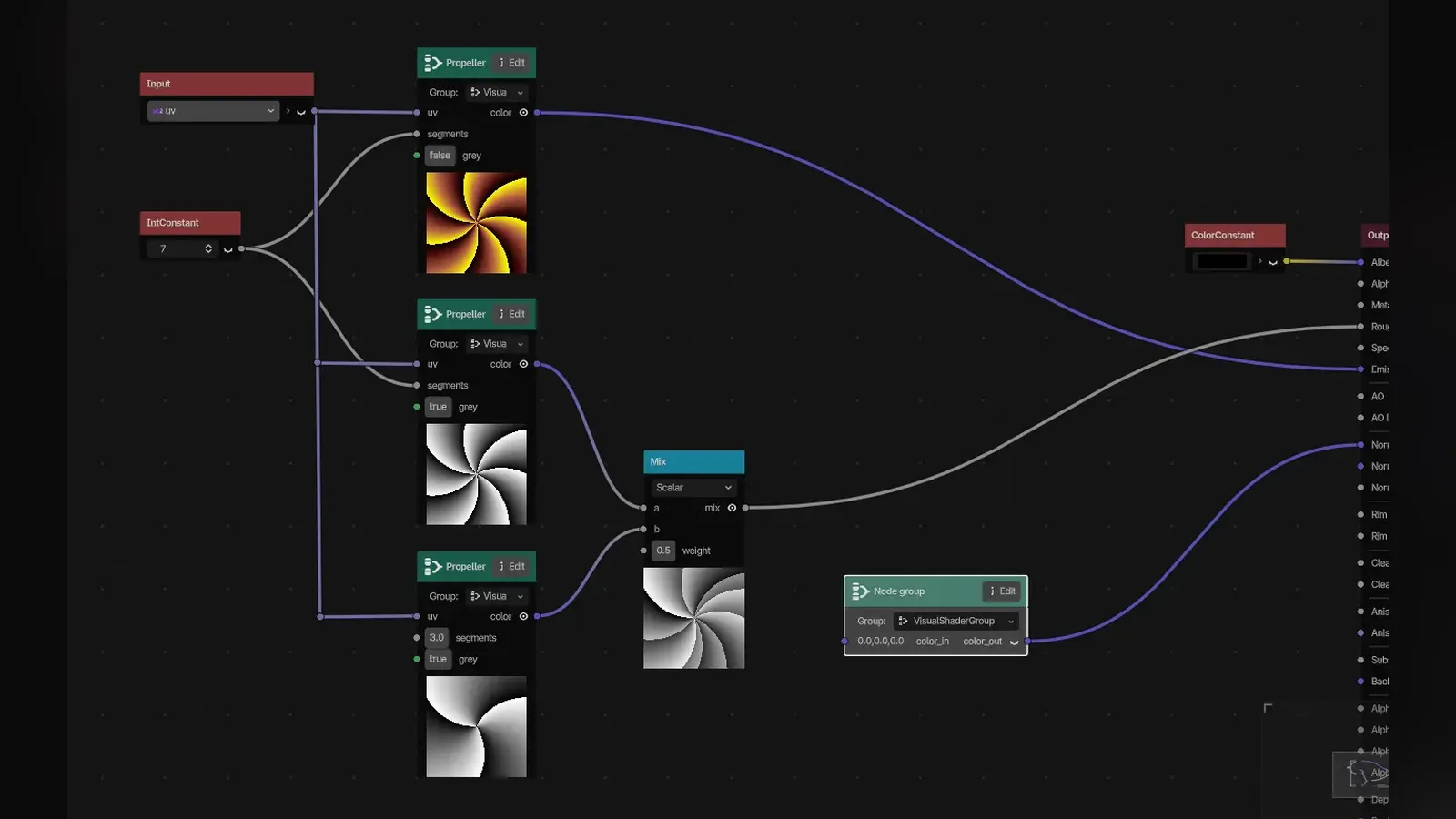
- Animated decals, a native Trail3D node, and visual shader node groups for reusable shader subgraphs.
Under the hood, object property access is about 1.6 times faster and the engine saves around 12 MB of runtime memory by storing properties in a single map. Removing many child nodes at once is faster too, which helps games that clear large levels or bullet pools.
Breaking changes to check before you upgrade
A feature-freeze beta is the right moment to look for surprises. These changes can affect existing projects:
- .NET 10 is required for the .NET (C#) build.
- Joypad input on unfocused windows is ignored by default in new projects.
- Dialogs got new default titles, and the duplicated touch press fix may change behavior if your code worked around it.
- mbedTLS was updated to 4.1.0, which affects networking code.
- A script can no longer inherit its own inner class.
- Building the engine from source now needs Python 3.10 or newer.
The full list, with every pull request, is in the Godot 4.8 interactive changelog.
How to test the Godot 4.8 beta safely
- Copy your project (or commit it to version control) before opening it in the beta. Projects upgraded to a newer version may not open cleanly in an older one.
- Download the right build from the official Godot 4.8 beta 2 download page: Standard for GDScript, .NET for C#.
- Or skip the install and open the Godot 4.8 beta 2 web editor in a desktop browser for a quick look.
- Run your game and your web export, then check menus, touch input and any blend modes or shaders.
- Report regressions on Godot’s GitHub issue tracker with a small reproduction project.
FAQ
Is Godot 4.8 out yet?
Not as a stable version. Godot 4.8 beta 2 was published on 29 October 2026 and the engine is in feature freeze, so the remaining work before the stable release is bug fixing.
Should I use the Godot 4.8 beta for a game I am about to release?
No. Betas are for testing. Keep your release build on the current stable version and try 4.8 on a copy of your project.
Is Godot 4.8 good for web games?
Yes, if you use the Compatibility renderer, which is the one web exports use. Version 4.8 fixes several Compatibility issues and improves touch and text handling, but it does not add a major new web-only feature.
Do I need .NET 10 for Godot 4.8?
Only for the .NET build that runs C# scripts. The Standard build with GDScript needs no .NET at all.
Can I try Godot 4.8 without installing anything?
Yes. The official web editor for 4.8 beta 2 runs in a desktop browser. For serious testing, the downloaded editor is still the better choice.