
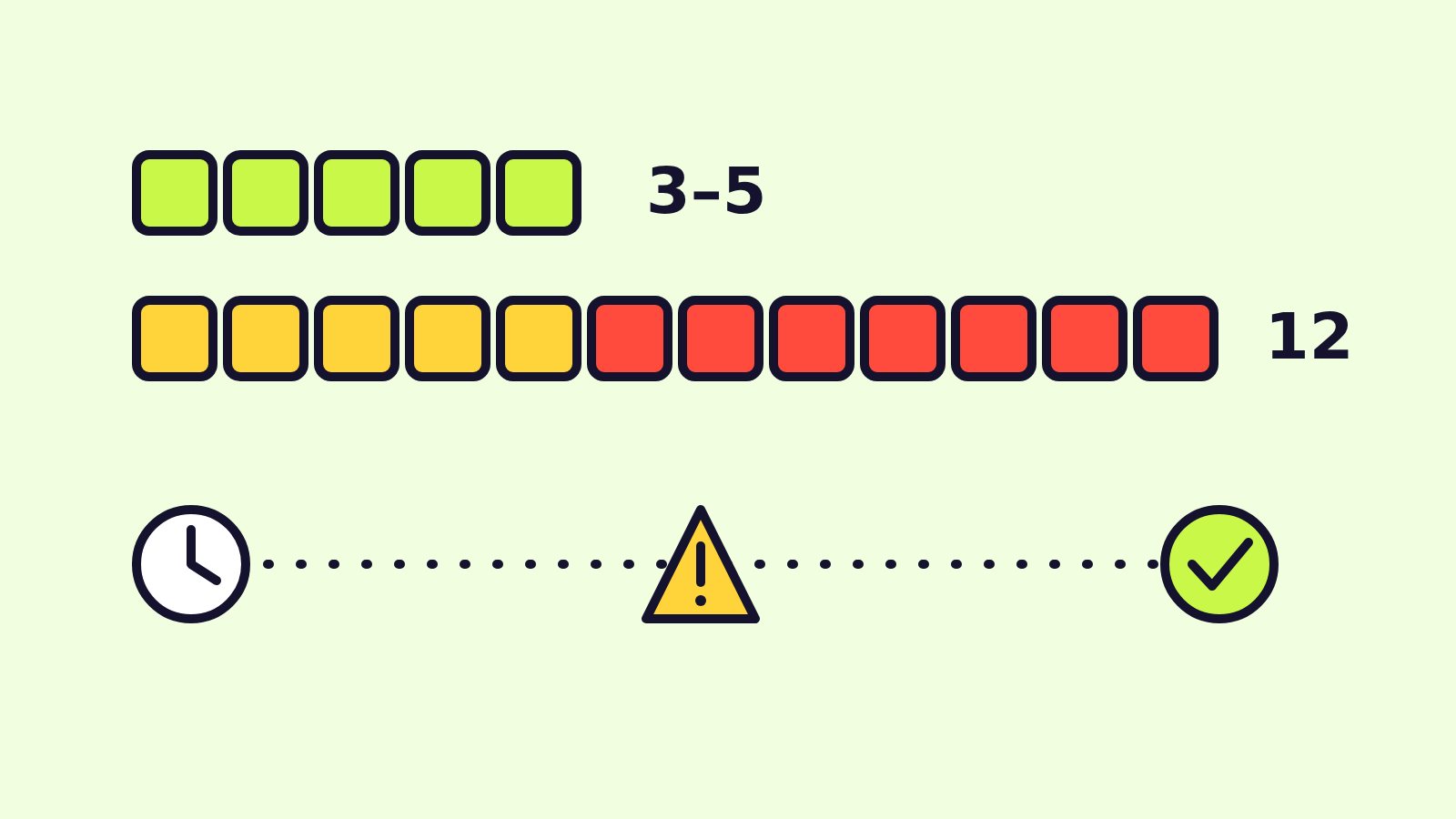
Steam build review is slower right now, and a failed review costs you the most time. In a Steamworks post published on November 3, 2026, Valve said it normally tests each game build within 3–5 business days but is currently taking up to 12 business days, mostly because so many games need a second review. To help, Valve added new items to the release checklist so more games pass the first time.
If you are an indie or web game developer about to launch on Steam — including HTML5 games wrapped as a desktop app — this guide explains every new checklist item and gives you a short pre-submission routine.
Steam review changes at a glance
| Who announced it | Valve, on the Steamworks Development news page |
| When | November 3, 2026 (Pacific time) |
| Normal review time | Typically 3–5 business days per build |
| Current review time | Up to 12 business days |
| Main cause of delay | Re-reviews of games that failed the first time |
| What changed | New release checklist items + reminders when you submit |
| Where to see it | Release checklist on the right side of your app’s landing page in Steamworks |
Why Steam reviews are taking longer
Valve says it has seen “a significant increase in submissions” for both store page review and build review in recent months, and has spent weeks scaling its process to match. Valve did not name a single cause. What it did say is that much of the delay comes from re-reviewing games, which is slow for developers and for Valve. Every fix you make before submitting is time you do not lose in the queue.
The new items on Steam’s release checklist
These are the most important additions Valve described. Each one targets a basic problem that used to send builds back.
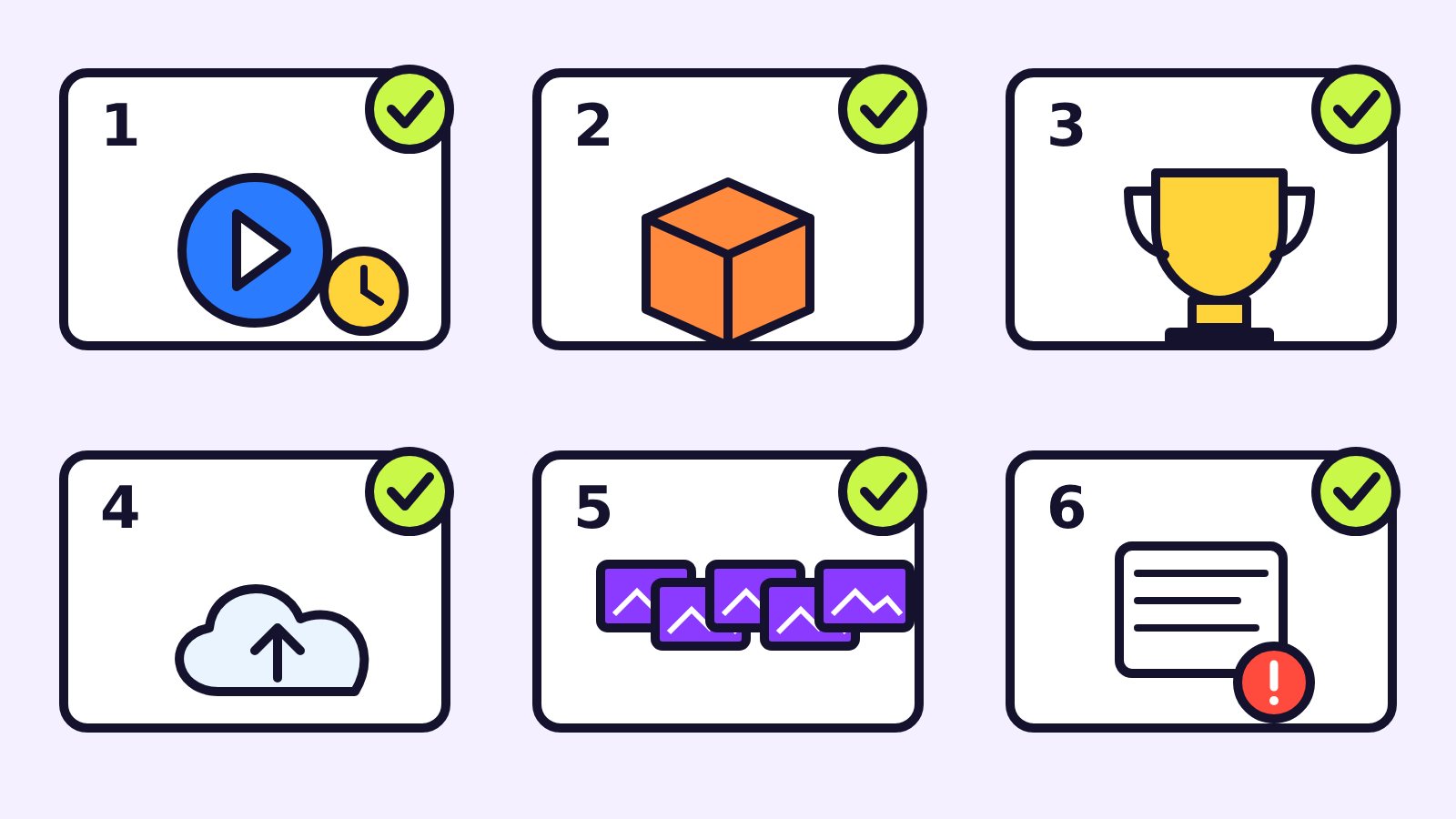
- Play your game through Steam for at least 5 minutes. Click the green “Play” button in Steam and run the game for 5 minutes or more. Playtime from any user counts, but it must be within the past 7 days (or since your last build, if that is older). It takes a couple of minutes after you quit for the playtime to appear on the checklist. This catches wrong launch options and missing content depots that you never see when you start the executable directly.
- Confirm common redistributables. Steam can install packages such as DirectX, Visual C++, .NET or XNA for players. You must now say which ones your game needs — or confirm it needs none.
- Finish your achievements. The checklist flags incomplete achievement setup, such as missing names, missing icons or duplicate names.
- Prove Steam Cloud works. If your store page lists Steam Cloud, someone in your partner group must write a save file to Steam Cloud. Valve will also warn you if cloud sync is still in developer mode; it must be public for players.
- Upload 5 screenshots marked as gameplay. Screenshots now have categories, so you can also show menus, concept art or in-game cinematics — but at least five must be categorized as gameplay. Screenshots still cannot carry marketing copy.
- Answer the submission reminders. When you submit a build, Steam now shows reminders based on the features on your store page. For example, if you list several languages, it asks you to make sure they are in the build; if multiplayer needs special accounts before launch, there is a field for test credentials.
What Steam reviewers check
Valve also shared the three questions its review team keeps in mind. Use them as your own test.

| Reviewer question | What fails | How to prepare |
|---|---|---|
| Are the store page and assets clear and complete? | Vague or incomplete descriptions, a capsule logo you cannot read | Write a plain description of what the player does; check the capsule at small size |
| Does the build match the store page? | A listed feature (e.g. local co-op, a language) the tester cannot find | Open every feature and language you list, from a clean install |
| Is sensitive content disclosed? | Content in the game that is not in the content survey, including mature content and AI usage | Fill in the content survey honestly, including any AI-generated content |
A good example of the second point: if your store page says “local co-op”, a tester must be able to find and start local co-op. If it works in an unusual way (say, two players on one keyboard), make that obvious in the menu and the description.
A pre-submission routine for small teams
Run this the day before you press submit:
- Clean install from Steam on a second PC or user account, then play 5+ minutes with the green Play button.
- Walk the store page line by line and tick off each feature, language and controller claim inside the build.
- Check redistributables: if your game is an HTML5 game in a desktop wrapper, confirm what the runtime needs (or declare none).
- Trigger one achievement and one cloud save if you list those features; switch cloud sync out of developer mode.
- Re-check screenshots: five or more tagged gameplay, no slogans or price text on the images.
- Prepare tester access: add test account details in the submission field if online play needs them.
- Leave buffer time. With reviews currently taking up to 12 business days, do not lock a launch date that depends on passing on the first try.
Tips for web game developers moving to Steam
Many browser games reach Steam inside a desktop wrapper. The same rules apply: the reviewer installs your app from Steam, so test it exactly that way, with no local web server or dev tools running. Make sure saves, settings and controller support you advertise work offline in the packaged build, not only in the browser version.
Where to read Valve’s official guidance
Valve’s full post is “Updates to the Pre-Release Review Process” on the Steamworks Development news page. Valve says it is also preparing a reference guide to the release checklist, and that more improvements to build review are on the way.
FAQ
How long does Steam build review take?
Valve’s target is typically 3–5 business days per build, but in November 2026 it said reviews were taking up to 12 business days.
Why do Steam reviews take longer now?
Valve reports a significant increase in store page and build submissions, and much of the delay comes from re-reviewing games that failed the first time.
Do I really need to play my game through Steam before review?
Yes. The release checklist now requires at least 5 minutes of playtime launched with Steam’s Play button, within the past 7 days or since your last build.
How many screenshots does a Steam store page need now?
At least five screenshots categorized as gameplay. You can add menu, concept art or cinematic images if you label them with the right category.
Do I have to disclose AI use on Steam?
Valve says reviewers compare your game with what you disclosed in the content survey, including mature content and AI usage, so disclose it there.
What is the fastest way to pass Steam review?
Make the store page clear, make sure every promised feature and language is in the build, disclose sensitive content, and complete every checklist item before you submit.